
You shipped the app. It worked in staging. Then production traffic hit, and suddenly your “simple” storage choice became a tax on every request.
Most teams get this wrong in the same boring way: they put everything on the same backing store because it’s easier to code early. Then they pay for it later with 30% to 60% higher latency, runaway egress bills, and migrations that take months because the data model and access patterns were never separated.
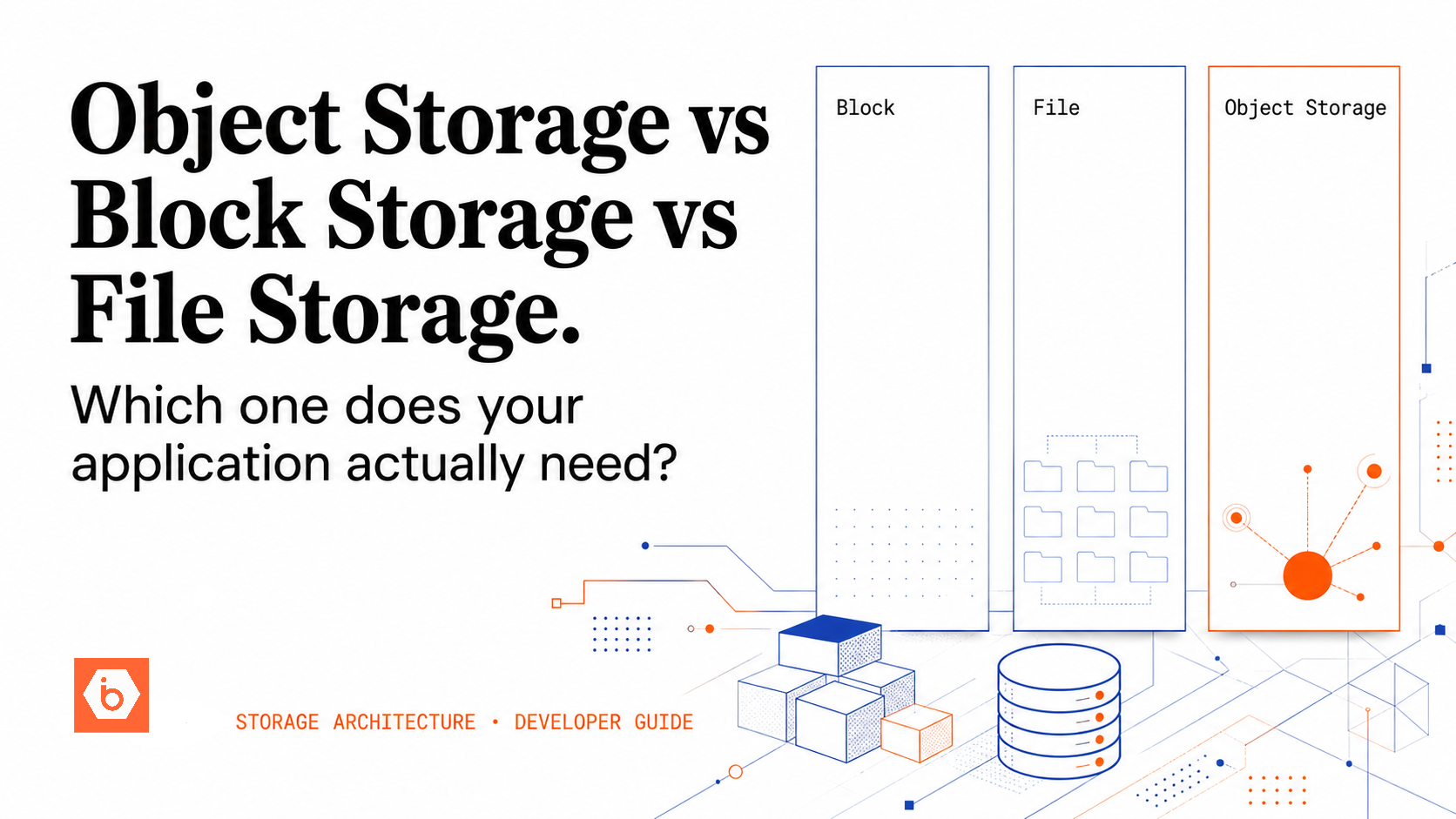
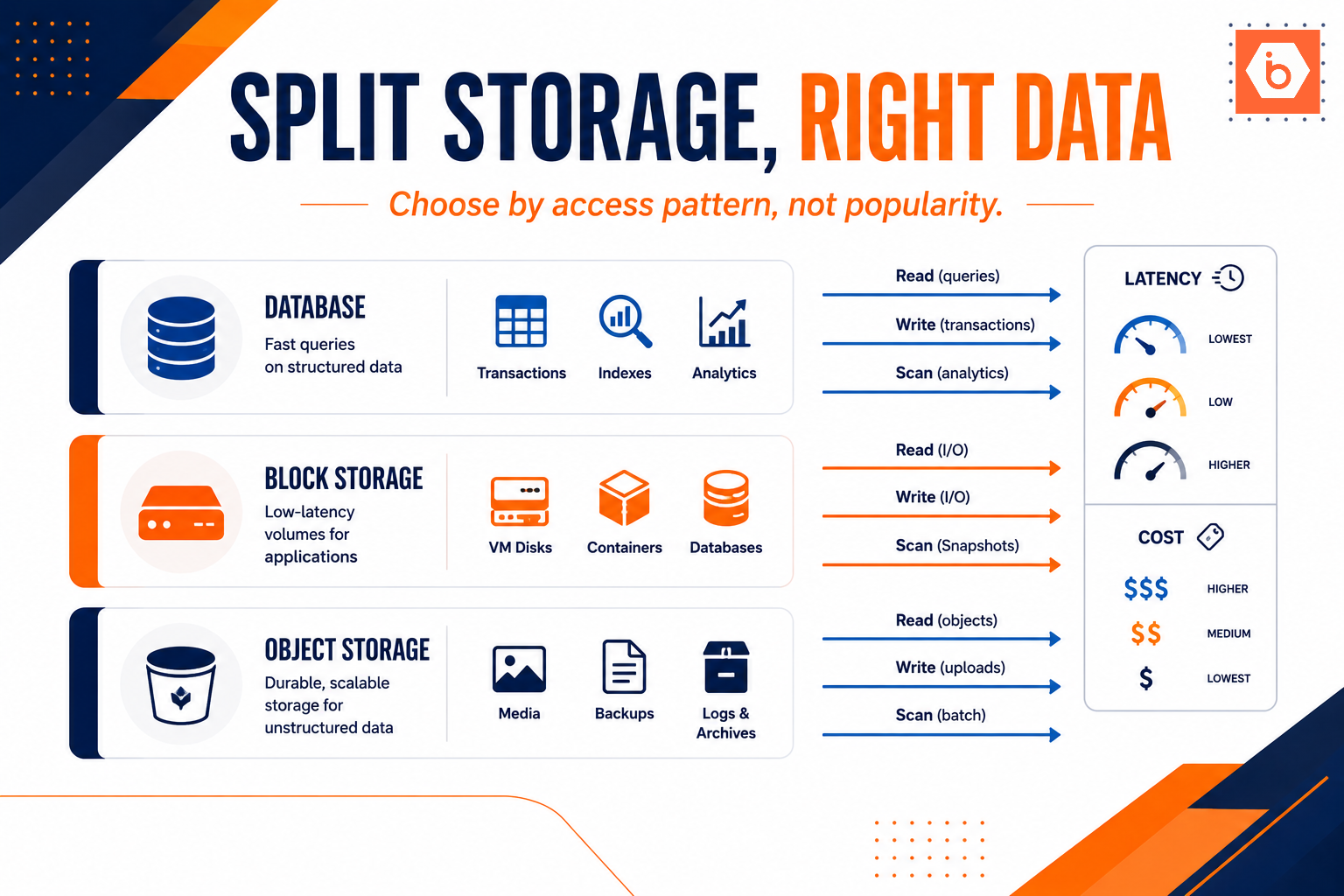
The uncomfortable truth: you do not choose database vs block storage vs object storage by popularity. You choose by access pattern. Reads, writes, query needs, latency tolerance, update frequency, and retention rules. Everything else is implementation detail.
The decision rule you should actually use
Write down each dataset your app touches, then answer five questions:
First: how does your app access it? Random small reads and writes, or sequential streaming of large blobs?
Second: do you need querying and transactions? If you need joins, constraints, and atomic updates, you are in database territory.
Third: do you need filesystem semantics? POSIX-like behavior, low-latency random I/O, and the ability to treat it like a mounted disk points you at block storage.
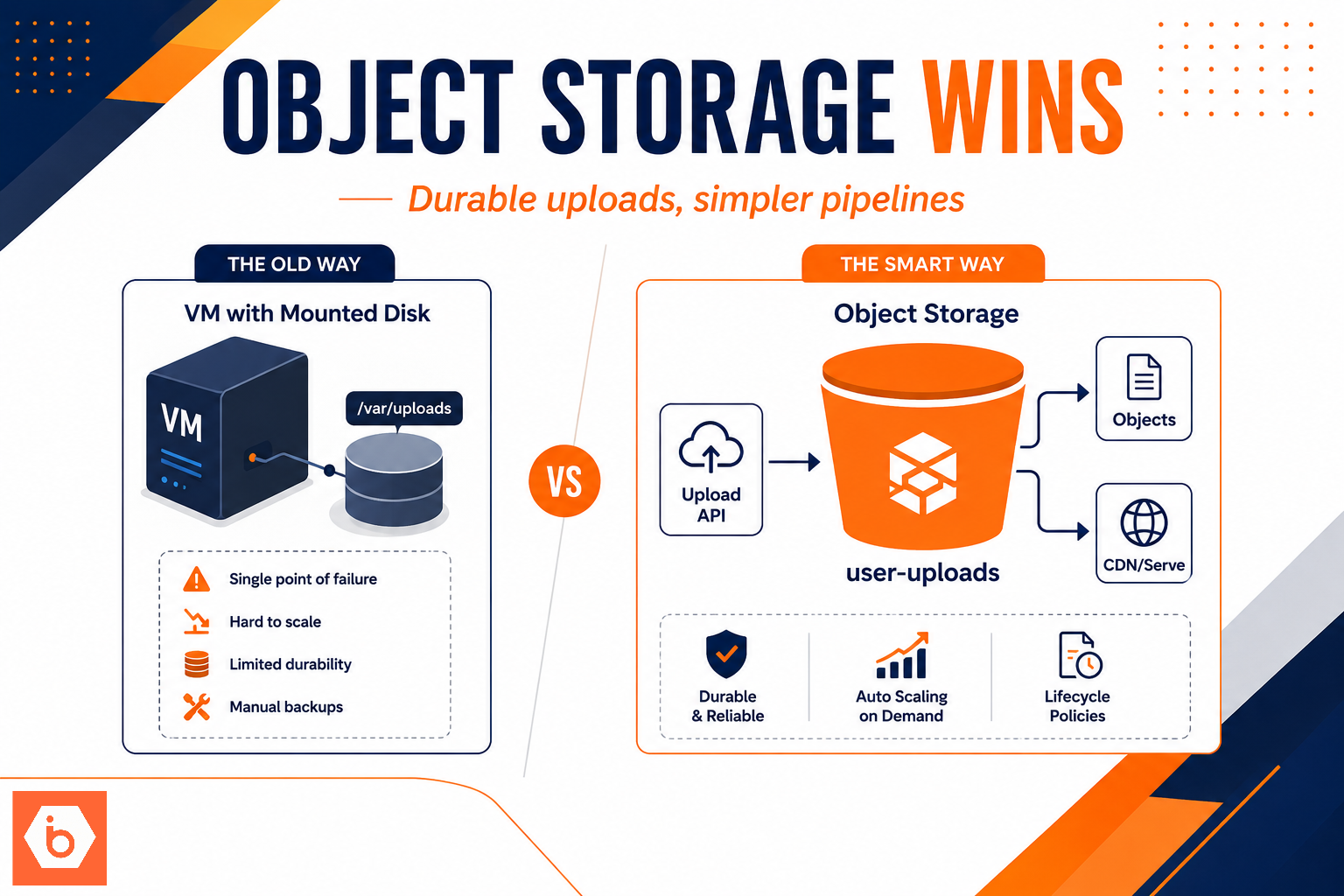
Fourth: how big is it and how long do you keep it? Large immutable artifacts, backups, logs, and archives belong in object storage. It scales without you babysitting disks.
Fifth: can you tolerate seconds-level access? Object storage access is typically slower than block and far slower than database local reads. If your code path requires sub-millisecond responses, don’t “optimize later” by putting it in object.
If you can’t answer these questions today, you will guess. Guessing is how you end up with a database that stores blobs because “we needed to upload files,” or a blob store that stores rows because “we wanted to avoid schema.”
A practical mapping that holds up in production
Use this mapping as a starting point, not a religion.
Transactional, queryable, frequently updated data goes to the database. User accounts, roles, permissions, orders, payments state, workflow status, inventory counts. Anything where you need to filter, aggregate, or update atomically.
High-IOPS working sets and filesystem-based workloads go to block storage. Caches that benefit from local disk, database engine data directories when you self-manage, search indexes, temporary ETL working files, and any component that expects a mounted filesystem.
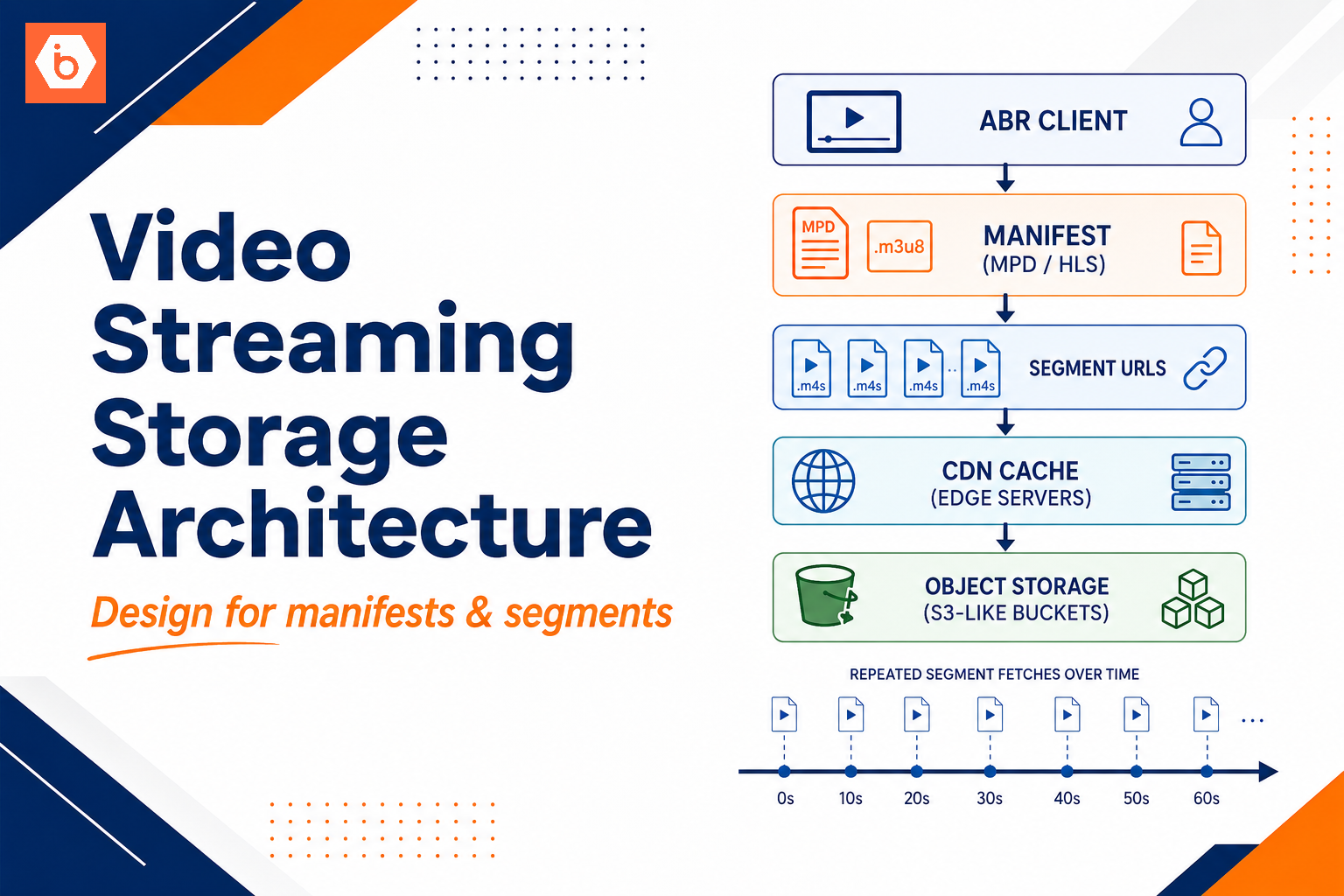
Durable large blobs, append-only history, and “store and retrieve by key” workflows go to object storage. Media uploads, documents, event payloads, data lake files, generated reports, exports, and backups.
The key is the split: metadata stays queryable, blobs stay cheap and scalable.
Required visual: data placement architecture
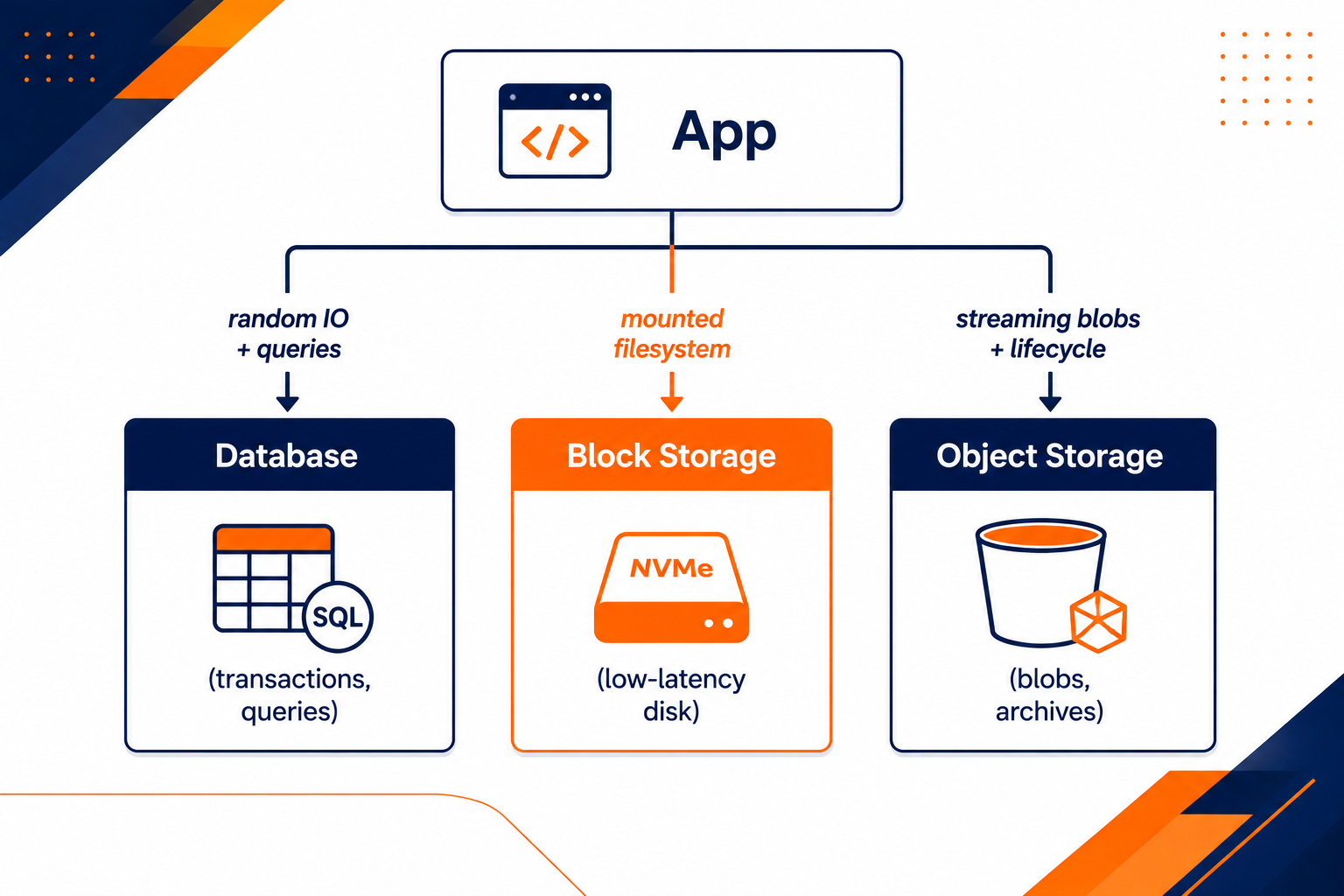
This shows the standard split by access pattern: transactions in DB, working sets on block, blobs and archives in object storage.
The patterns that prevent pain later
Most teams don’t fail because they chose the “wrong” storage type. They fail because they don’t split responsibilities between storage layers.
Here are three patterns that keep your system maintainable.
Pattern 1: “Metadata in DB, blob in object storage”
Store the file in object storage. Store the lookup and authorization info in the database.
In practice: your database row holds owner id, content type, size, checksum, and the object key or version id. Your app reads metadata fast, then fetches the blob from object storage when needed.
Why this works: your database stays focused on queryable state. Your object store scales for large payloads without forcing you into database scaling pain.
Trade-off: you must handle consistency between the two. If you write metadata and then upload the blob (or vice versa), crashes can leave you with orphaned objects or dangling rows. You solve this with a small state machine: “pending upload,” “uploaded,” “failed,” plus background reconciliation.
Pattern 2: “Cache on block storage, source in object storage”
If you repeatedly transform or serve the same derived artifacts, keep the hot working set on block storage. Treat object storage as the durable source of truth.
Example: you upload a large image to object storage. The first request triggers a transform into a thumbnail. Store the thumbnail on block storage for fast reads. When you need to rebuild, you fetch the source from object storage again.
Trade-off: you now have cache invalidation and capacity planning. But it is a controlled problem. You can set eviction policies and rebuild rules. You cannot do that if your “cache” is actually your database.
Pattern 3: “System of Record vs System of Archive”
Think in lifecycle.
System of Record data changes frequently and must support correctness. System of Archive data is append-only or immutable and needs retention, auditability, and cheap storage.
In this model, your database holds the current state. Your object storage holds the history: audit logs, event payloads, and long-term records. Analytics reads from archive data. Operational queries read from the current-state database.
Trade-off: you need a pipeline that keeps archive in sync. If you only archive after the fact, you will eventually miss edge cases. If you archive inline, you risk slowing transactions. The right approach is to emit events and persist them reliably, then archive asynchronously.
Cost and performance: stop pretending they don’t matter
You will feel storage costs in three places: storage size, request volume, and egress.
Object storage often wins on raw storage cost and durability, but request charges and network egress can bite you if you fetch blobs repeatedly or move data between regions without a plan. Block storage can look “cheap” until you run out of IOPS and start scaling capacity just to get performance. Databases can look “small” until you discover that indexes and write amplification are eating your budget.
Here is the most common real-world trap: teams store media or large JSON payloads directly in the database because “it’s one system.” Then every page view becomes a database read of a large payload, and your DB becomes a blob server. That increases latency and forces expensive scaling.
If you want one simple rule: if your app needs to stream or handle large immutable artifacts, don’t force it through the database query path.
Also, don’t ignore request patterns. Object storage access is per operation. If your code does thousands of GETs for tiny objects, your cost and latency will reflect that. Batch where possible, use sensible object sizing, and keep metadata lookups in the database.
Where IBEE fits (and where it doesn’t)
You might self-manage everything, or you might want a clean split across storage layers without rewriting code.
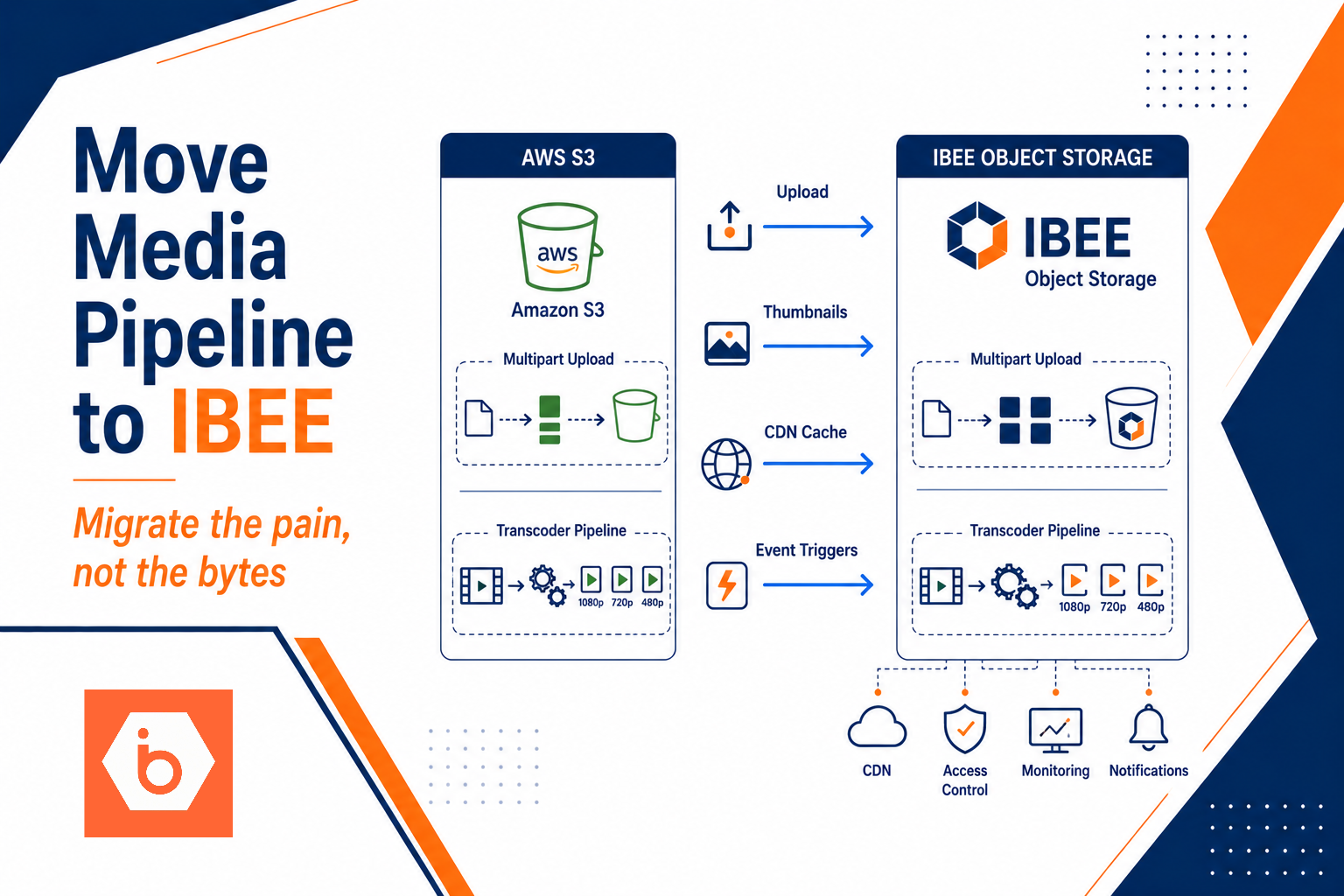
For object storage, you want S3 compatibility so your upload and retrieval code stays stable. IBEE Object Storage is 100% S3-compatible, so AWS S3-compatible SDKs and tools work without code changes. That matters because migrations are where teams lose months.
For block storage, you want predictable performance for filesystem workloads. IBEE Block Storage runs on a 3-node LINSTOR cluster with DRBD 2-replica redundancy, designed for NVMe-backed low-latency I/O. If you need mounted disk semantics, that’s the layer you should be using.
But don’t use any storage provider as an excuse to ignore access pattern design. Storage choice is architecture. Provider choice is implementation.
Required action model: decide and migrate without rewriting everything
You can’t fix this by “changing storage later.” You need a migration plan that respects how your app reads and writes today.
Use this ordered approach:
- Inventory datasets and label them by access pattern: random vs sequential, queryable vs blob, mutable vs append-only.
- Define the system boundaries: which datasets become database records, which become object blobs, and which become block-backed working files.
- Implement the metadata-first contract for blobs: database row contains object key, checksum, and permissions; object storage contains the payload.
- Add a reconciliation job to handle partial failures. Assume crashes happen between metadata writes and blob uploads.
- Roll out by feature flag or per-endpoint routing. Start with new writes, then backfill old data asynchronously.
- Measure: track latency percentiles for DB queries, object GET/PUT rates, and egress volume. Then tune caching on block storage for the hot derived artifacts.
If you only do steps 1 and 2, you will still break production when you touch code paths. If you do steps 3 and 4, you can migrate safely even when something fails mid-flight.
Optional visual: decision flow for placement
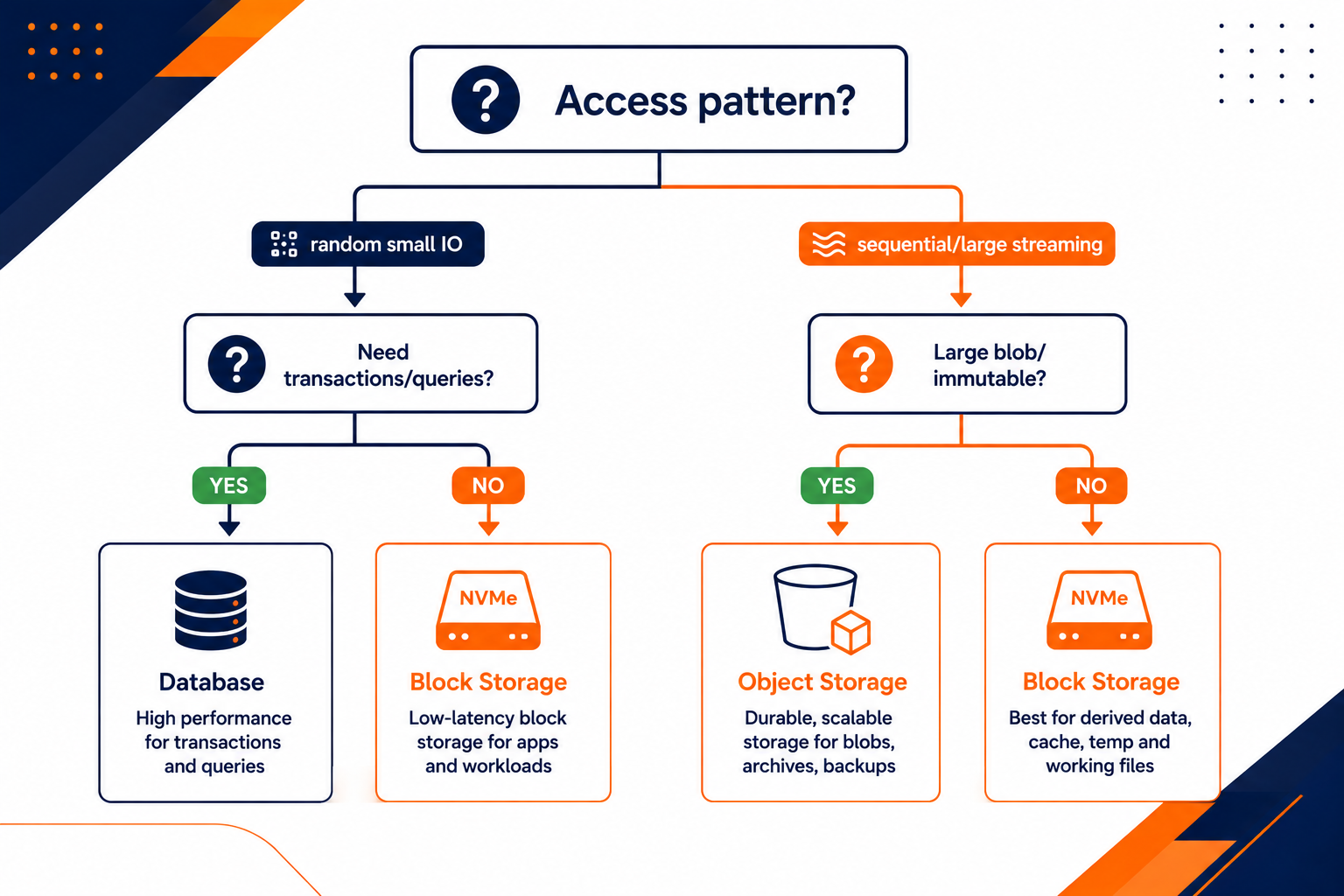
Use this flow to classify each dataset and avoid the “everything goes to one place” mistake.
One action you can take today
Pick one real dataset in your app that currently lives in the “wrong” place. Then write a two-column plan: “What access pattern does it have?” and “Where should it live: database, block storage, or object storage?”
Do not start with implementation. Start with access patterns. Once you can justify the placement in plain language, your migration plan becomes straightforward instead of dramatic.