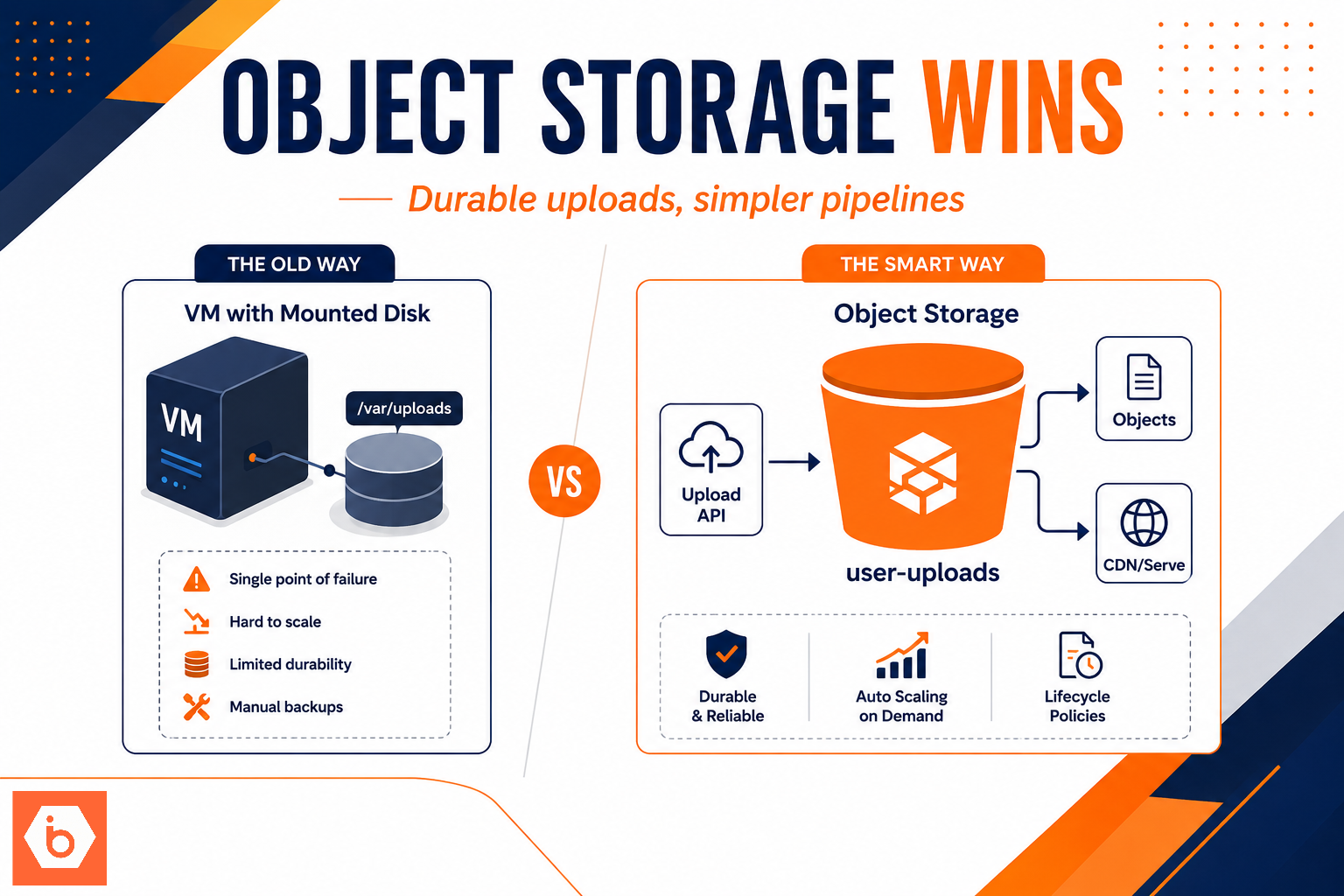

Most teams start with a VM disk because it feels simple: “upload goes to /var/uploads, then the app serves it.” The migration took six weeks. Three of them were spent undoing a decision made in the first hour. You end up resizing disks, adding storage mounts, fighting filesystem corruption after node replacements, and rebuilding upload pipelines because you didn’t separate “bytes handling” from “application logic.”
Here’s the uncomfortable truth: you don’t choose between object storage and VM disks based on taste. You choose based on your access pattern and failure model for user uploads.
The real problem with VM disks for user uploads
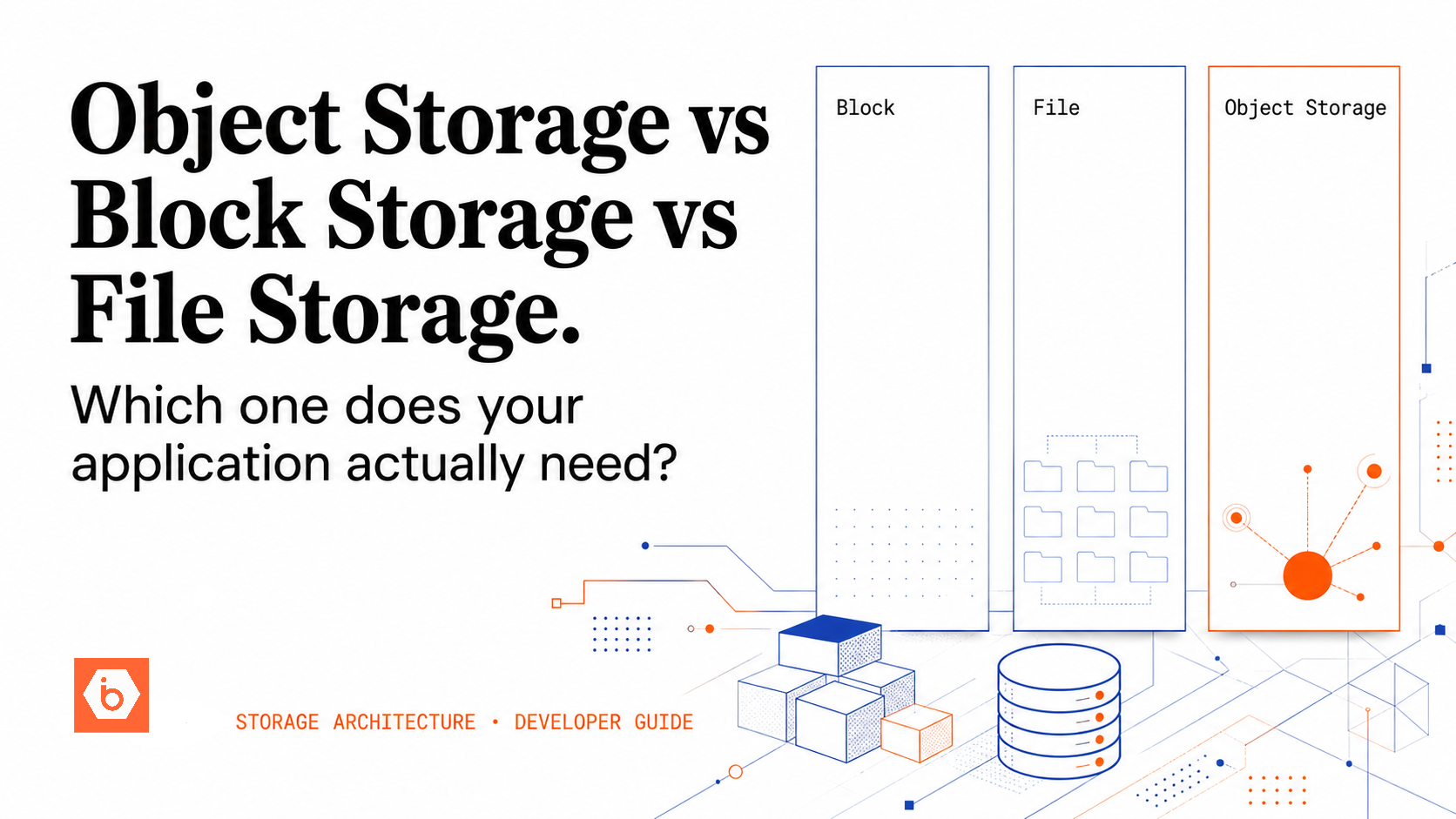
A VM disk is block storage. Your application writes to a filesystem. That sounds fine until your upload workload stops being “a few files” and becomes “hundreds of concurrent users, bursty traffic, and unpredictable file sizes.”
When you store uploads on a VM disk, your architecture quietly couples four things that should stay separate:
First, you tie upload throughput to VM network and disk IO. If your web tier gets hammered, you either throttle uploads or you scale instances. Scaling instances scales the filesystem too, which means you now need a strategy for consistency across replicas.
Second, you tie durability to lifecycle events. VM replacement, autoscaling, spot interruptions, instance reimages, and even “harmless” maintenance can turn your storage story into a data-loss story unless you add replication and backups everywhere.
Third, you tie operational complexity to every edge case. Virus scanning, multipart uploads, retries, resumability, and post-processing all become custom code paths because your VM filesystem is not the right primitive for “store arbitrary objects reliably at massive concurrency.”
Fourth, you tie cost to over-provisioning. The common failure mode is provisioning disk capacity and IO headroom for worst-case bursts. Then you pay for it all month, even when uploads are quiet.
Most teams get this wrong by assuming “we can always move later.” You can. It just costs you: engineering time, downtime risk, and broken URLs. The longer you keep VM disks in the critical path, the more your product and your operational runbooks depend on it.
The upload architecture that actually scales
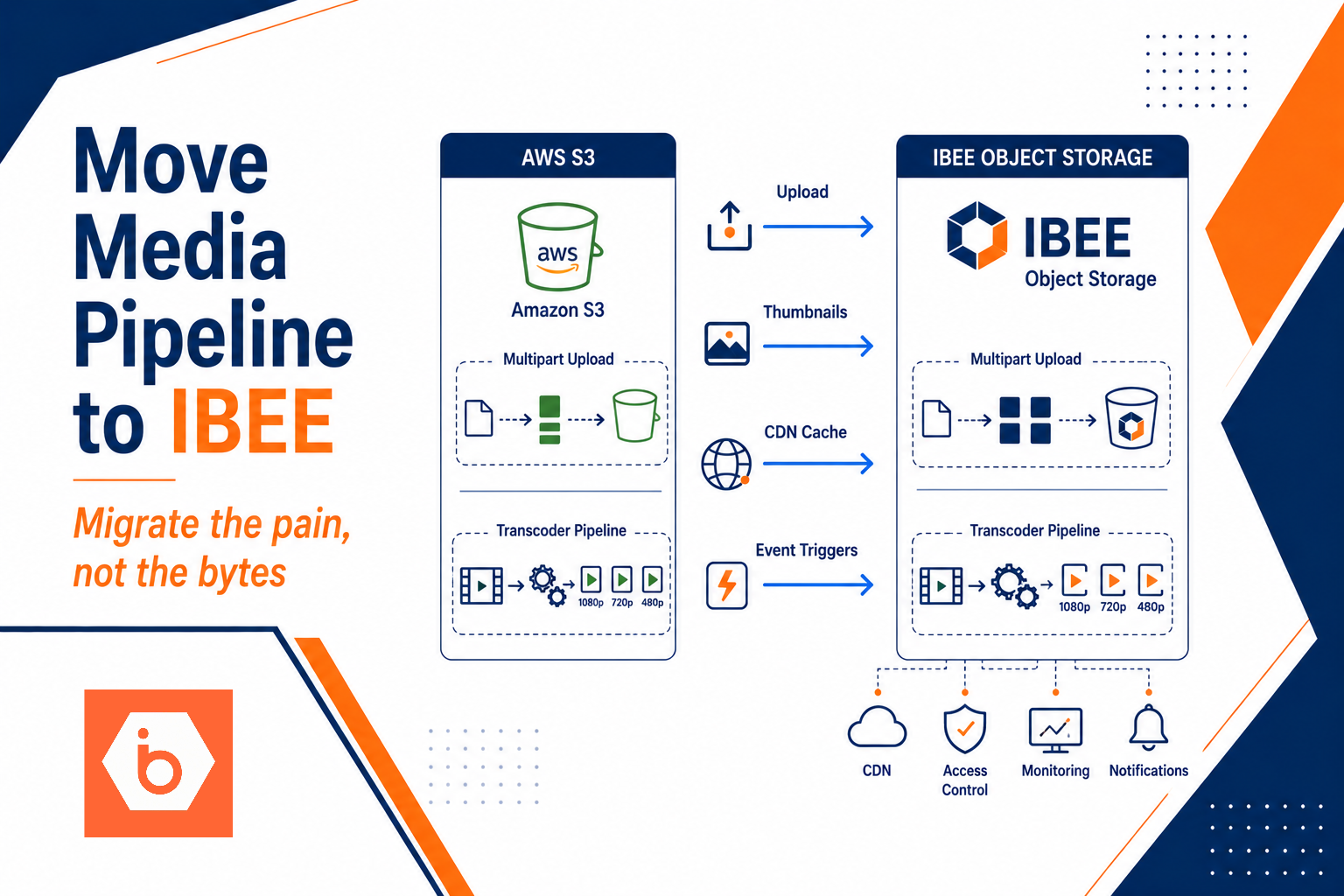
Object storage exists for one job: store and retrieve objects reliably at scale. For user uploads, you almost always want the upload path to bypass your application servers for the raw bytes.
The standard production pattern looks like this:
- Your API authenticates the user and generates a pre-signed URL for a specific object key.
- The client uploads directly to object storage using multipart upload for large files.
- Your backend records metadata (object key, user id, content type, size, checksum).
- Background workers process the object (resize, OCR, virus scan, indexing).
- Lifecycle policies move older objects to cheaper tiers or delete them on retention rules.
This design keeps your web tier focused on auth, validation, and orchestration. Your storage tier absorbs the upload storm.
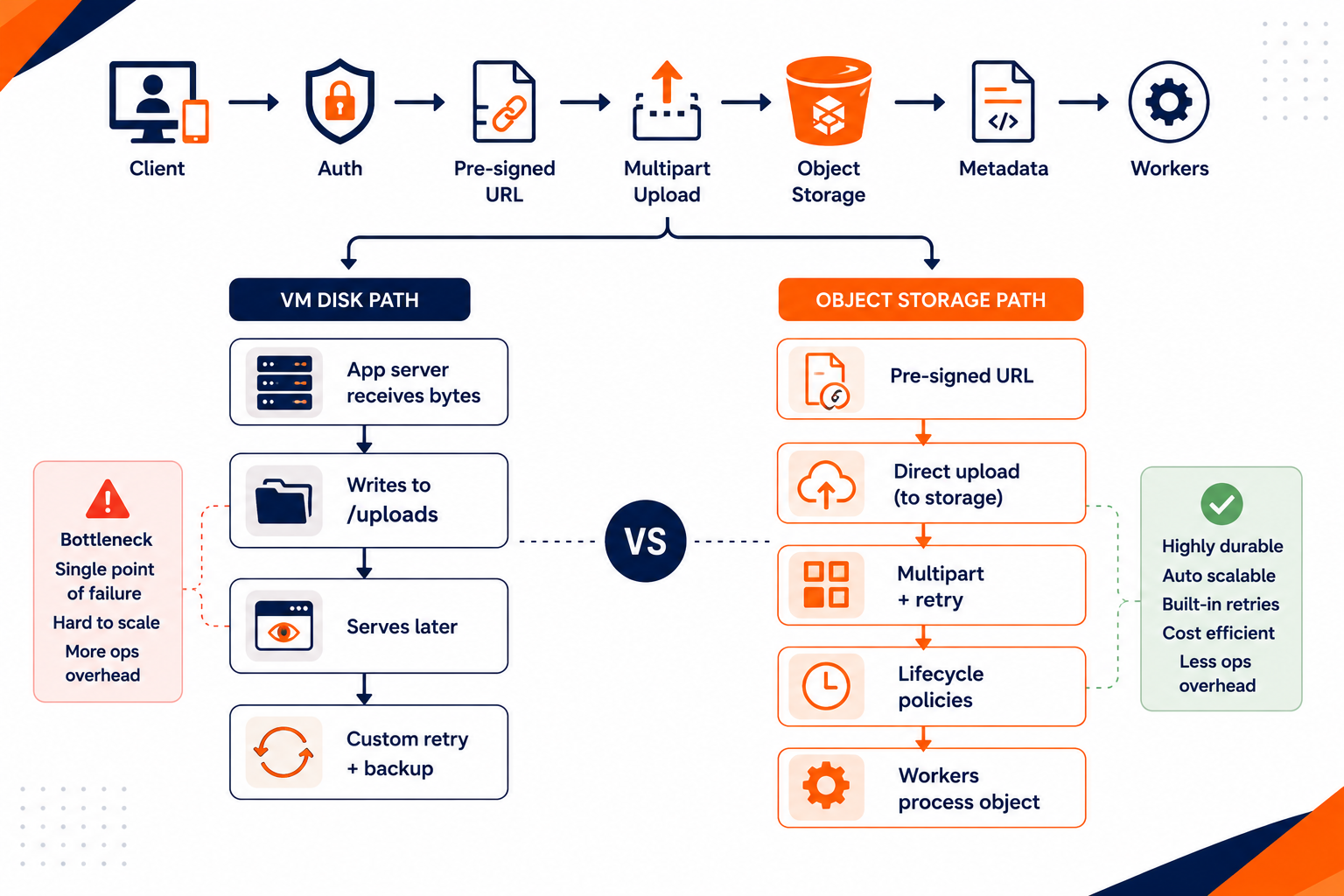
Shows how pre-signed URL uploads bypass the VM while VM disk requires proxying and retries in the app tier
Durability and failure handling: stop engineering your own storage platform
Object storage systems are engineered for extreme durability by distributing data across independent nodes and failure domains. You still need to design for your business requirements, but the baseline is already there: data placement, integrity checks, and self-healing behavior.
With VM disks, you’re responsible for the whole chain. If you store uploads only on a single instance disk, you have a single point of failure. Even if you use snapshots or backups, you must define the RPO and RTO you can tolerate, then ensure your backup pipeline actually runs, actually succeeds, and actually restores into a usable state.
The bigger issue is that VM disk durability is not the same as “your product durability.” Your product durability includes:
- What happens when a VM is replaced
- Whether your filesystem survives corruption
- Whether your upload metadata matches the file bytes
- Whether your URLs still resolve after restore
- Whether your processing jobs can re-run idempotently
Object storage lets you treat uploads as immutable objects. That makes reprocessing straightforward. You can safely retry workers because the source of truth lives in storage, not on a specific VM.
Performance under concurrency: VM disks hit bottlenecks sooner
Upload traffic has two nasty characteristics: it’s concurrent and it’s bursty. VM disk paths tend to collapse under these conditions because you stack bottlenecks:
Your app servers must ingest the bytes. That consumes CPU, memory, and network bandwidth. Then you write to a filesystem, which adds overhead. Then you serve later, which competes with ongoing writes. If you scale the web tier horizontally, you now need shared storage or you end up with “sticky” routing and replica-specific data.
Object storage is built to handle concurrent uploads efficiently. Multipart upload means a failed part doesn’t force the whole file to restart. Retries become smaller and cheaper. You also get a cleaner retry model because the client can resume the upload at the object storage layer instead of re-POSTing everything to your app tier.
There’s a cost angle too. If your upload path runs through your VM, you’ll pay for bandwidth twice in practice: once to bring bytes into the VM, and again later when you serve them. With direct-to-storage uploads, you cut the application tier out of the byte path.
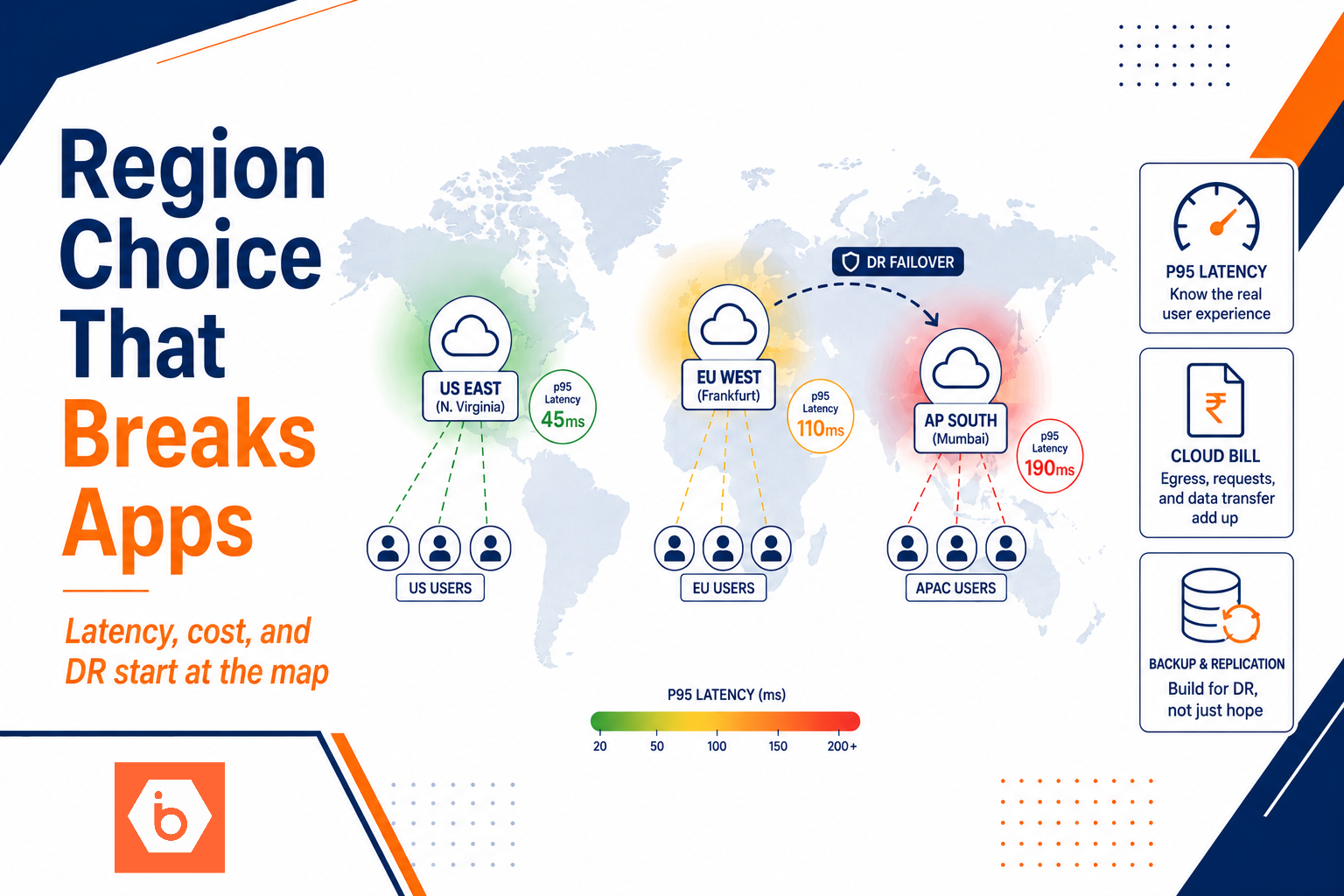
If you want a concrete number to anchor the discussion: many teams underestimate egress costs until they see real traffic. IBEE charges ₹2/GB egress for downloads, while AWS S3 egress in India has historically been around ₹6.75/GB. That difference shows up fast when uploads become a content library.
Governance, security, and compliance: policies beat custom code
User uploads are not just files. They are regulated or sensitive data depending on your domain. You need access control, encryption, audit trails, and retention rules.
With object storage, you can align security to the object lifecycle:
You issue pre-signed URLs with constrained permissions, so the client can upload only to the specific key you generated. You can enforce encryption at rest and in transit. You can log access and changes at the storage layer. You can apply lifecycle policies to move or delete objects based on age, tags, or prefixes.
With VM disks, you end up building governance around your filesystem and your app. That often means bespoke access checks, custom audit logging, and brittle retention jobs that run on cron and fail silently.
This is also where teams get burned by “temporary” upload storage. They store files on disks in staging and forget to clean them. Later, those staging artifacts become production data exposure. Object storage lifecycle policies give you an enforceable cleanup mechanism you can reason about.
When VM disks still make sense
Don’t throw VM disks out entirely. They still have a place.
Use VM disks for short-lived staging when you need to transform data locally with tight coupling to compute. For example, a batch job that downloads an object, processes it, and uploads the result back can use ephemeral local storage for intermediate artifacts. That keeps data movement efficient and avoids writing temporary files back and forth through your storage API.
But the key rule stays the same: VM disks should not be the system of record for user uploads. If you treat them as the source of truth, you inherit every failure and scaling problem that comes with instance-bound storage.
What you should do today
- Identify the current upload path: does your app server proxy bytes to a VM filesystem, or does it upload directly to storage?
- For your next iteration, implement direct-to-object-storage uploads using pre-signed URLs, and store only metadata in your database.
- Move post-processing to background workers that read from object storage and write results back as new objects.
- Add lifecycle policies for retention and cost control, then delete staging artifacts on a schedule.
If you do just one thing this week: change the upload path so clients upload directly to object storage and your VMs stop being the bottle-neck for user bytes. That single shift removes the biggest driver of scaling pain.