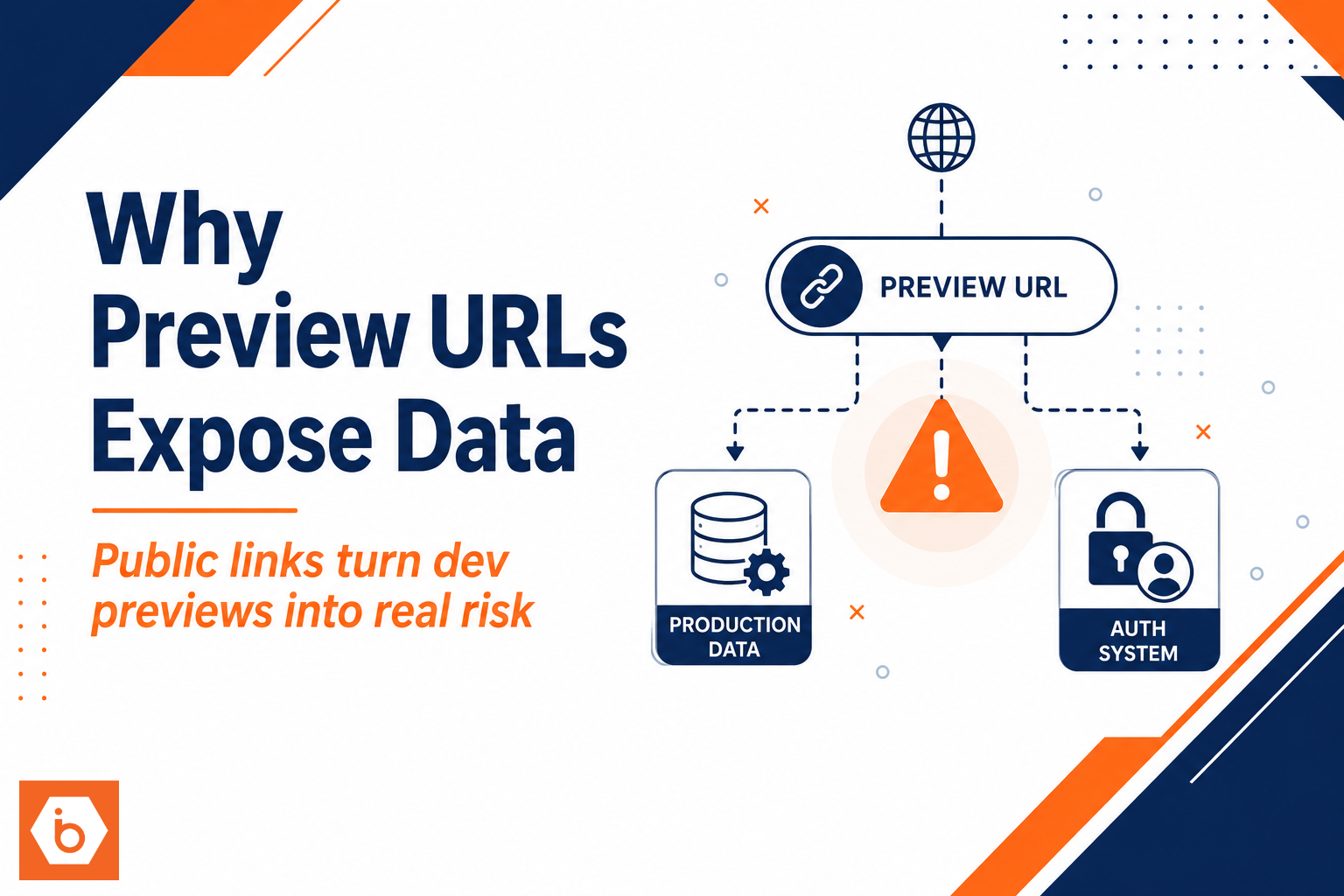

Most teams learn this the hard way: a developer posts a “quick preview link” in Slack. Someone outside the company clicks it. The preview environment looks harmless, but it is wired to production data sources. Two days later you are writing incident notes about why “temporary” access became customer exposure.
The uncomfortable truth is that you do not get to treat preview URLs as a UI convenience. You are effectively publishing an attack surface that can touch real customer datasets, auth systems, and shared observability pipelines. And because preview environments get spun up automatically, the blast radius scales with your CI speed, not with your security maturity.
What “public preview” really means (and why it breaks expectations)
A developer preview URL is usually generated per pull request or feature branch. Your CI creates a temporary deployment, and you share a link so reviewers can test the UI and flows.
The problem starts when “public” is interpreted as “no auth required” or “nobody should find it anyway.” That is not the model.
A preview can be reachable in several ways even if you think it is protected:
It might not require login at all. It might require login, but your authorization checks might be environment-blind. It might rely on an unguessable URL, but that URL leaks through PR comments, CI logs, ticketing systems, browser history, or referrer headers. It might be behind auth, but your preview shares the same identity provider configuration and role mappings as production, so a real user session works there too.
Most teams get this wrong in one specific way: they reuse the same authentication setup and the same authorization code paths across environments, then assume “the user is authenticated so access is safe.” Authentication is not authorization. If you accidentally grant preview access to broader roles, or you skip tenant checks because “it is just staging,” you just turned preview into a data exfiltration endpoint.
The data leak paths you should assume exist
Here is the part your team will underestimate: data exposure does not only happen through the main UI. It happens through the edges you forgot you shipped.
A preview environment often points to production dependencies for realism. That includes the obvious ones like production databases, object storage, and search indexes, but also the less obvious ones like third-party APIs, analytics exports, and background jobs that write to shared systems. Then you add shared infrastructure components like centralized logging and error reporting, and suddenly “just testing” means “publishing identifiers to everyone who can access dashboards.”
Most leaks happen through one of these mechanisms.
First, direct reads and writes. Preview endpoints query production data because the preview app uses the same connection strings or the same service accounts. If authorization is missing or misapplied, an attacker only needs the URL.
Second, indirect reads. Even if your app does not show customer records, it can still load them to render pages, validate flows, or generate exports. Those records can show up in logs, error traces, or rendered HTML.
Third, observability leakage. Preview traffic often lands in the same centralized logging, tracing, and error reporting systems. If those pipelines store request payloads or include user identifiers in structured logs, you have a second way to leak data without touching the UI.
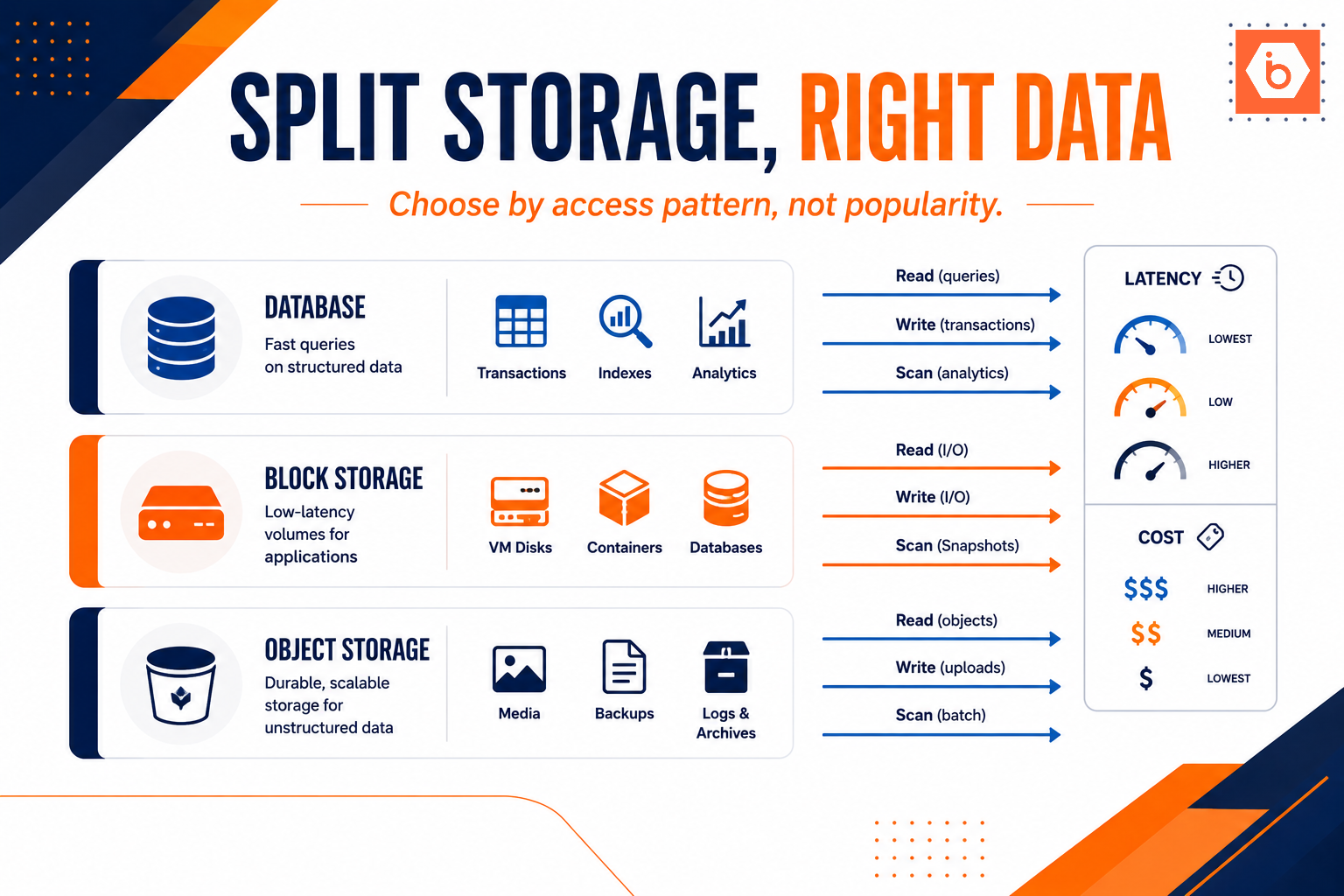
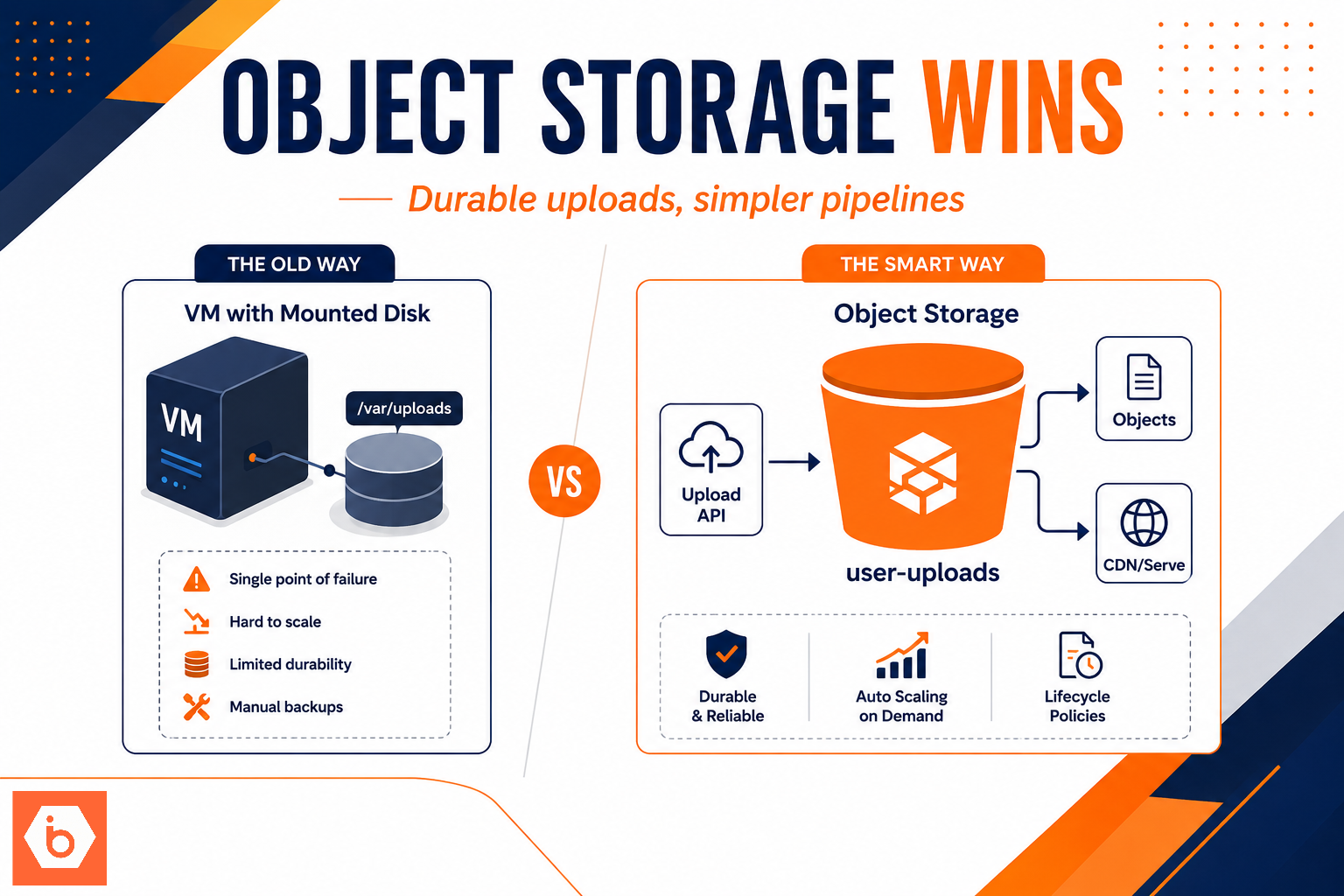
Fourth, file access. If your preview uses production object storage buckets, you can leak user uploads or exports. Even “private” buckets become a problem when you generate signed URLs with long TTLs, or when bucket policies allow reads more broadly than you intended.
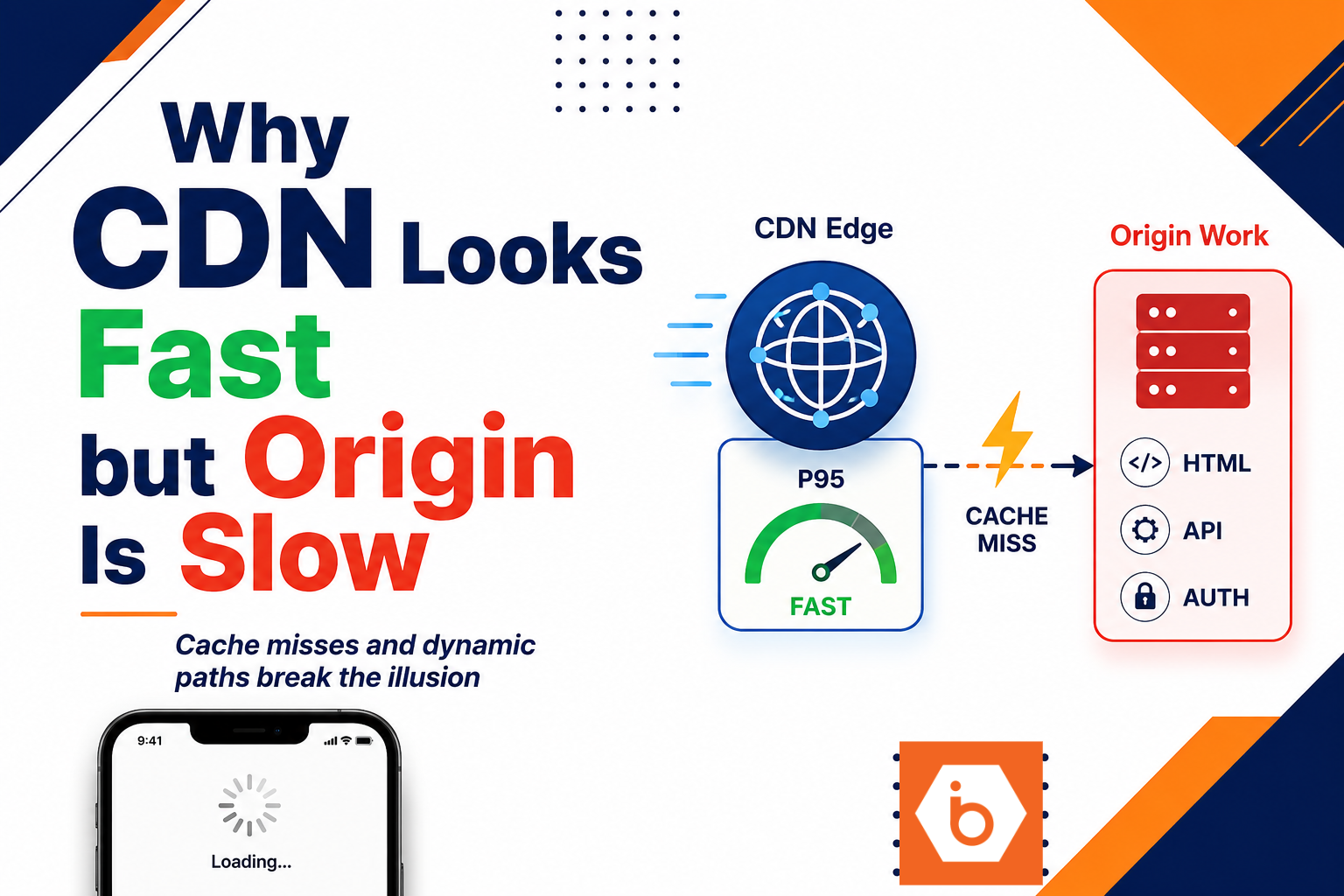
Fifth, caching mistakes. If preview responses are cached by a CDN or reverse proxy without a correct cache key that includes user identity and tenant, one user’s response can get served to another user. That can happen even with perfect authorization code, because the cache sits in front of the app.
Visualizing the failure: a preview that touches production
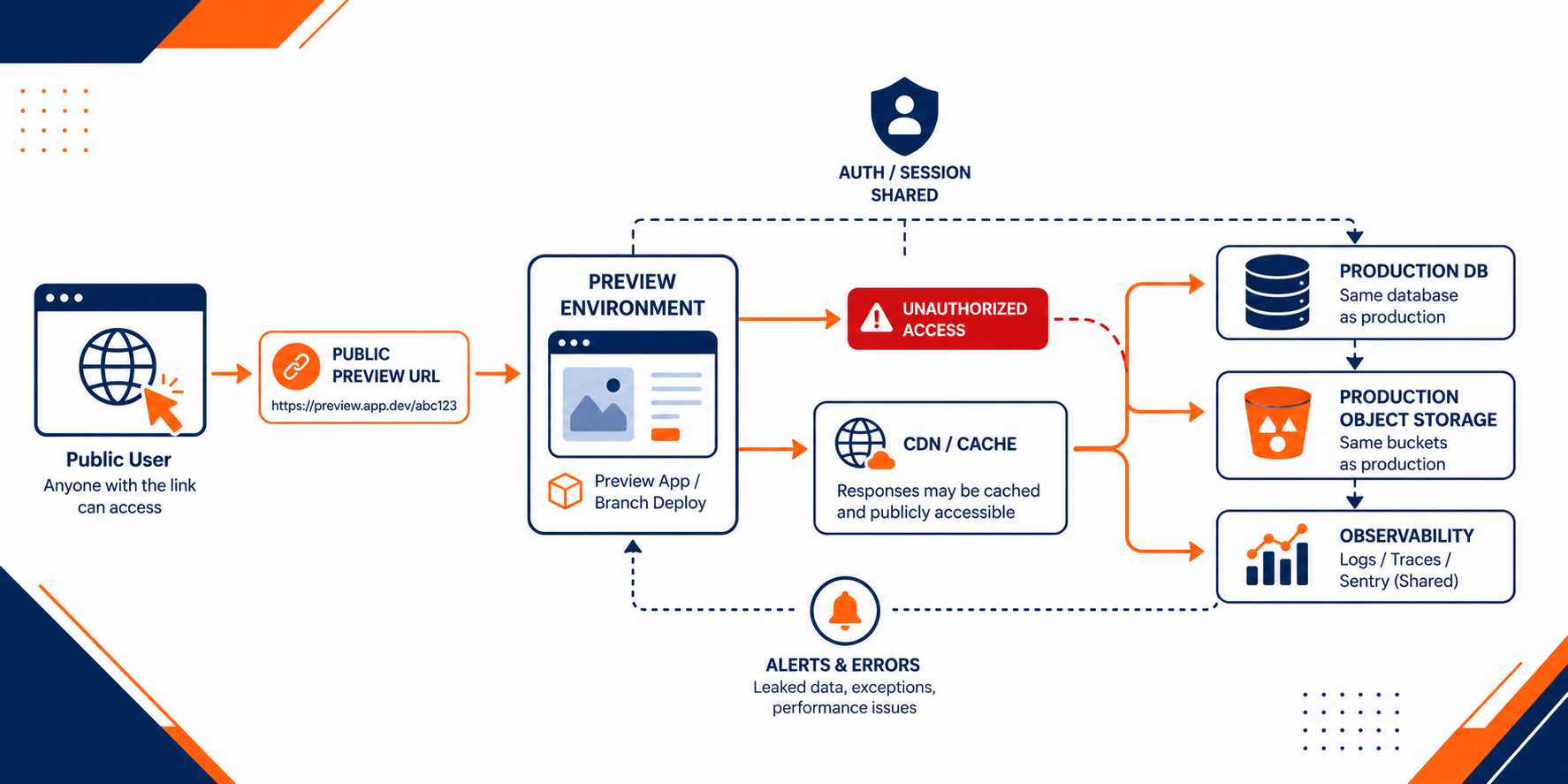
Shows how a public preview can read production database and object storage while sharing auth and logs
The real security risk: isolation failures, not “URL publicity”
The core danger is not that a URL is public. The core danger is that your preview environment is not isolated along the dimensions that matter.
You need isolation for data plane access, auth plane behavior, and observability. If any one of those is shared with production, you can get leaks without breaking a single firewall rule.
Let’s talk trade-offs you will face.
If you point preview to production data, you get realism. You also get real customer exposure when authorization fails, when a role mapping is wrong, or when a cached response crosses tenant boundaries. You cannot “test realism” without also testing the blast radius.
If you isolate data by using a sanitized dataset, you reduce exposure. But you might miss bugs that only appear with real distributions, edge cases, and messy records. The fix is not “use production data always.” The fix is “use representative data safely,” and keep the preview from being able to reach production directly.
If you lock preview behind authentication, you reduce drive-by access. But you still leak if authorization is environment-blind or if your preview accepts production sessions and tokens. Also, even authenticated attackers exist. Internal users get compromised. Contractors get phished. A preview link becomes a target.
If you keep preview logs separate, you reduce observability leakage. But many teams centralize logs by default because it is easier operationally. Then they discover later that logs contain sensitive fields. The fix is structured logging discipline and redaction, not “hope nobody looks.”
Now the blunt part: if your preview environment can read production customer data, you should treat it as production-adjacent. That means it needs the same tenant isolation, the same authorization enforcement, and the same audit logging expectations.
Concrete controls that stop the leak (without killing developer velocity)
You do not need a research project. You need guardrails that make the dangerous configuration impossible or self-limiting.
Start with a hard rule: preview environments must not connect to production data sources by default. If you need production-like behavior, use a staging dataset or a controlled subset. If you must use production for a short period, require explicit approval and enforce time limits and strict scopes.
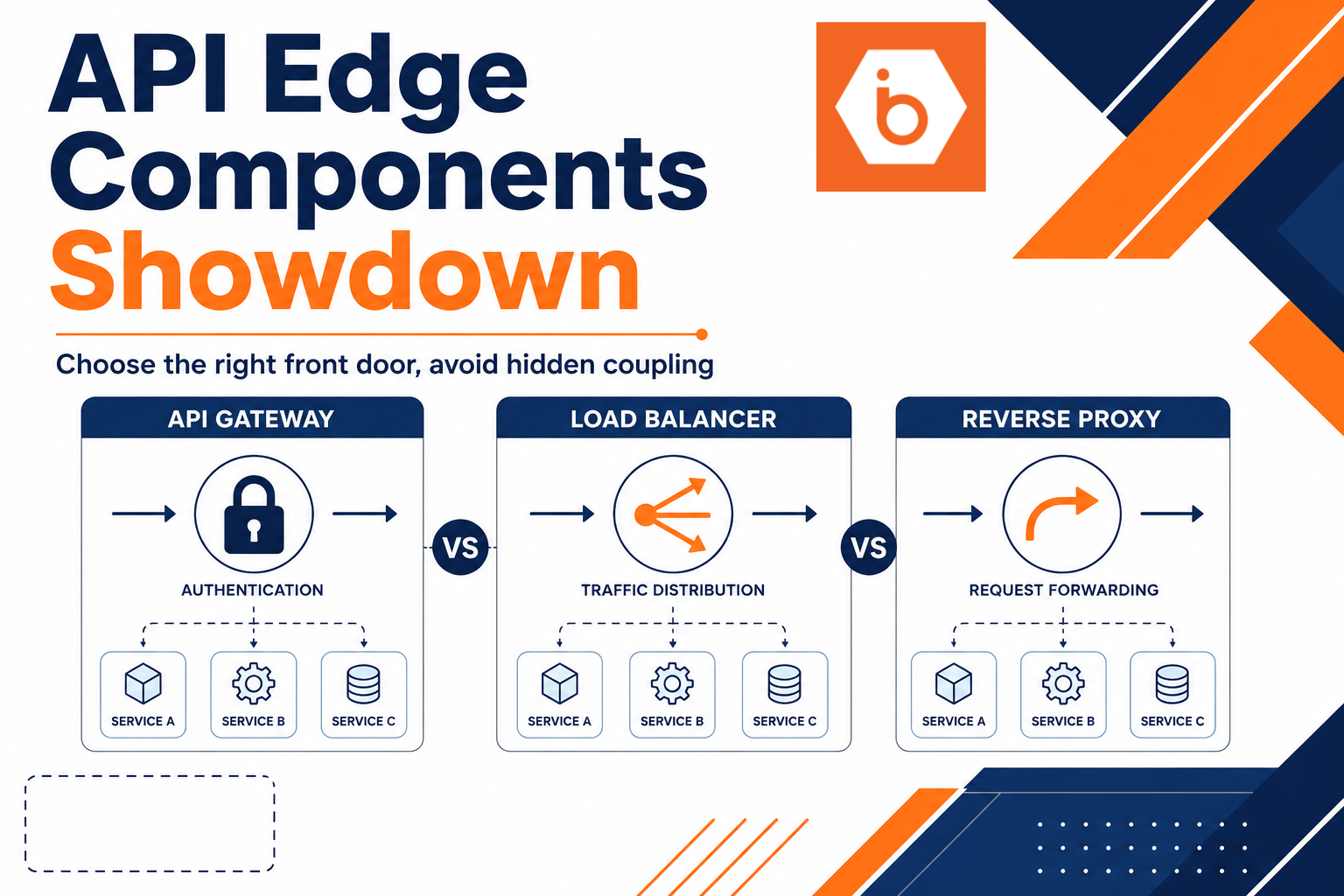
Then make the auth model environment-aware. Your authorization layer should include environment and tenant context, not just user identity. If you use row-level security, enforce it consistently. If you use service accounts, ensure preview identities have the minimum permissions and cannot access production tables or buckets.
Next, isolate session and token behavior. Do not share cookie domains, OAuth clients, or session secrets between production and preview. If you do, you risk a production session being accepted by preview endpoints with broader permissions than intended.
Also, stop leaking through logs and errors. Redact request payloads, headers, and query parameters that can include customer identifiers. Ensure error reporting does not capture full payloads by default in preview. Make previews use separate log sinks or enforce tighter access controls on shared sinks.
Finally, handle caching correctly. Configure CDN and reverse proxy caching policies so preview responses never get served across users or tenants. If you cannot guarantee cache key correctness, disable caching for authenticated routes in preview.
Most teams get this wrong by focusing on the URL sharing process instead of the environment wiring. They build a “private preview” policy, then accidentally deploy preview with production connection strings. The policy did nothing because the configuration still allowed data access.
The one example you should borrow from reality
At one mid-size SaaS company, the preview system reused production object storage for “user uploads” so reviewers could click real images. Preview was behind login, so they felt safe. Then a contractor got access to a preview link in a PR tool, logged in with a valid account, and the preview UI displayed files that belonged to other tenants.
They did not have a single broken firewall rule. They had missing tenant checks in the file access layer and shared storage policies that allowed list or direct reads without tenant-scoped constraints. The preview link was just the delivery mechanism.
This is why “it is behind auth” is not a control. You need tenant enforcement on every data access path, including file retrieval and any API that can fetch by identifier.
Do this today: make preview fail closed
- Inventory what your preview environments can reach: production database endpoints, object storage buckets, search indexes, and shared observability sinks. If any preview can reach production directly, treat that as a blocker.
- Change your CI/CD defaults so preview uses staging-only credentials and staging-only datasets. Make production connectivity opt-in with explicit approval and a short TTL.
- Add environment and tenant checks to authorization logic for every endpoint that touches customer data, including file download and export APIs.
- Separate session and token configuration between production and preview so production sessions cannot be replayed in preview.
- Redact logs and error traces in preview, or route them to a restricted sink.
If you want a starting point, talk to an infrastructure architect about how to structure your preview deployments so they fail closed by construction, then review your current CI variables and access policies before your next PR link goes out.