
Why Object Storage Is the Right Backup Target
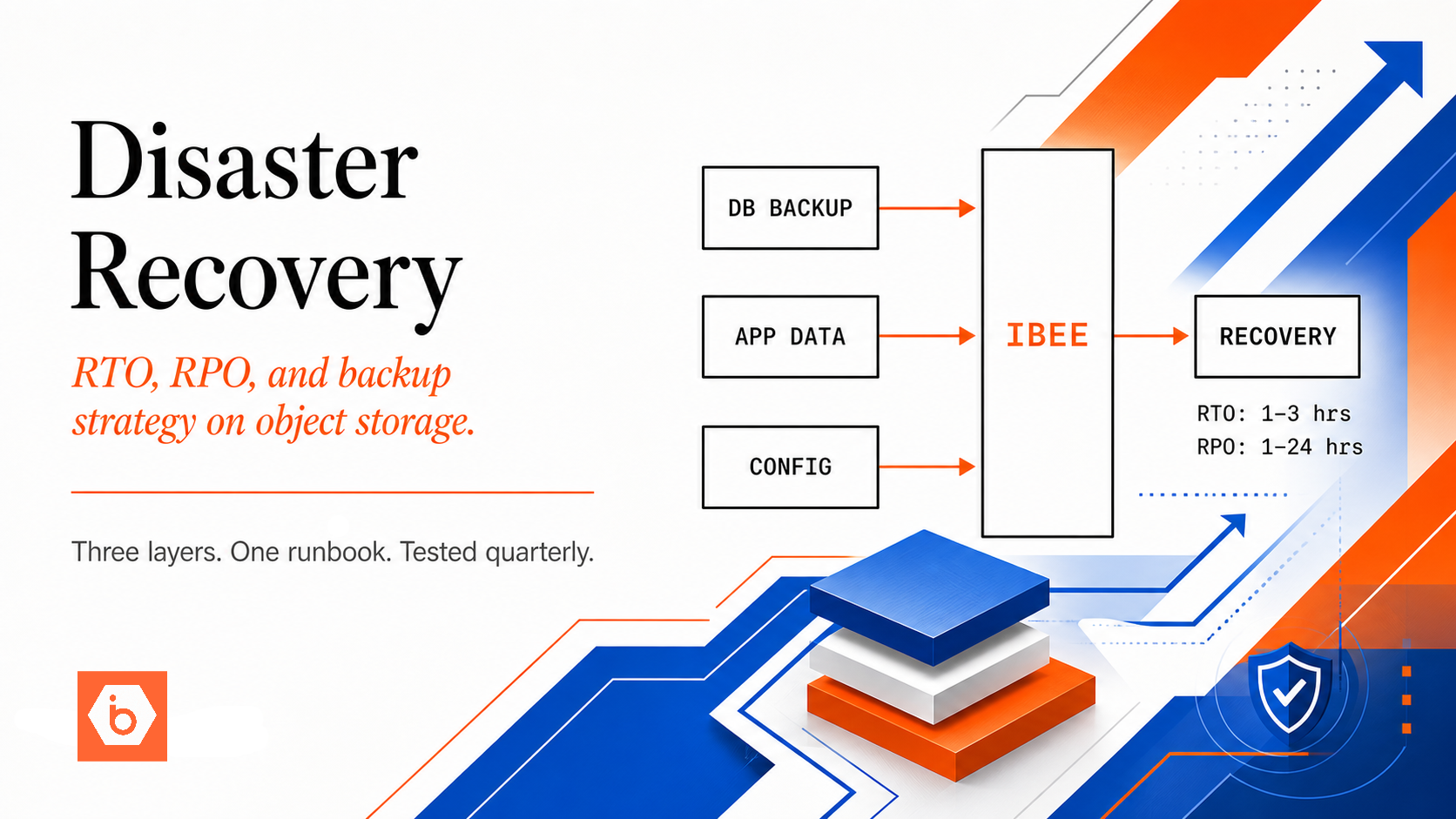
Database backups stored on the same server as the database are not backups. They are copies that will be destroyed alongside the original in every failure scenario that actually matters: disk failure, server compromise, data centre incident. The number of teams who discover this distinction during an actual recovery event is higher than it should be.
Object storage provides everything a backup target needs: physical separation from the source, durability through redundant storage, infinite scalability without disk management, and accessibility from any server for recovery. At Rs.1.50/GB-month ($0.016/GB-month) on IBEE, storing 1 TB of database backups costs Rs.1,536 per month (~$16.77). All USD equivalents in this article use a conversion rate of Rs.94.91 per dollar as of May 2026. That is a small fraction of the cost of the data loss event those backups exist to prevent.
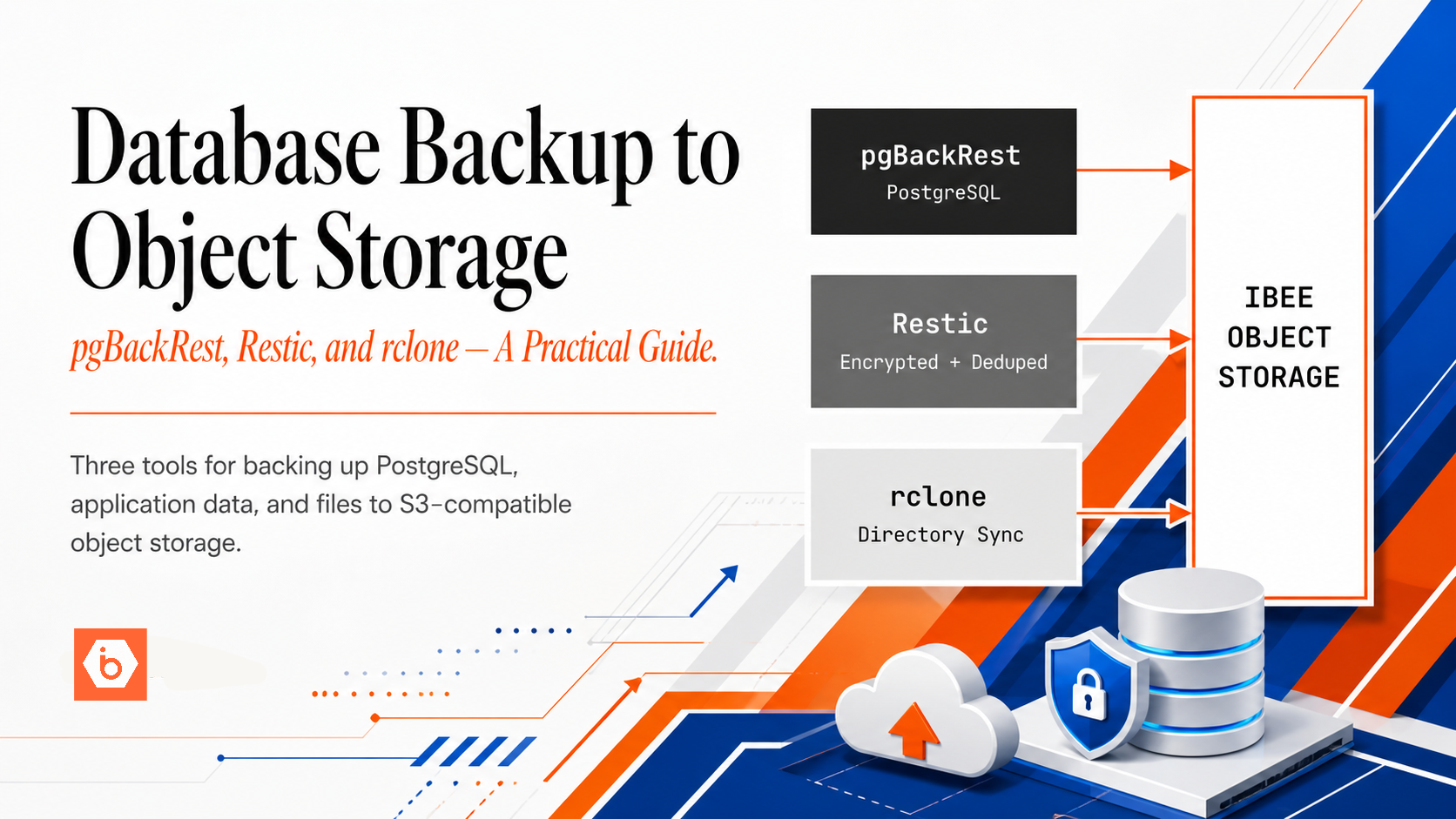
This guide covers three tools for backing up to IBEE's S3-compatible storage. The table below shows which tool fits which use case. Read the section for the tool that matches your situation.
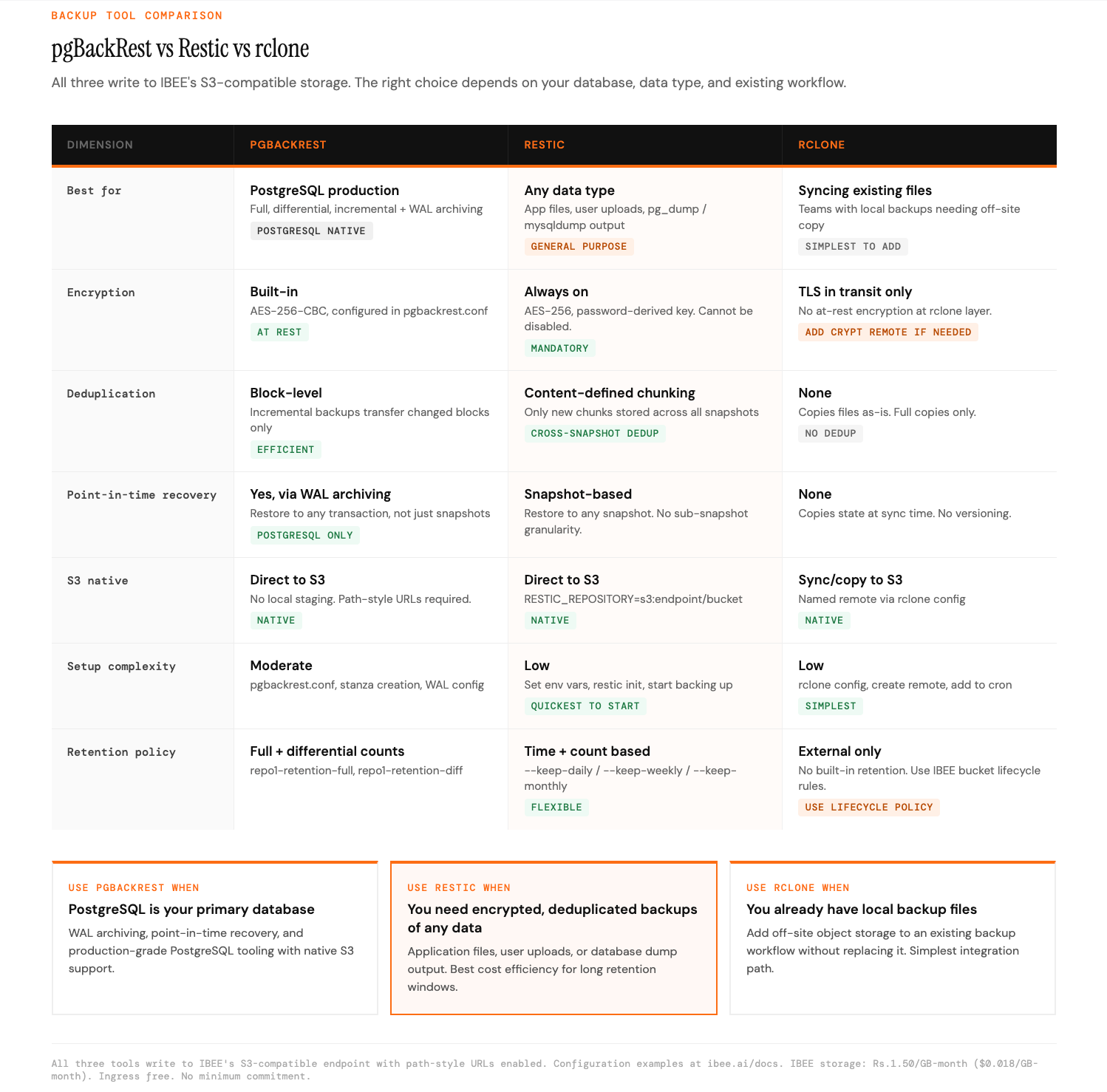
Three tools, one backup target.
Tool 1 — pgBackRest for PostgreSQL
pgBackRest is the production-grade backup tool for PostgreSQL. It supports full, differential, and incremental backups directly to S3-compatible storage, with parallel transfer, compression, encryption, and point-in-time recovery via WAL archiving. If you are running PostgreSQL in production, pgBackRest is the right tool.
pgBackRest's configuration lives in /etc/pgbackrest/pgbackrest.conf. The relevant settings for IBEE are the S3 repository type, the IBEE endpoint URL, your bucket name, region, and credentials. The critical setting is repo1-s3-uri-style=path, which tells pgBackRest to use path-style URLs rather than virtual-hosted URLs. This is required for all non-AWS S3-compatible providers. Full configuration examples are at ibee.ai/docs.
For the initial backup, run pgbackrest --stanza=main --log-level-console=info backup. Subsequent backups are incremental by default. A typical production schedule runs a full backup weekly and incremental backups daily.
WAL archiving enables point-in-time recovery: the ability to restore to any moment in time, not just backup snapshots. With WAL archiving enabled in postgresql.conf, a transaction committed five minutes before a data corruption event can be recovered exactly. WAL archive configuration for IBEE and the archive_command setting are at ibee.ai/docs.
The retention policy settings repo1-retention-full and repo1-retention-diff control how many full and differential backups are kept. A common production setting keeps four full backups and fourteen days of differentials. Adjust to match your recovery time objectives and storage budget.
Tool 2 — Restic for General-Purpose Backups
Restic is a fast, encrypted, deduplicated backup tool that works with any S3-compatible storage. It is the right tool for backing up application directories, generated files, uploaded user content, and the output of database dump tools such as pg_dump, mysqldump, and mongodump. Unlike pgBackRest, Restic is not PostgreSQL-specific and works across any data source.
Restic uses environment variables for S3 credentials: AWS_ACCESS_KEY_ID, AWS_SECRET_ACCESS_KEY, and RESTIC_REPOSITORY pointing at your IBEE bucket. Before taking the first backup, the repository must be initialised with restic init. Restic configuration and initialisation examples are at ibee.ai/docs.
A notable Restic capability is piping a database dump directly into the backup without writing to disk first. Running pg_dump | restic backup --stdin avoids leaving unencrypted dump files on the server and works even when disk space is limited. The same pattern works with mysqldump and mongodump.
Restic's retention policy is set with restic forget --keep-daily 7 --keep-weekly 4 --keep-monthly 6 --prune. This keeps daily backups for 7 days, weekly for 4 weeks, and monthly for 6 months. Restic's deduplication means that retaining many snapshots costs significantly less than storing multiple full copies: only the data that actually changed between snapshots is stored as new data.
Tool 3 — rclone for Directory Sync
rclone is the most general-purpose of the three tools. It does not deduplicate or encrypt at the rclone layer, and it is not designed for live database backup. It is the right tool when you already have a backup tool generating files locally and want to add off-site object storage without replacing the existing workflow.
Common rclone use cases are syncing a directory of existing backup files to IBEE, copying configuration backups, syncing application state exports, and adding a cloud copy of backups already managed by another tool. rclone uses a configuration file created with rclone config, where you define a named remote pointing at IBEE's S3-compatible endpoint with path-style URLs enabled. Configuration details are at ibee.ai/docs.
The core rclone commands for backup are rclone sync for keeping a remote directory in sync with a local one, and rclone copy for copying files with a date-based prefix to keep historical copies. rclone check verifies that the remote copy matches the local source after a sync. For production use, run rclone from a cron job or systemd timer and direct output to a log file for monitoring.
Backup Verification
A backup that has never been tested is not a backup. It is a hope. The failure mode this creates is well understood and still common: a team discovers during an actual recovery incident that their backups are incomplete, corrupt, or not restorable in the time available.
Build restore verification into your backup workflow. For pgBackRest, run pgbackrest --stanza=main restore against a standby server on a monthly schedule. This performs a complete restore and starts PostgreSQL in standby mode, confirming the backup is usable without affecting the primary server. For Restic, run restic check to verify repository metadata integrity and restic check --read-data to verify data segments. For rclone, run rclone check to confirm the remote copy matches the source.
Test a full restore to a separate server at least monthly. Document the restore procedure and time it. The recovery time you measure in testing is the recovery time you can commit to. The first time you run through the restore procedure should not be during an actual incident.
Retention and Cost Management
Object storage makes it economically practical to keep backups longer than most teams do with disk-based backup systems. At Rs.1.50/GB-month ($0.016/GB-month) on IBEE, retaining twelve months of backups for a 500 GB database costs approximately Rs.9,000 per month (~$94.83), assuming monthly full backups retained simultaneously. The cost of the data loss event that those twelve months of history could prevent is categorically higher.
Restic's deduplication changes this calculation further. A 500 GB database that changes 5 GB per day has daily backup storage costs proportional to the 5 GB of change, not to the full 500 GB. Long retention windows become inexpensive when only the delta is stored. Set your retention policy based on your recovery requirements, not on storage cost constraints. At these prices, the constraint is rarely the storage.