
The migration that “worked” until it didn’t
The migration took six weeks. Three of them were spent undoing a decision made in the first hour.
Your team picked “S3-compatible” because it sounded safe. Then you shipped multipart uploads, cache validation, and lifecycle rules based on assumptions that AWS S3 makes true by default. Everything looked fine in staging. Production started failing in ways that were hard to reproduce: ETags didn’t match, range reads behaved differently under CDN caching, and “list right after write” broke for a subset of keys.
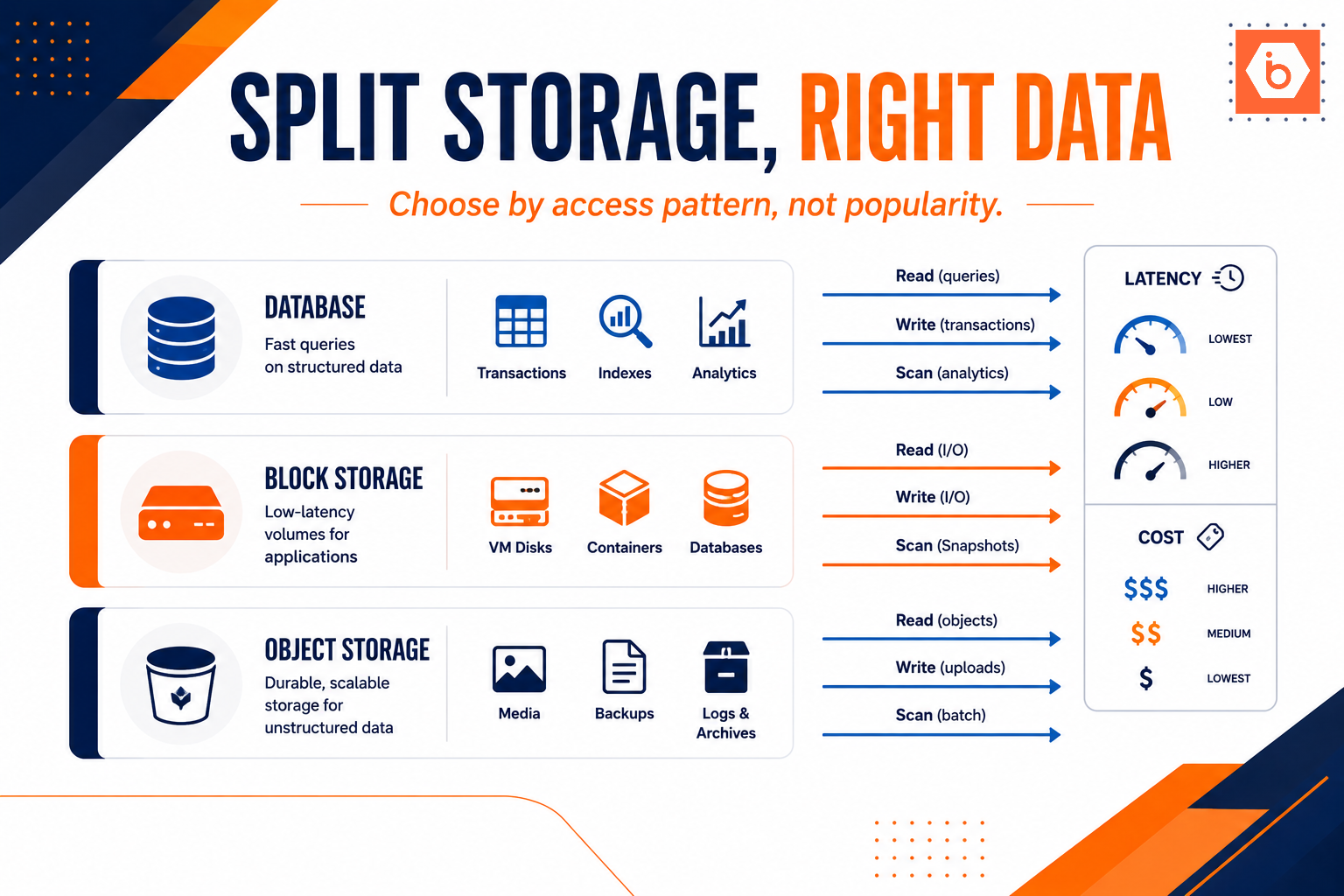
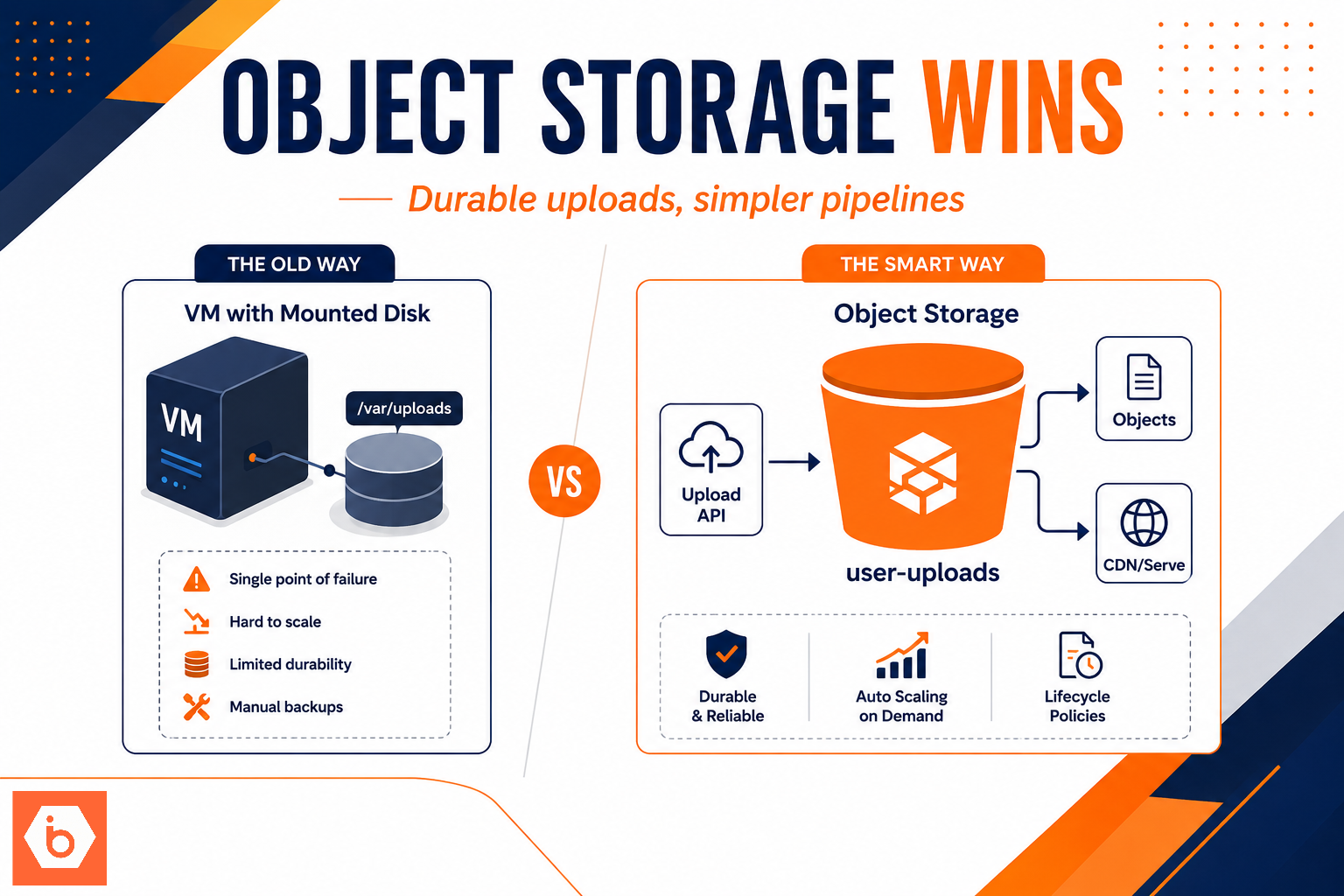
Most teams get this wrong by treating object storage as a dumb blob store. It is not. Your application depends on object storage semantics: how it handles multipart, overwrites, deletes, listing, encryption defaults, and how presigned URLs actually map to your security model.
This is why “egress cost” is only one axis. You need to validate the parts that break quietly.
What to verify beyond egress (the stuff that actually breaks)
Let’s be blunt: “S3-compatible” usually means “common happy-path calls work.” It does not guarantee that the edge cases match AWS. You should test the behaviors your app relies on, not the ones in marketing docs.
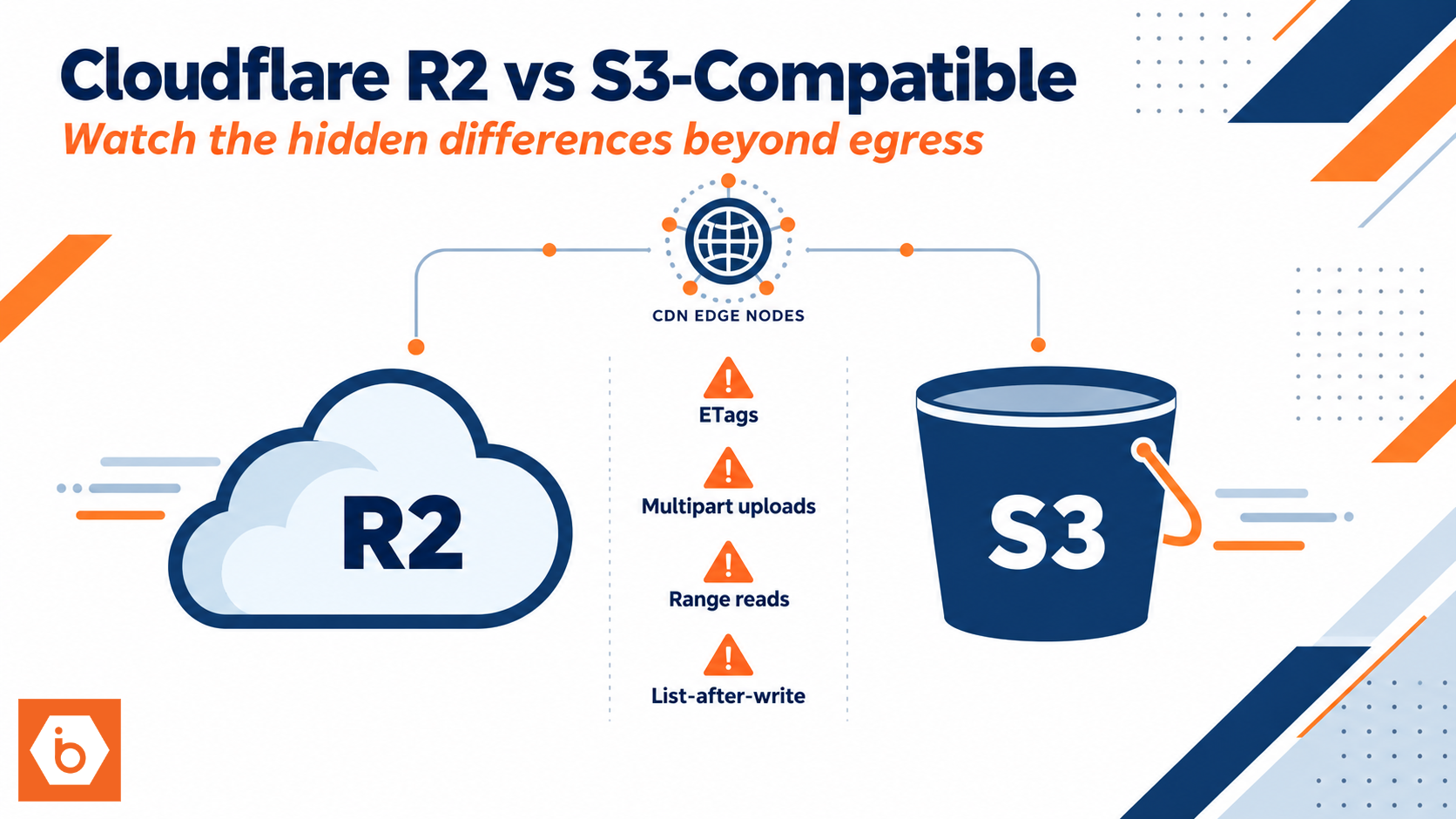
The first category is API and edge-case behavior. Multipart uploads, range reads, and metadata handling are where subtle differences show up. For example, teams often compare ETags for cache validation, dedupe logic, or conditional GET workflows. If your vendor computes ETags differently for multipart objects, your cache logic can silently stop working. You will see it as higher origin hits, stale content, or unnecessary re-uploads.
The second category is consistency and semantics. Modern object stores often provide strong read-after-write for new objects, but your app might depend on specific ordering around overwrites, deletes, and listing. If you do “PUT then LIST to find the object,” you are testing vendor behavior, not S3 theory. Also watch delete semantics: some systems treat deletes as markers, others as immediate removal, and the difference matters if you rely on listing or versioning.
The third category is security and access control. IAM-like policies do not always map cleanly. Presigned URLs are especially sensitive. Your app might generate presigned URLs with one set of assumptions about signing method, expiration limits, header canonicalization, or allowed HTTP methods. If your presigned URL generation runs in a service with strict outbound networking rules, you also need to confirm that the signing endpoint and credential flow match your deployment model.
The fourth category is encryption and key management. You need to confirm the default encryption behavior and whether you can enforce encryption on upload. If your compliance posture says “all objects must be encrypted,” you cannot assume the vendor default matches your requirement. Also check whether encryption affects any of your caching logic, ETag usage, or multipart workflows.
Finally, lifecycle management and retention can ruin your cost model and your compliance story. Lifecycle rules are not just “delete after N days.” Some systems support aborting incomplete multipart uploads, some support richer retention controls, and some treat retention differently under legal hold or versioning. If you rely on lifecycle for both cost and governance, you must validate it with real objects and real timeouts in a test bucket.
Here’s the most common “most teams get this wrong” moment: they validate only PutObject and GetObject with small files. Then they go live with large uploads, heavy multipart concurrency, and CDN range reads. The failures show up later, during traffic spikes, when your retry logic amplifies the problem.
Compatibility is not portability: R2 vs S3-compatible storage
Cloudflare R2 is S3-compatible, but it is not AWS S3 in a box. You still get the S3-style API surface, but you must assume differences in implementation details. The goal is not to memorize every deviation. The goal is to build a test plan that proves your app’s invariants.
Think about your invariants as “contracts” you rely on. For example:
If your dedupe logic says “same payload produces same ETag,” you must verify it for multipart uploads and for any compression or server-side transformations you use.
If your CDN strategy says “range requests must behave consistently and preserve headers,” you must test range GET behavior under the same headers and caching policy you will use in production.
If your security model says “presigned URLs are generated server-side and used by clients for a short window,” you must validate signing, allowed headers, and expiration behavior.
If your operations says “list immediately after upload to build an index,” you must validate listing semantics and pagination behavior under concurrency.
A single real-world example: one media team moved object storage and kept using ETag comparisons to decide whether a video segment needed re-upload. After the move, multipart ETags stopped matching for the same segment bytes. Their dedupe pipeline reported “different” every time, so they re-uploaded everything. Their bill didn’t just go up. Their pipeline got slower, and backpressure cascaded into their encoding jobs.
Required visual: what to test, in the order you’ll actually hit failures
Image: r2-s3-compat-test-flow Alt text: Flow diagram of an object storage compatibility test plan focusing on multipart, listing, range reads, presigned URLs, and lifecycle Caption: A practical test sequence that mirrors how production traffic exercises object storage semantics. Type: flow diagram Prompt: TEXT: Start with invariants and test multipart ETag | Then range reads under CDN headers | Then PUT-DELETE-LIST ordering | Then presigned URL signing with real headers | Then encryption defaults and lifecycle rules | VISUAL: draw a left-to-right flow with five labeled boxes and arrows, include a small warning triangle icon near “PUT-DELETE-LIST ordering” and a checkmark near “pass criteria met” | STYLE: white background, navy blue and orange color theme, clean flat design Position: After the opening section
Performance and correctness: request patterns matter more than “throughput”
Object storage performance is not a single number. It is a function of your request pattern: small objects vs large ones, sequential vs concurrent multipart parts, and whether you do range reads.
Most teams do not measure their real distribution. They measure average latency in a synthetic benchmark and call it done. That misses the tail. Your application will hit the tail when traffic spikes or when retries stack up.
You should explicitly test these scenarios:
Small object workloads: metadata-heavy PUTs and GETs, list pagination, and delete storms.
Large object workloads: multipart upload part sizes, max part counts, retry behavior on failed parts, and how abort works.
Partial reads: range GET behavior with your CDN or proxy in front of the origin. Confirm which headers are preserved and how your cache key interacts with them.
Overwrite behavior: repeated PUT to the same key while clients are reading it. Confirm how quickly new content becomes visible, and what happens to cached responses.
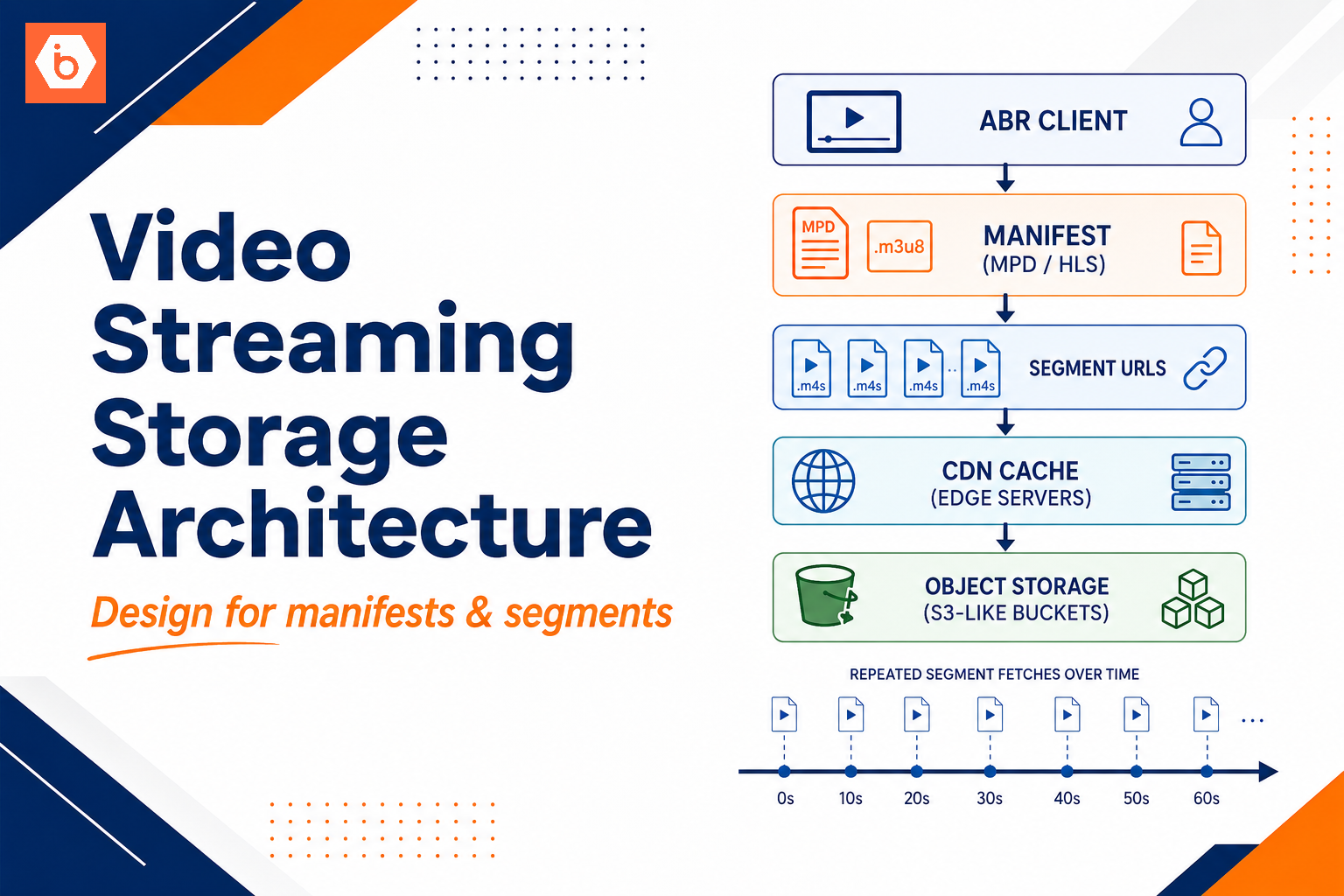
If you do streaming or media segmenting, you also need to test your “read pattern contract.” For example, if your player expects byte-range reads to always work for specific segment sizes, you must validate range semantics and any edge behavior at segment boundaries.
Performance testing also needs to include your application’s retry logic. Some vendors return different error codes or throttling responses. If your SDK retries on one class of errors but not another, you can create load spikes you did not plan for.
Security, governance, and operational friction
Once correctness is validated, security and governance decide whether you can actually run this in production.
Presigned URLs: validate end-to-end. Generate a presigned URL with your real signing method, then fetch it from the same network context your clients use. Confirm headers, expiration window, and allowed methods. If you rely on uploading from browsers, validate CORS and any header canonicalization requirements.
Encryption: confirm defaults and enforcement. If you require encryption at rest, make sure uploads cannot bypass it. If you use customer-managed keys or KMS-like controls, validate rotation and access revocation behavior. Also check whether your audit needs include per-object encryption metadata.
Audit logging: object storage often becomes a compliance blind spot. You need to know who accessed what, when, and from where. If the vendor does not provide the audit signals you need, you will have to compensate elsewhere in your architecture.
Lifecycle and retention: test lifecycle rules with a clock. Create objects with known prefixes and metadata, run lifecycle transitions, and verify the outcome. If you use lifecycle to abort incomplete multipart uploads, validate it by intentionally creating incomplete uploads and then waiting.
Operational friction: tooling compatibility matters. Even when the API is compatible, your operational scripts might assume AWS-specific behaviors in SDKs, CLI flags, or pagination. Treat tooling as part of the migration, not an afterthought.
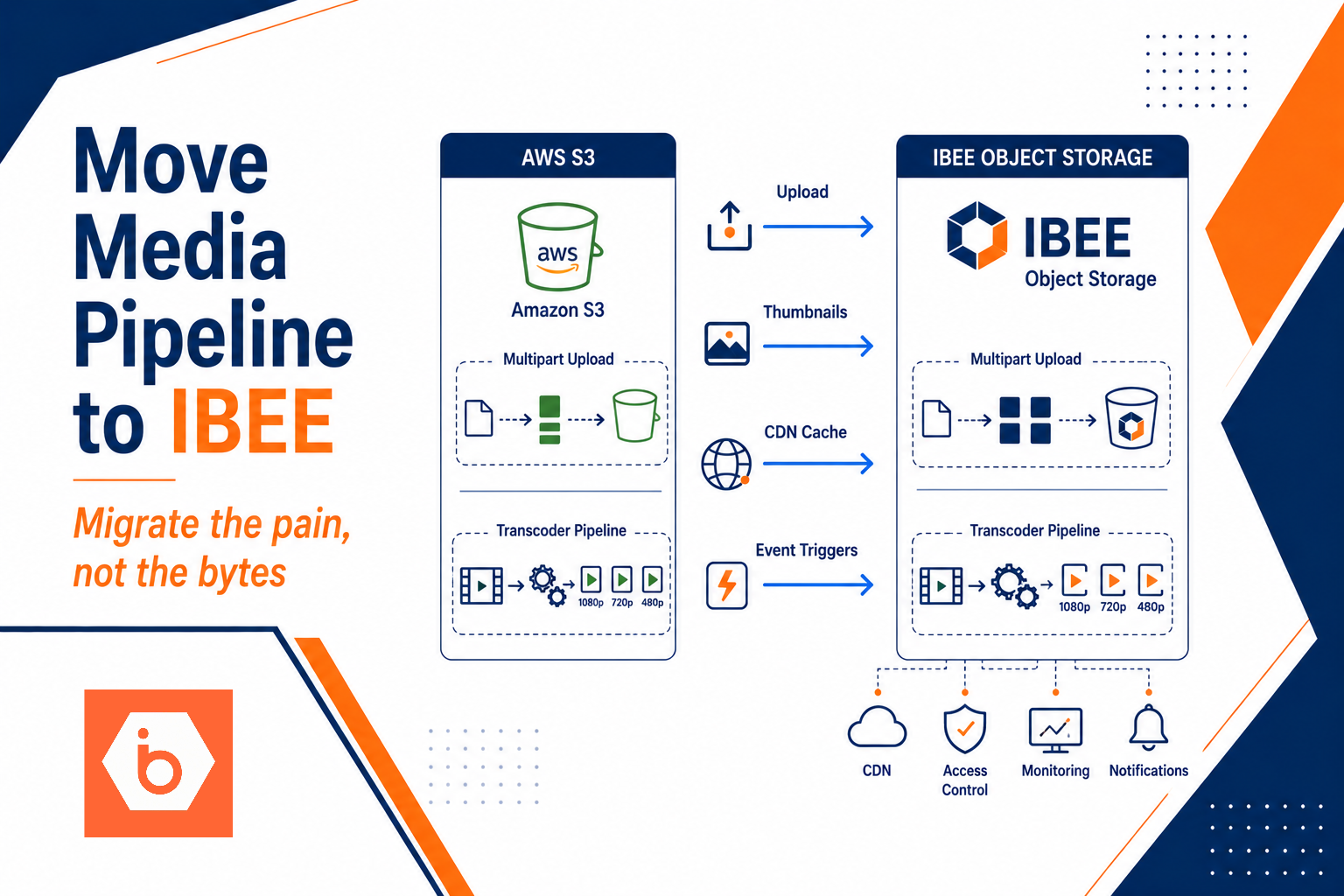
If you want a low-friction path for S3 migrations, IBEE Object Storage stays 100% S3-compatible, so your SDK and CLI patterns usually transfer without code changes. The bigger win is that you can then focus your engineering time on the real contract tests above, not on rewriting storage integrations.
Cost modeling: don’t just compare egress, compare the whole unit economics
Yes, egress matters. But you should model it alongside request costs and operational overhead.
Two teams can have identical egress volumes and wildly different bills because one does more GETs, more LISTs, and more multipart retries. Your application’s behavior drives request counts and retries, and those can dominate your cost once you optimize egress.
Also, egress cost alone can mislead you if your architecture uses object storage differently. A CDN can reduce origin GETs, but it can also increase range GETs and cache misses depending on headers and cache keys. If your cache validation logic depends on ETags, and ETags differ between vendors, you might increase origin traffic without realizing it.
So model at least these inputs:
Number of PUTs and GETs per object lifecycle.
Multipart part sizes and how often parts retry.
Range GET frequency and cache miss rate.
LIST usage patterns and how often you do “list to discover.”
That is how you avoid the “egress is cheaper but the bill still hurts” outcome.
If you are comparing against AWS S3, IBEE Object Storage pricing is straightforward: storage at ₹1.5/GB/month and egress at ₹2/GB, with uploads free. That egress gap can be roughly 3x versus AWS in India, but again, your request pattern still decides your total unit economics.
One action you can take today
Write down your object storage contracts as testable statements, then run a compatibility harness in a staging bucket that mirrors production request patterns.
Start with five tests: multipart upload with your real part size, ETag or cache validation behavior, range GET under your CDN headers, PUT-then-LIST ordering under concurrency, and presigned URL generation used from your real client network. If those pass, you can move fast. If they fail, you fix the app assumptions now, not during the next incident.