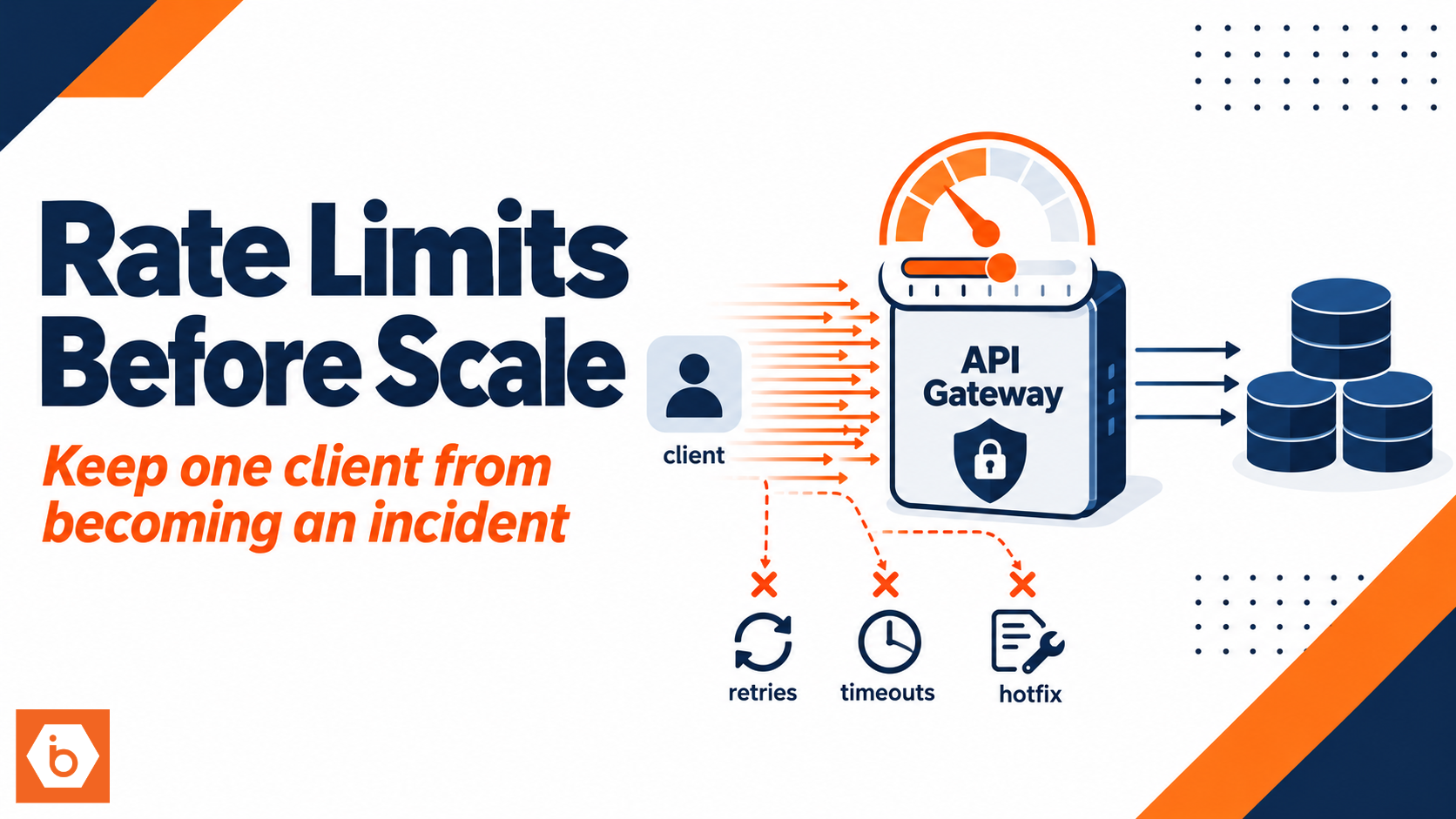

You shipped your API, it works in staging, and you tell yourself you will “add rate limits later.” Then a partner integration goes live. Their staging system points at production. Their job retries on timeouts. Your database starts queuing connections. Latency climbs. Clients time out more. Retries multiply. You end up throttling the whole world with a hotfix at 2 AM.
Most teams treat rate limits like a scaling feature. It is not. It is a reliability and security control that keeps one client from turning into an incident.
The uncomfortable truth: rate limits are a contract, not a patch
The moment your API has an address, it has traffic. That traffic is not polite. It spikes when someone launches a campaign. It spikes when a webhook retries. It spikes when a mobile app reconnects after a network drop. It spikes when a monitoring tool “checks every 5 seconds” and your load balancer is already under stress.
And here is the uncomfortable truth: most teams choose their rate limiting strategy after they see production pain. By then, you already trained your clients to behave badly. You also already let your infrastructure absorb the worst-case behavior, which means your logs and dashboards look like a crime scene.
Rate limits give you three things before you have “big customers”:
First, they cap the blast radius of bugs and misconfigurations. If a client loops without pagination, you stop the loop from becoming a DDoS.
Second, they break retry feedback loops. Without throttling, timeouts cause retries, retries cause more timeouts, and you get a collapse spiral.
Third, they turn “we think this will be fine” into a contract. You can say, in code and in responses, what usage looks like. That contract is what lets you scale predictably later.
Most teams get this wrong by setting a single global limit like “100 requests per minute per IP” and calling it done. It fails in exactly the ways you expect: NAT makes unrelated users share an IP, internal services get throttled, and one partner can still saturate expensive endpoints if you do not separate limits by route and identity.
What rate limits should cover (and what they should not)
You do not need a perfect limiter on day one. You do need the right dimensions. Rate limits should be applied where they protect resources and where they match how you bill, how you store, and how you compute.
Start with client identity. Use API keys, OAuth client IDs, or service accounts. IP-based limits are useful for unauthenticated traffic and abuse, but they are a weak primary key because mobile networks and corporate NATs collapse many users into one IP.
Then split limits by endpoint “cost.” A cheap GET can run hot. A CPU-heavy search or a long-running export cannot. A POST that triggers downstream workflows should have tighter guardrails than a read.
Also separate by HTTP method. Even if the endpoint path looks similar, your system cost often differs between reads and writes.
Finally, consider concurrency. Requests per second alone cannot stop a slow client from occupying threads or connection pools. Concurrency limits stop that class of failure.
What you should not do is apply only one limit at the edge and assume you are safe. If your limiter sits only in the gateway but your internal services call each other directly, you still need service-to-service throttling or application-layer checks. Otherwise, a single bad internal caller bypasses your edge controls and still hits your shared database.
How the limiter actually prevents incidents
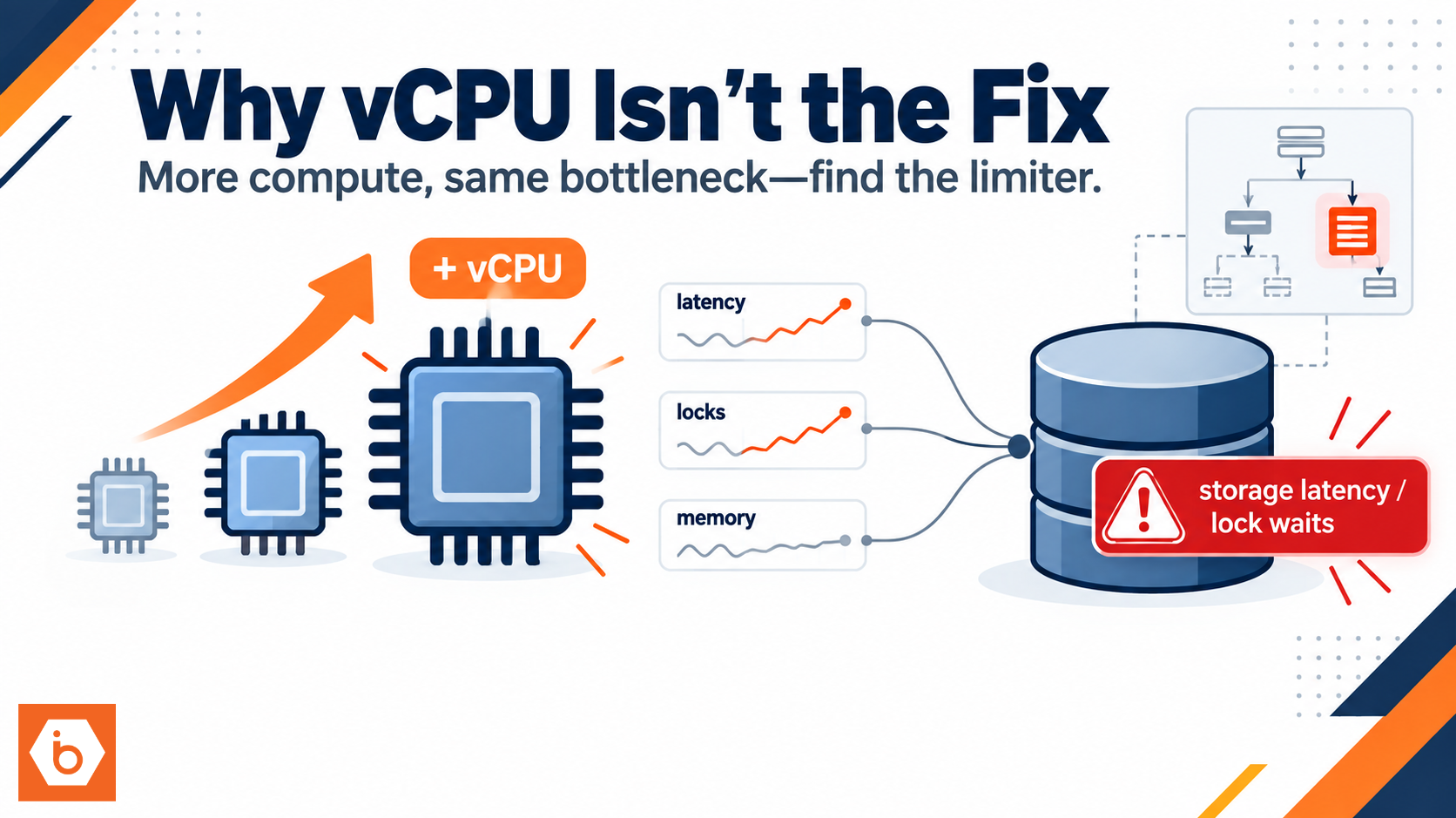
Most outages are not caused by “too much traffic.” They are caused by too much traffic plus the wrong failure mode. The wrong failure mode is usually one of these: your database saturates, your thread pool blocks, your cache miss rate spikes, or your third-party dependency slows down. When that happens, latency rises, clients time out, and retries multiply.
A rate limiter breaks the loop by forcing backpressure. It does not fix the root cause, but it buys you time to debug without turning a small issue into a cascading incident.
Here is the practical behavior you want:
When a client exceeds the limit, you return HTTP 429 Too Many Requests with a Retry-After header. Your clients can then slow down instead of retrying immediately.
Your limiter should allow controlled bursts. If you use a strict fixed window like “100 per minute,” you get boundary spikes. Token bucket style limits handle bursts without punishing legitimate traffic.
Your counters must be shared across instances. If you run multiple pods or VMs and each instance keeps its own in-memory counter, your effective limit becomes “N times higher,” where N is the number of instances. That defeats the whole point.
That is why most production-grade limiters store counters in a shared system like Redis and use atomic operations. Yes, it adds moving parts. But without shared counters, your limiter is theater.
Required visual: how edge throttling protects downstream systems
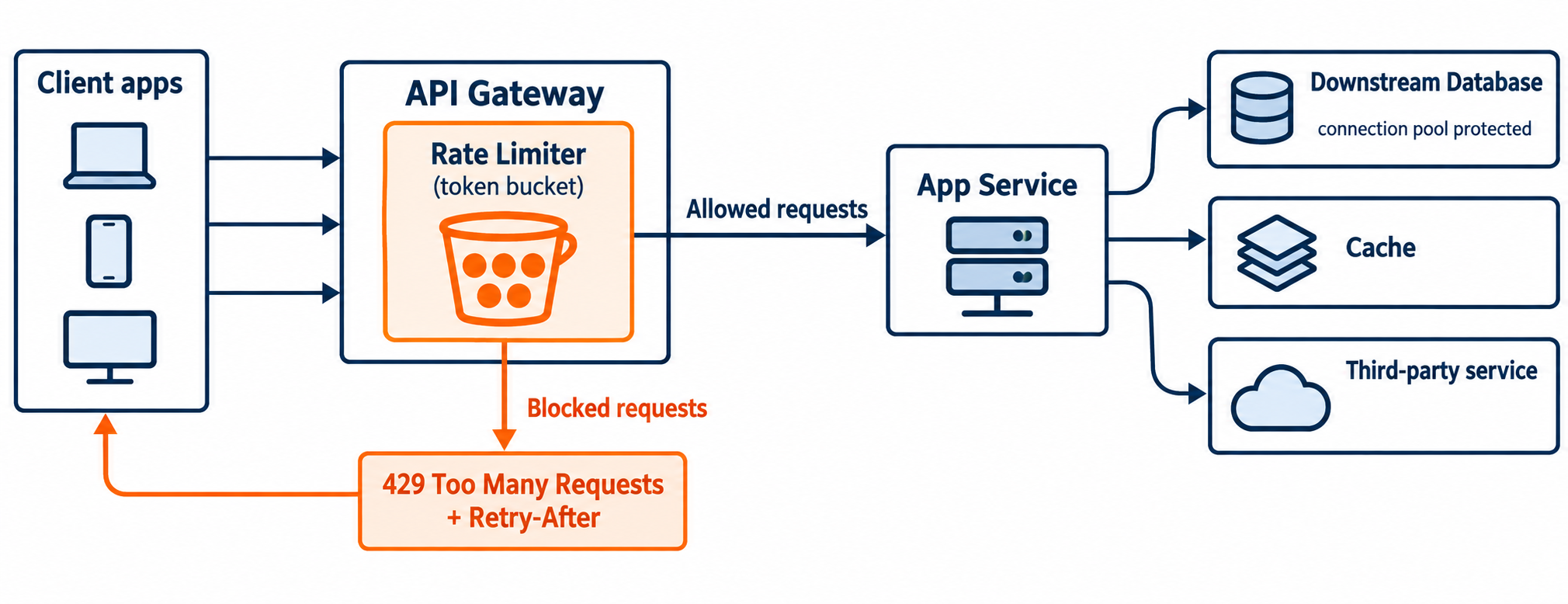
Shows where rate limiting sits and how it caps load before it reaches your database and dependencies.
Tuning limits without guessing wildly
You will be tempted to pick numbers based on vibes. Don’t. Pick numbers based on what your system can sustain and what your clients actually do.
The simplest approach is to start with conservative defaults per identity and per endpoint class, then tune from observability.
You need three metrics:
How many 429 responses you return, broken down by identity and endpoint.
What percent of requests are throttled, again broken down by route.
How latency and error rates change when throttling happens.
If throttling spikes but your overall error rate drops, you are doing the right thing. If throttling spikes and nothing improves, your bottleneck is probably elsewhere or your limits are too high for the real bottleneck.
Also, you must decide what “fair” means. For multi-tenant APIs, fairness usually means tenant-level limits. One tenant should not starve others. If you only limit by API key and you have shared keys across tenants, you lose isolation. If you only limit by IP, you lose fairness because IPs are shared.
A good default for early-stage APIs is:
Per identity limits for authentication and core endpoints.
Lower limits for expensive endpoints.
Separate limits for writes.
Optional: tighter limits for unauthenticated endpoints if you expose anything publicly.
One real-world example: GitHub has long used throttling and abuse controls on public APIs. Even when you are not “big,” clients and bots exist. Their approach shows a key point: rate limiting is part of the product behavior, not an emergency lever.
Where to enforce rate limits in a real stack
Enforcement location matters. If you enforce only at the edge, you protect the edge, not your internal calls. If you enforce only in the app, you waste CPU and network before you reject.
A sane early architecture is two-layer:
Edge enforcement for coarse rejection. This prevents useless traffic from consuming network and app resources.
Endpoint-specific enforcement inside the application or a service layer. This lets you apply different limits to search, exports, and writes.
If you run Kubernetes, you also need to remember that scaling pods does not change the fact that your shared downstream resources have a ceiling. Your limiter must be shared, not per-pod.
If you want fewer moving parts, you can start with edge enforcement plus identity-aware limits. Then add endpoint-specific limits once you see which routes are expensive. But do not skip shared counters.
Optional: add service-to-service rate limits so internal callers cannot overwhelm shared dependencies. This matters when you have background jobs, webhook processors, and retrying workers.
Optional visual: token bucket behavior and retry guidance
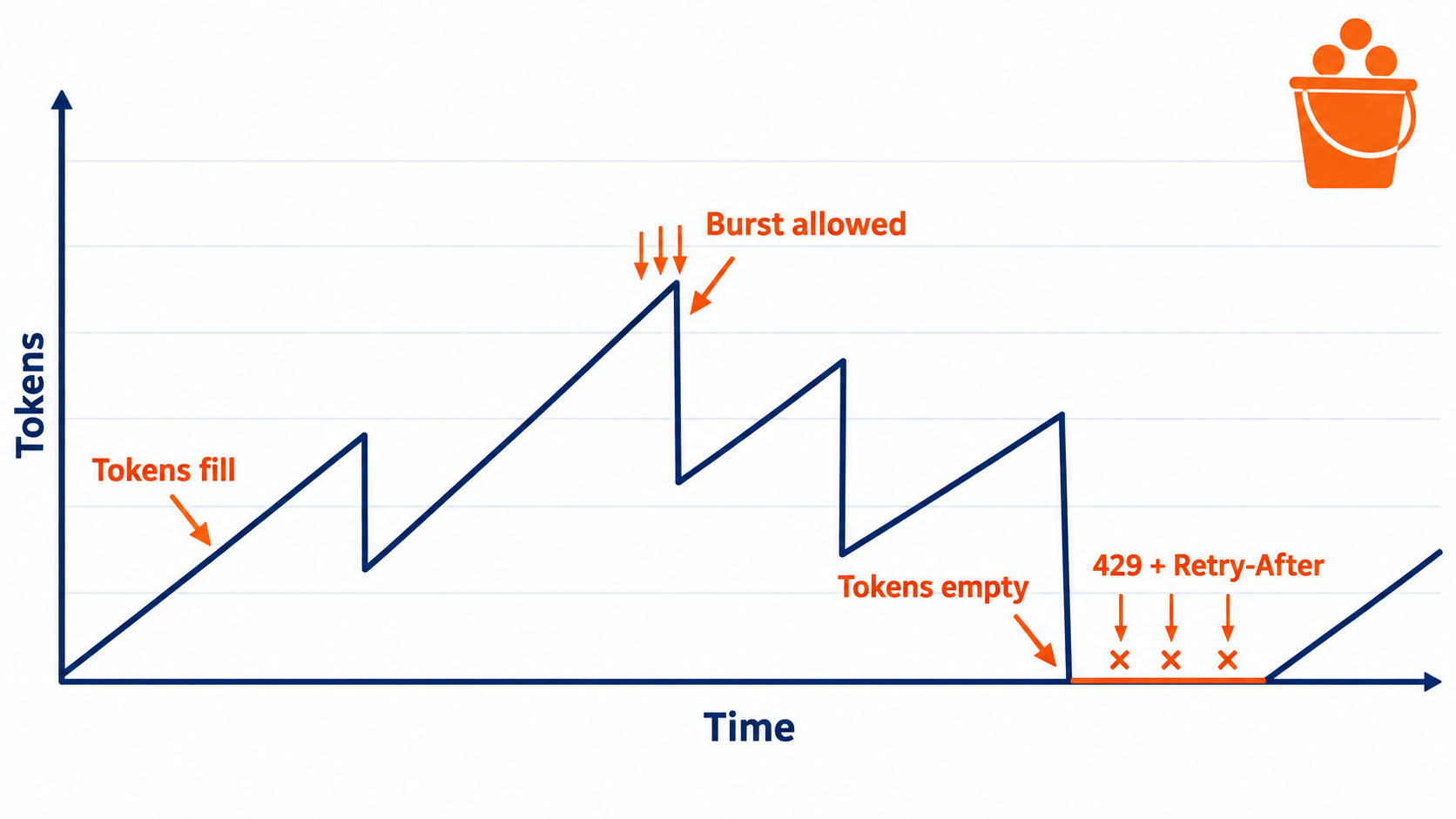
Demonstrates how token bucket limits allow short bursts while still enforcing the average rate.
Security and cost: rate limits are also your first line of defense
Rate limiting also reduces abuse. Credential stuffing and scraping can start long before you have enterprise customers. Bots do not wait for your sales funnel. They probe endpoints, hammer login, and harvest data if you leave endpoints unguarded.
Even if you authenticate everything, you still need rate limits because authenticated abuse exists. A compromised token should not be able to drain your database, saturate your caches, or trigger expensive downstream actions.
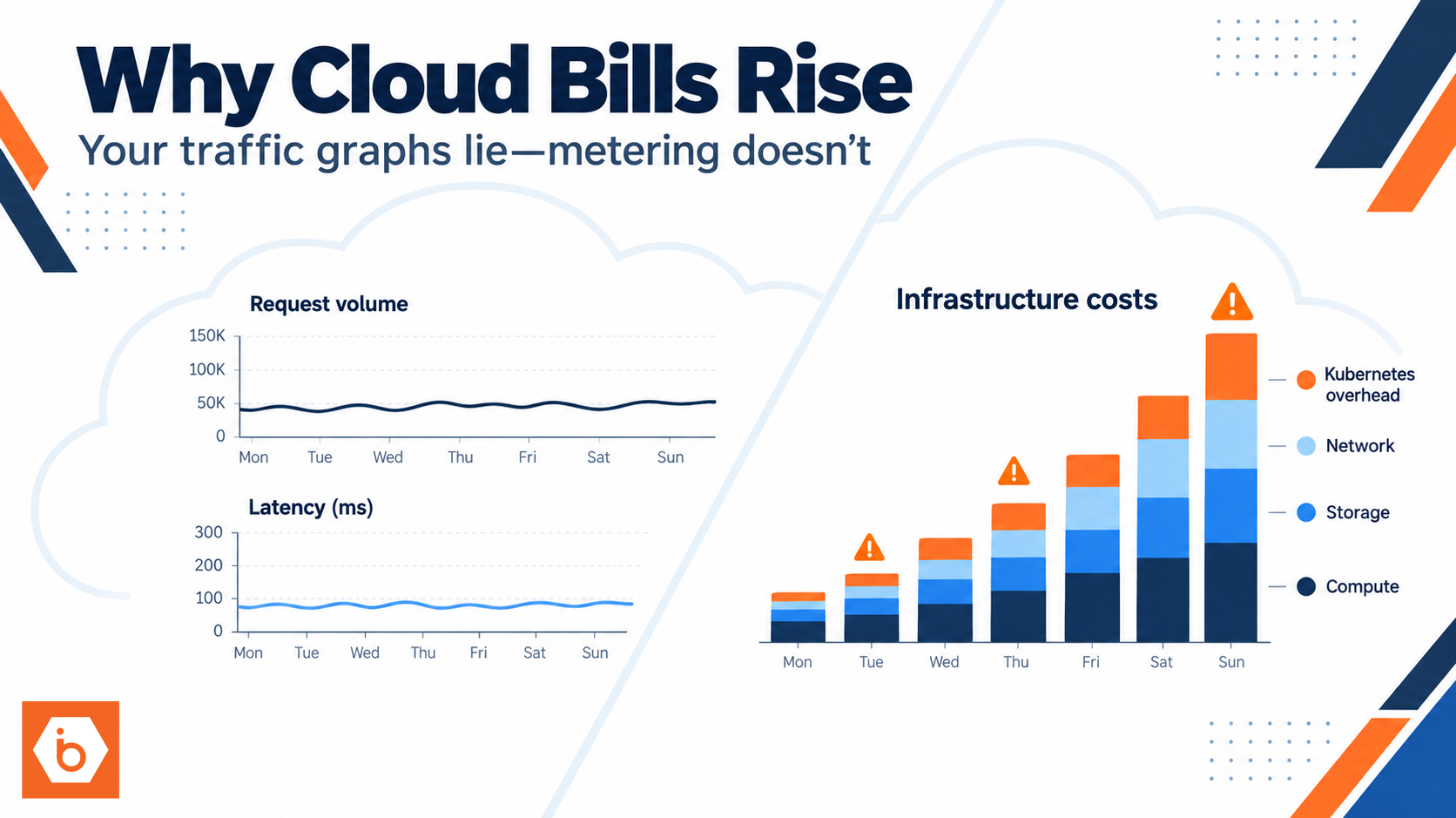
This is where your API behavior connects to your cloud bill. If your API triggers compute-heavy work per request, then unbounded request volume directly becomes unbounded cost. Rate limits cap the worst-case spend. That is not a “nice to have.” It is how you prevent a single bad actor or a broken integration from turning into a surprise invoice.
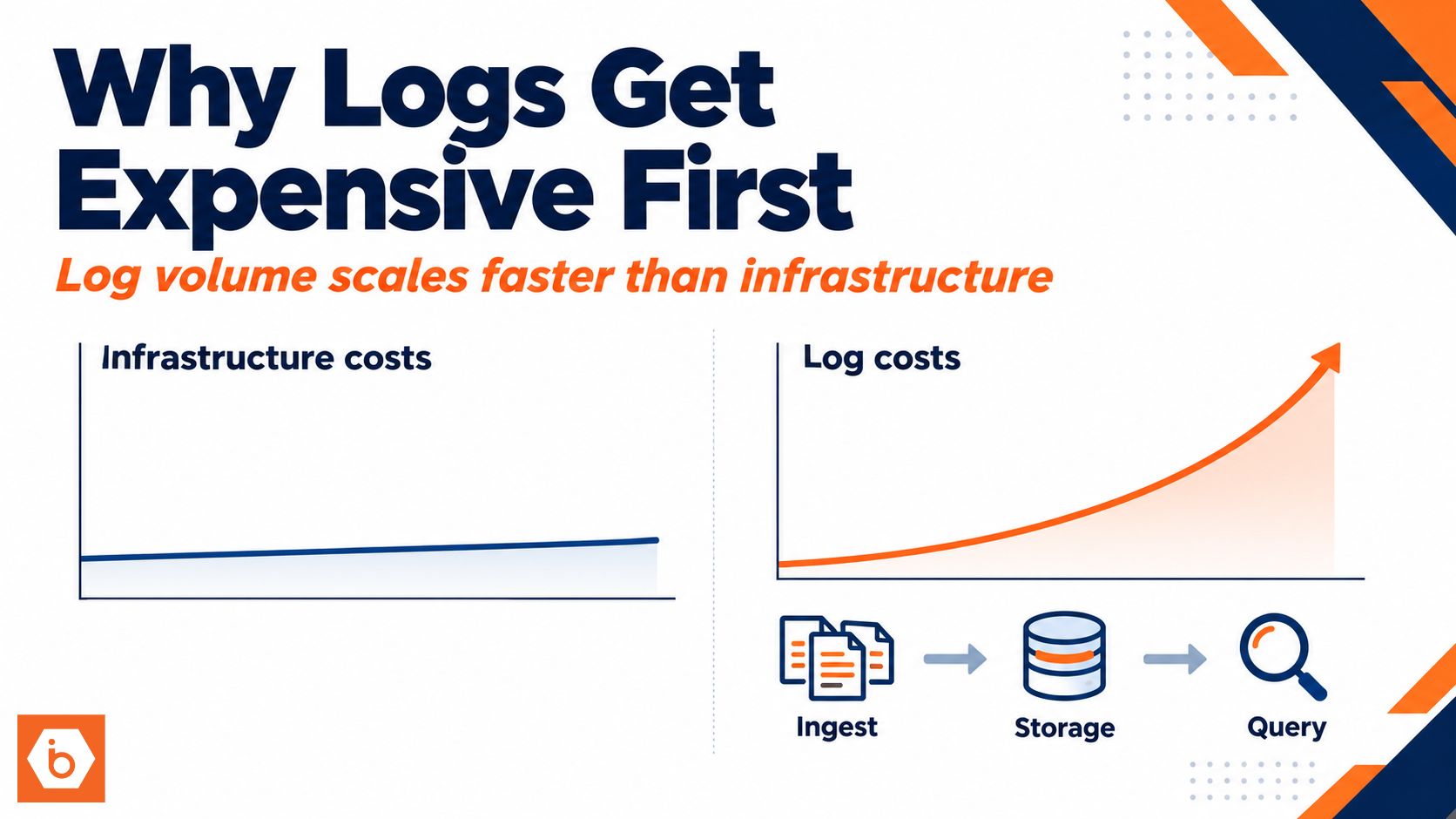
Also, rate limits reduce noisy logs. Fewer timeouts and fewer retry storms means your log storage and alerting stay sane. You do not want to spend your early growth debugging preventable overload.
The action you can take today
Add rate limits now, with identity and endpoint cost in mind.
- Pick a limiter key: API key or OAuth client ID (and use IP only as a secondary signal for unauthenticated traffic).
- Apply separate limits per endpoint class: core reads, expensive reads, and writes.
- Return HTTP 429 with Retry-After.
- Store counters in a shared place so limits hold across instances.
- Turn on metrics for 429 rate per route and tune from data.
If you do only one thing, do this: implement 429 with Retry-After and cap writes and expensive endpoints by identity. That stops the retry spiral and protects your shared resources before the first “big customer” arrives.