
Most teams don’t get “network cost” wrong because they can’t do math. They get it wrong because they anchor on the one number marketing hands them: free ingress.
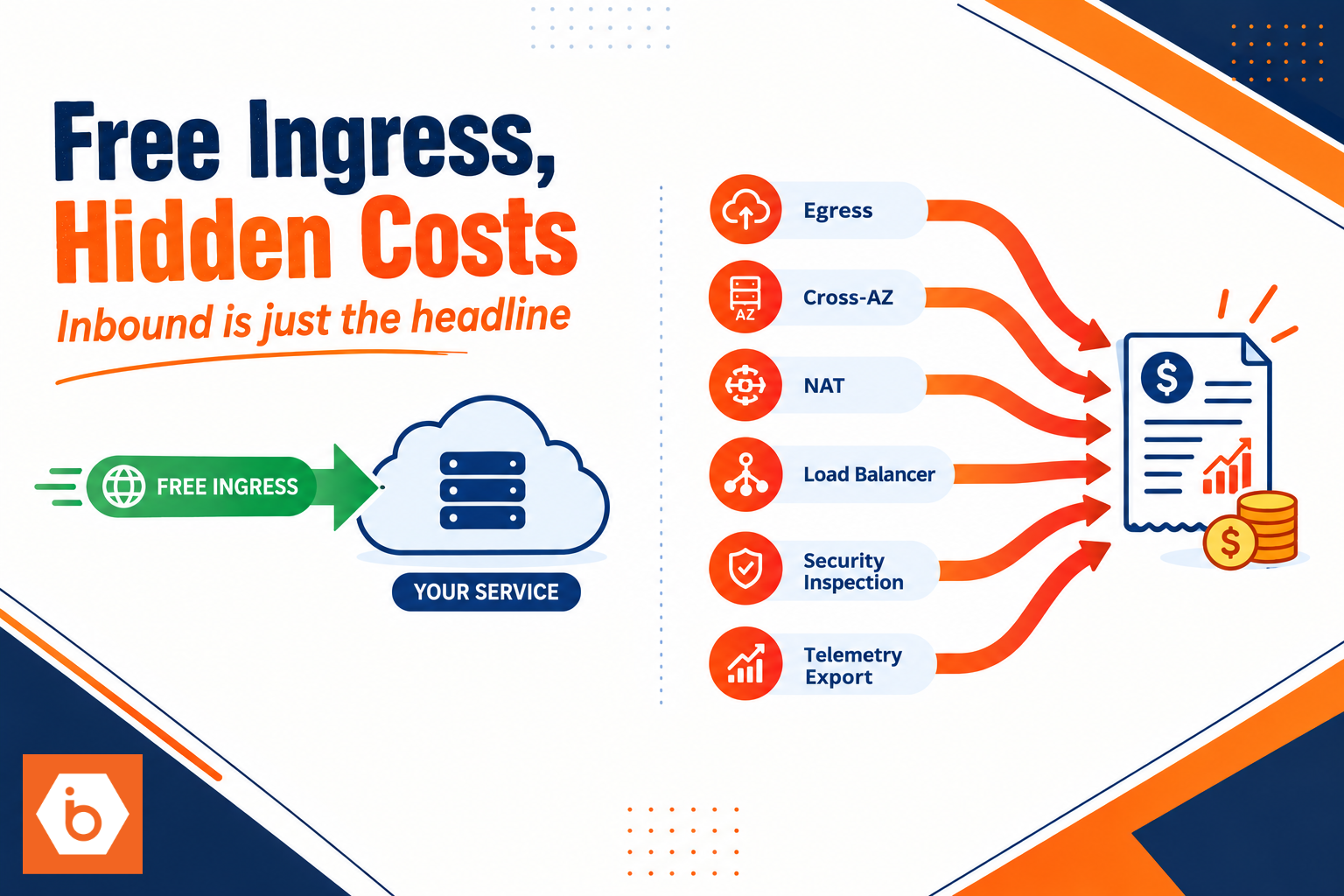
The first time you see the bill, it feels personal. Your inbound traffic graph looks healthy, flat, even “good.” Then finance drops a number that’s 3 to 10x what you budgeted for bandwidth. You dig in and discover the truth: your egress, cross-AZ chatter, NAT and load balancer processing, security inspection, and telemetry exports are doing all the heavy lifting. Inbound was just the headline.
Most teams get this wrong in the first planning meeting. Someone says, “Ingress is free, so networking is basically free.” Then nobody writes down where bytes originate, where they end up, and how many times they move between services. That omission is what turns “free ingress” into a budgeting trap.
The mental model that breaks on day one
Cloud providers split transfer into categories that look simple on a pricing page and messy in production.
Ingress is traffic entering the provider network. Egress is traffic leaving it. But your application does not run in a vacuum. It calls services, replicates data, ships logs, and streams responses. Those actions create outbound traffic that can bill even when inbound is free.
Here’s the uncomfortable part: “free ingress” only describes one direction for one traffic class. It does not mean your network bill is near zero, because network cost is usually dominated by:
Internet egress, especially when your responses are larger than your requests Cross, availability zone traffic when components talk across AZs Inter-region traffic for replication, backups, or active-active setups Load balancer and NAT gateway charges, often per hour and per GB processed Security and inspection pipelines like WAF and DDoS protection Observability exports, where logs and traces leave instances to managed systems Replication and backup flows that are “egress-like” from the provider’s accounting perspective
If you want a quick gut check, compare request sizes to response sizes. APIs often have small inbound bodies and large outbound payloads. That flips the direction that costs money.
Required visual: map bytes to where they bill
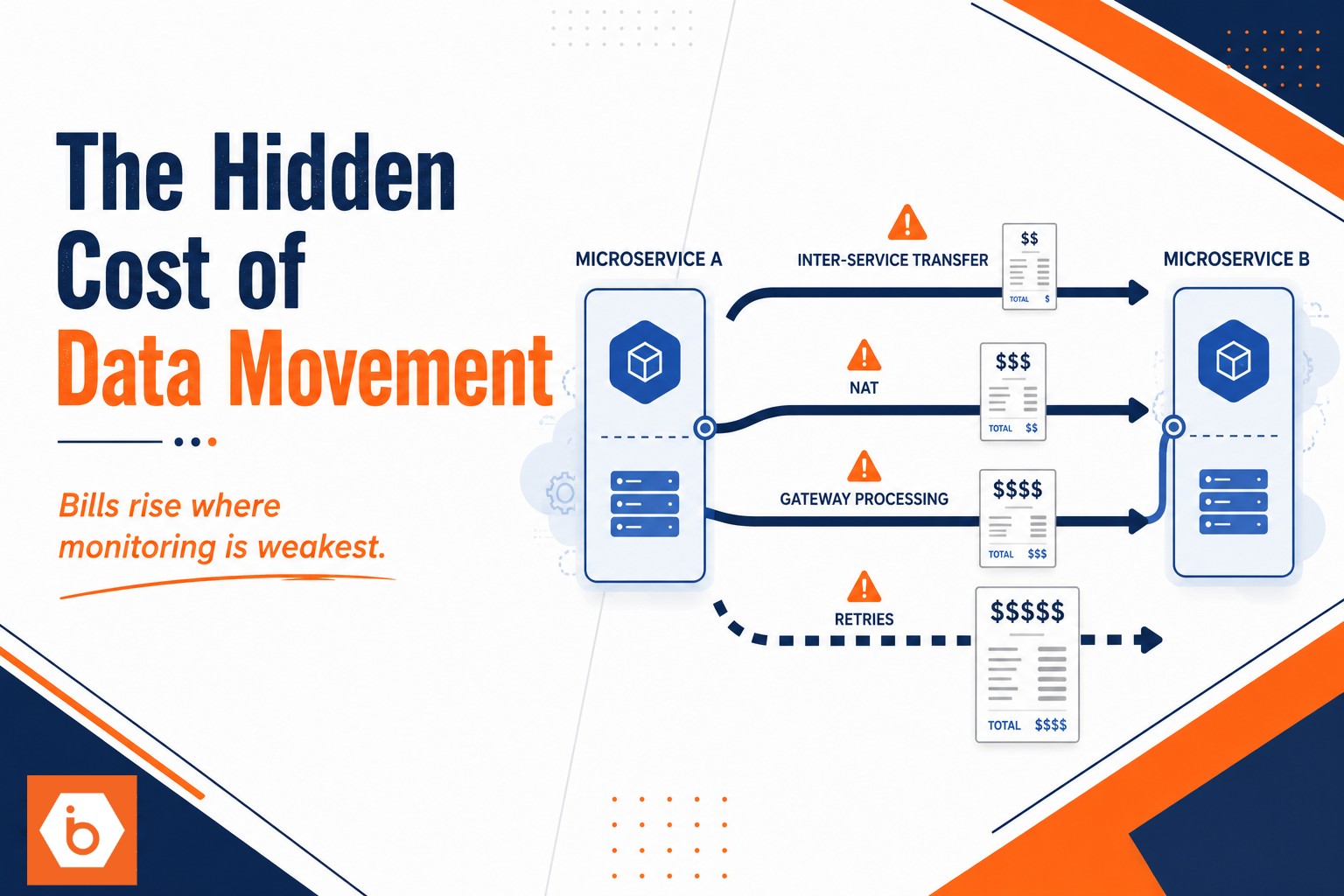
Most network cost surprises come from bytes moving more times than you think, not from a single huge transfer. Your job is to trace “byte paths” and count how many times each path crosses a billable boundary.
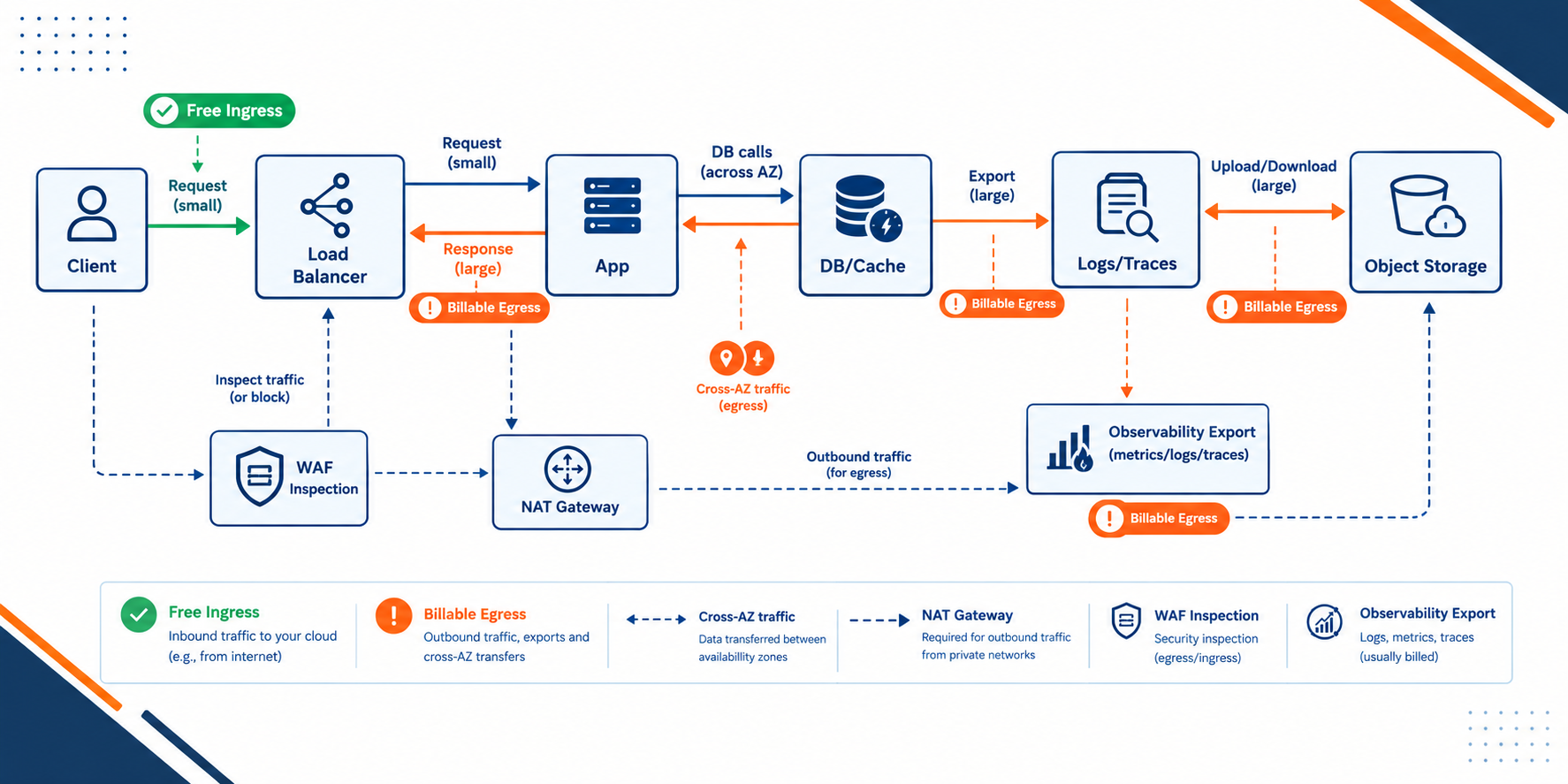
Shows how inbound traffic triggers multiple outbound billing paths even when ingress is free
Once you see the paths, the pricing makes sense. The provider is charging for the scarce parts: delivering data out, moving it across boundaries, and processing it through managed components.
Why egress almost always wins
If you return JSON, generate exports, stream media, or send large responses, egress becomes the dominant line item. A single endpoint can produce far more outbound bytes than inbound bytes, because every request often triggers a response that is bigger than the request.
One simple example: if you have 1 million API calls per day, with 2 KB average request bodies and 200 KB average response payloads, you’re pushing about 200 GB/day out. Ingress is ~2 GB/day. Even if ingress is free, egress is not.
The real-world pattern is consistent: inbound is headers and small bodies. Outbound is everything you actually serve, plus retries when clients time out.
Cross-AZ traffic is the silent tax
You can run “multi-AZ” and still accidentally create a lot of cross-AZ traffic. Load balancers distribute requests across AZs. Databases often live in multiple AZs. Microservices talk to each other. If those calls cross AZ boundaries, you pay for that movement.
This is why the same architecture feels fine in one region and expensive in another. It depends on how your service placement lines up with your database placement and how your load balancer hashes connections.
NAT and load balancers charge even when traffic is “small”
A lot of teams put private workloads behind private subnets and then route outbound through NAT gateways. That design is fine. It just isn’t free.
NAT gateways are often billed per hour and per GB processed. Load balancers may charge per hour and per GB processed. Even when your inbound is free, your outbound calls to third-party APIs, package repos, token validation endpoints, and internal service calls still traverse these components.
So your network bill becomes a function of “how your architecture sends traffic,” not “how much traffic enters.”
Security and observability add hidden outbound bytes
WAF, DDoS protection, bot management, and similar services process inbound traffic, but they also influence what happens next. More inspection can mean more retries, more dropped connections, and more reprocessing work. That can increase outbound responses and client retries, which increases egress.
Observability is another common offender. If your instances ship logs, metrics, and traces to managed collectors, those exports leave the instances. Even if your users never download anything, your team still pushes telemetry out continuously.
Most teams get the cost model backwards
Most teams build a spreadsheet that looks like this:
Total network cost ≈ inbound bytes × ingress price
That spreadsheet is wrong because it ignores the direction that bills. Network cost is closer to:
Total network cost ≈ egress + cross-AZ + inter-region + managed processing + security and telemetry exports
And it gets worse when your architecture amplifies traffic. Retries multiply bytes. Inefficient serialization increases payload sizes. Chatty microservices increase call counts. Replication and backups add constant background transfer.
One more blunt truth: if your team only measures “ingress” in dashboards, you will never catch the real problem. You need to track egress and internal transfer between services, by AZ and by region, not just public inbound.
Where architecture decisions create billable bytes
This is where you stop blaming “cloud pricing” and start blaming design.
If you stream large responses, you pay for egress. If you compress poorly or send redundant fields, you pay more. If you don’t cache, you regenerate responses and increase outbound work. If you put services in different AZs without thinking about affinity, you pay cross-AZ. If you replicate data across regions continuously, you pay inter-region even when traffic is quiet.
Also, your CI/CD and platform engineering choices matter. Deployments can trigger traffic storms: health checks, rolling restarts, cache invalidations, log bursts, and database connection spikes. Those events can increase outbound responses and telemetry volume right when you least want surprises.
If you store and ship artifacts or datasets, your storage access pattern matters too. Object storage reads and writes can show up as network transfer. And if your architecture downloads large datasets for training or inference, that egress can dwarf everything else.
Practical way to stop the bleeding today
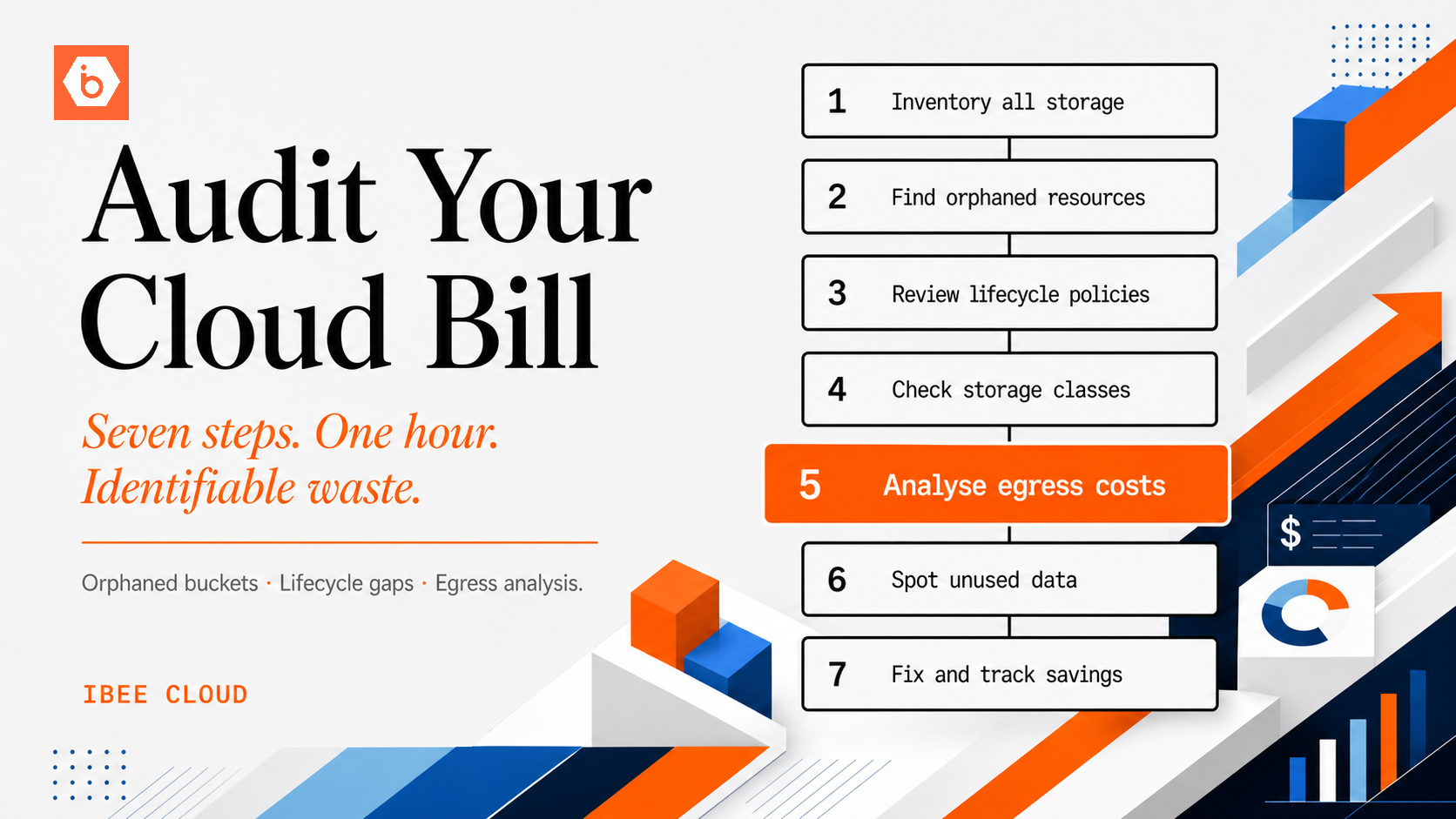
You don’t need a month-long FinOps program. You need one correct inventory of byte paths and then one set of targeted fixes.
Do this today:
- Pick your top 3 endpoints by request count and top 3 by response size. For each endpoint, write down average request bytes and average response bytes.
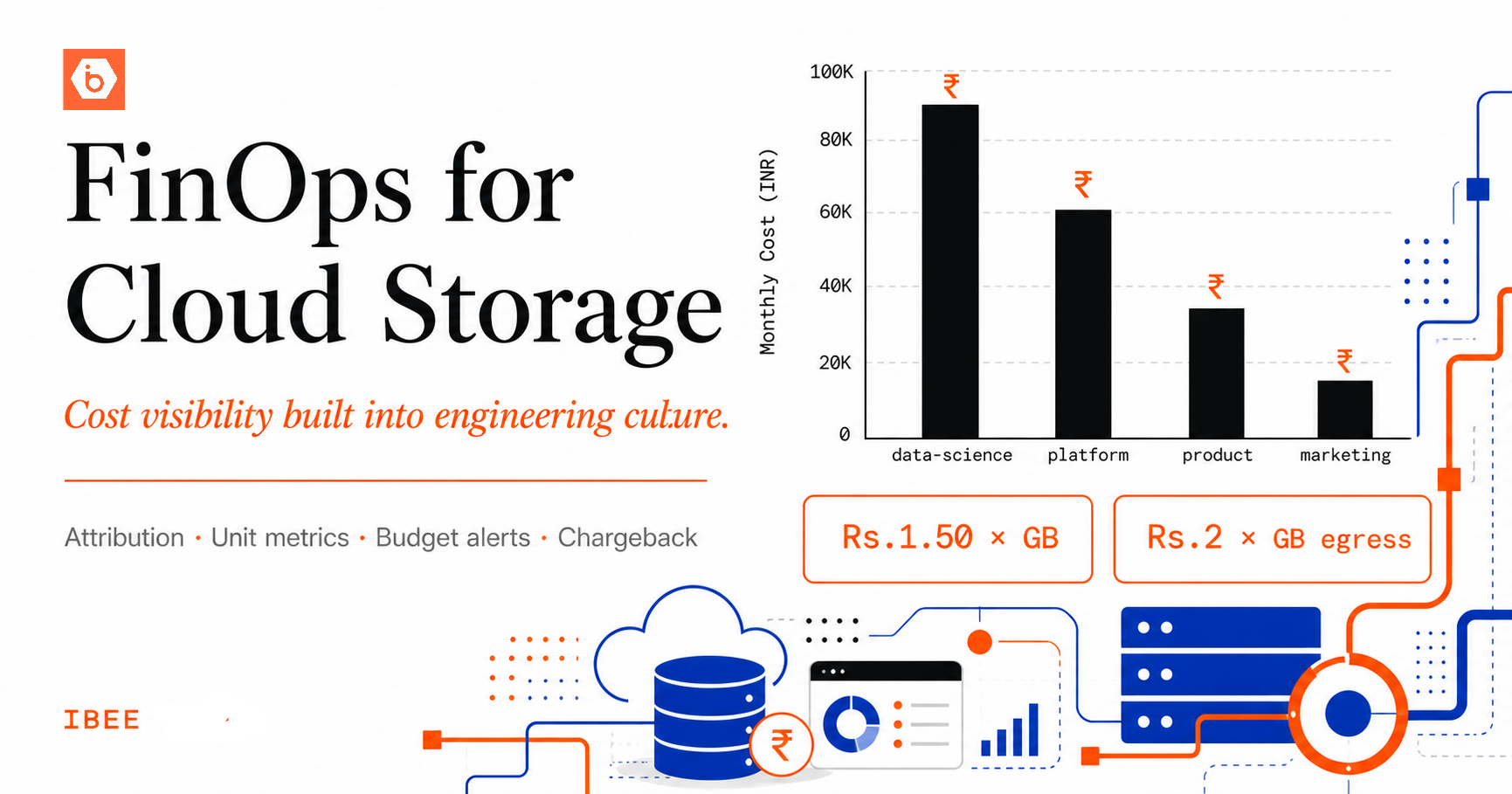
- Add a second view to your dashboards: egress bytes per instance or per service, plus cross-AZ and inter-region transfer if your tooling supports it.
- Identify where outbound traffic leaves your VPC or private subnets (NAT, load balancer, service endpoints). Confirm which components process the traffic.
- Turn on or review metrics for retries and timeouts. If clients retry, you will multiply outbound bytes.
- For the biggest byte paths, decide whether you can reduce payload size, add caching, compress correctly, or change placement to keep traffic within the same AZ.
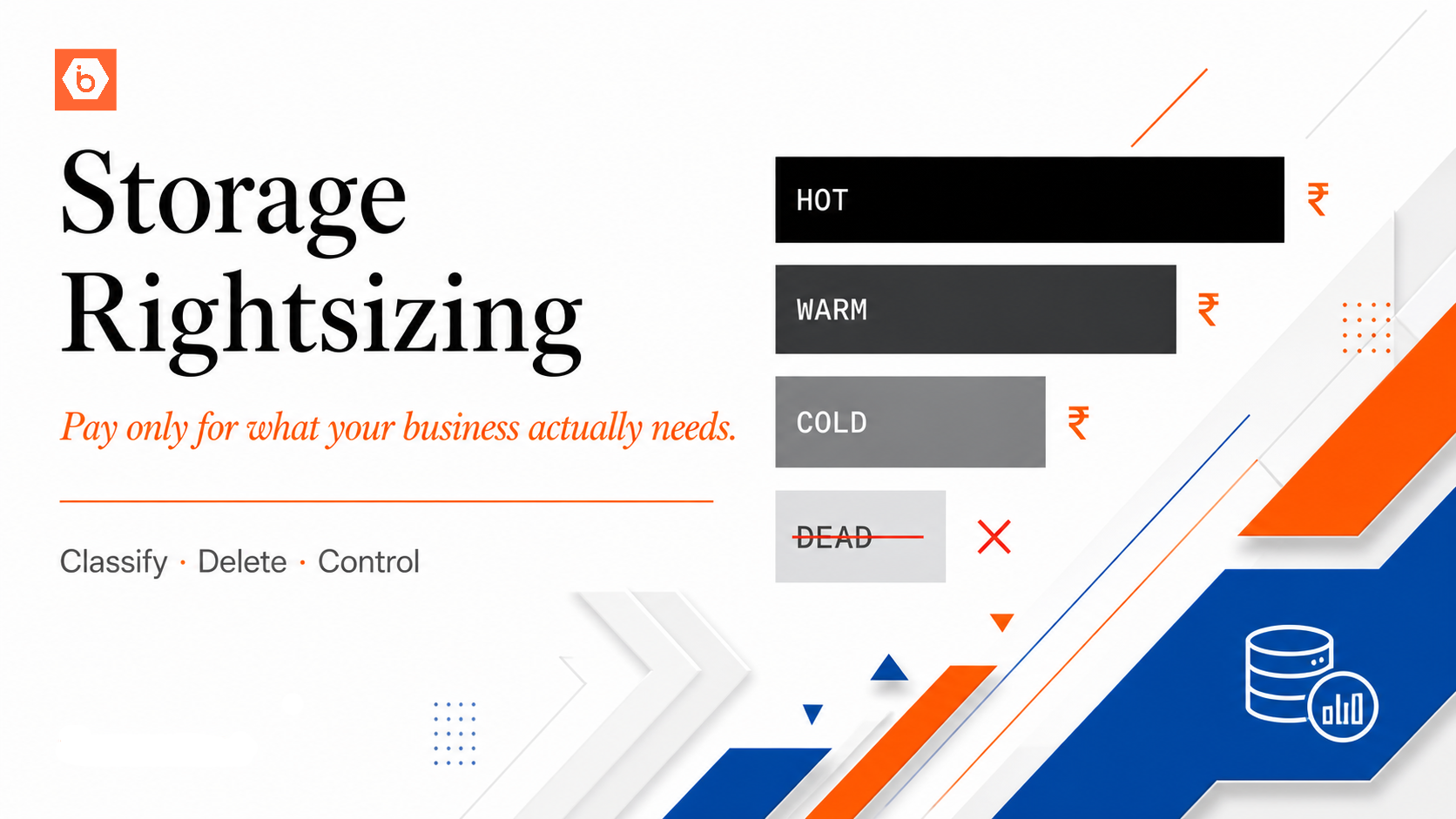
If you want a concrete starting point for storage-heavy apps: audit how your services move data between compute and storage, and measure whether responses are pulling data repeatedly instead of caching or precomputing. That’s usually where the “free ingress” illusion dies first.
If you do only one thing, do this: replace your “ingress-based” network cost spreadsheet with an “egress and internal transfer” one, then re-budget using those numbers.