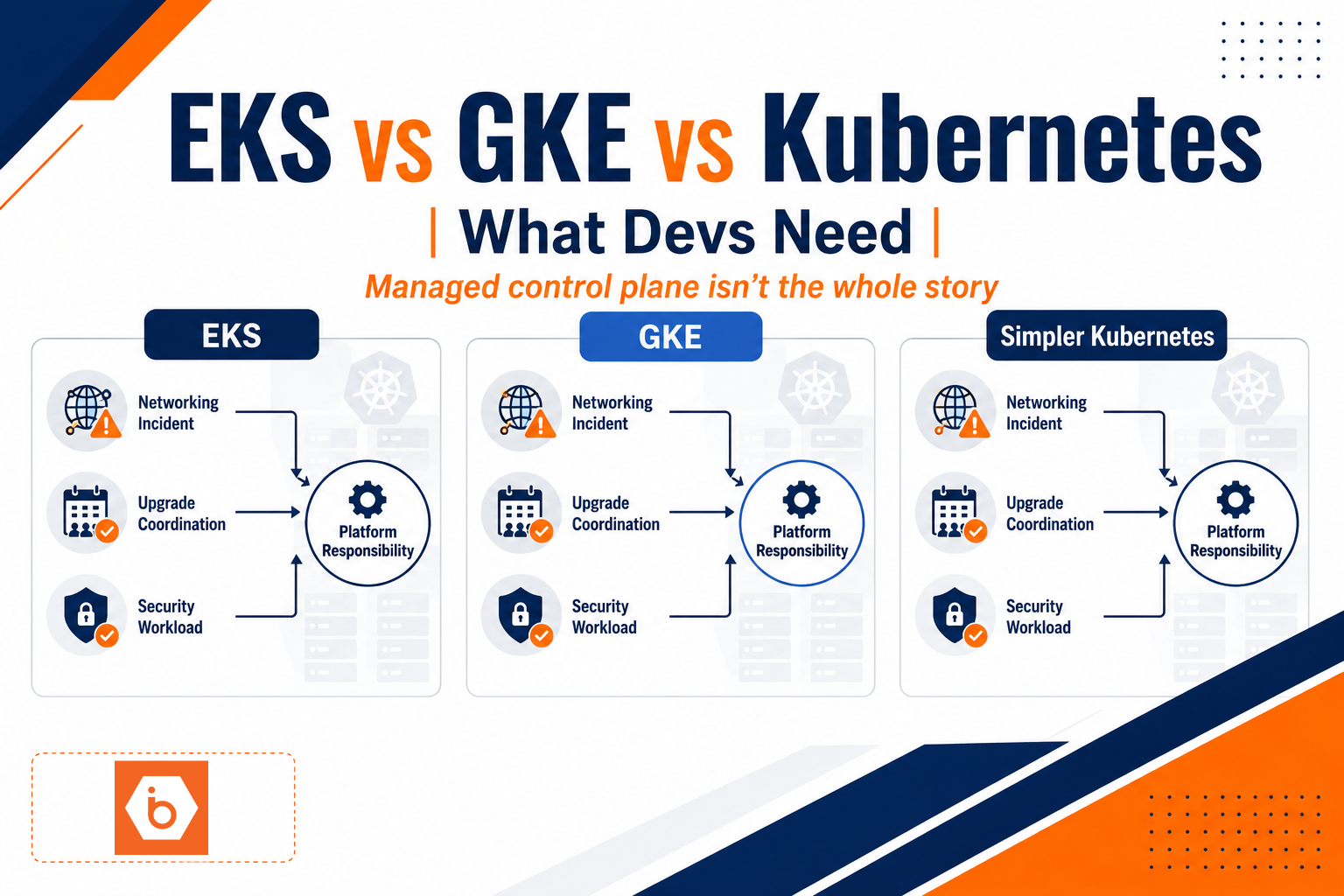
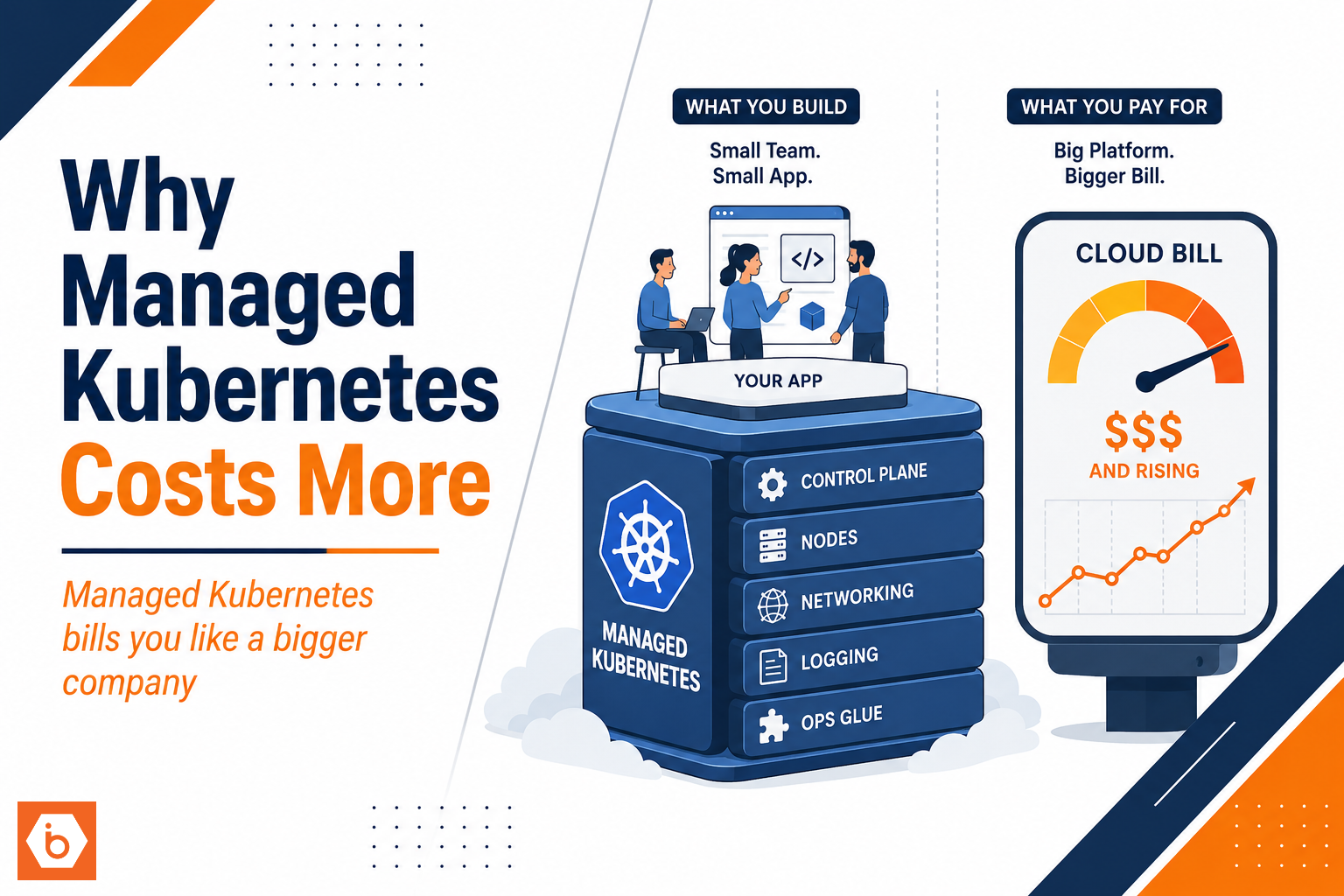
You didn’t “choose Kubernetes.” You chose the entire platform shape that Kubernetes drags behind it: control plane fees, a minimum node footprint, networking components, logging pipelines, and operational glue. Then you built a tiny app on top and expected the cloud bill to feel tiny too.
The uncomfortable truth: most small teams pick managed Kubernetes (KaaS) because it sounds operationally simple, not because it matches their workload math. And Kubernetes punishes mismatch hard. The result is a monthly bill that feels like you’re paying for a company twice your size.
Where the money actually goes
Managed Kubernetes pricing usually has a few buckets. You can’t optimize what you can’t name, so here are the buckets that consistently dominate for small clusters.
First, the control plane. Providers charge per cluster and it often runs whether you have traffic or not. If you run one cluster for dev and one for prod, that’s two control planes. Even if your workloads are “just a couple services,” you still pay the cluster fee.
Second, worker node compute. Kubernetes needs somewhere to run system pods and your workloads. Even with autoscaling, you still keep a baseline node pool for availability and to avoid cold-start latency. If your app is small, you underutilize those nodes. Underutilization is the silent tax.
Third, networking. Kubernetes traffic frequently goes through multiple layers: Ingress controller, load balancers, service endpoints, sometimes NAT gateways, and then egress paths. Small teams often create “one load balancer per ingress” or “one managed LB per service” patterns. That turns networking into a recurring line item that grows with routes, not with CPU.
Fourth, storage and persistent volumes. Even if your app is stateless, you’ll likely have persistent volumes for things like uploads, caches, or stateful components. Storage and backup costs scale with capacity and retention, not with how often you think you use them.
Fifth, observability. Managed Kubernetes doesn’t remove the need for metrics and logs. Most teams wire up logging “just to be safe,” then keep high-cardinality logs for long retention because debugging felt scary the first week. Logging bills are often the least understood part of the invoice.
Finally, add-ons. Ingress, DNS integration, cert management, policy enforcement, metrics adapters, security scanners, and sometimes service mesh. The add-ons may be open source, but the managed equivalents, node resources, and operational overhead still cost real money.
Most teams get this wrong by treating Kubernetes as “just a scheduler.” It’s not. It’s a whole platform with a baseline footprint and a bunch of components you have to run, observe, and integrate.
The baseline overhead you can’t wish away
Kubernetes has a cost floor. Even if your application runs 5 pods total, you still need:
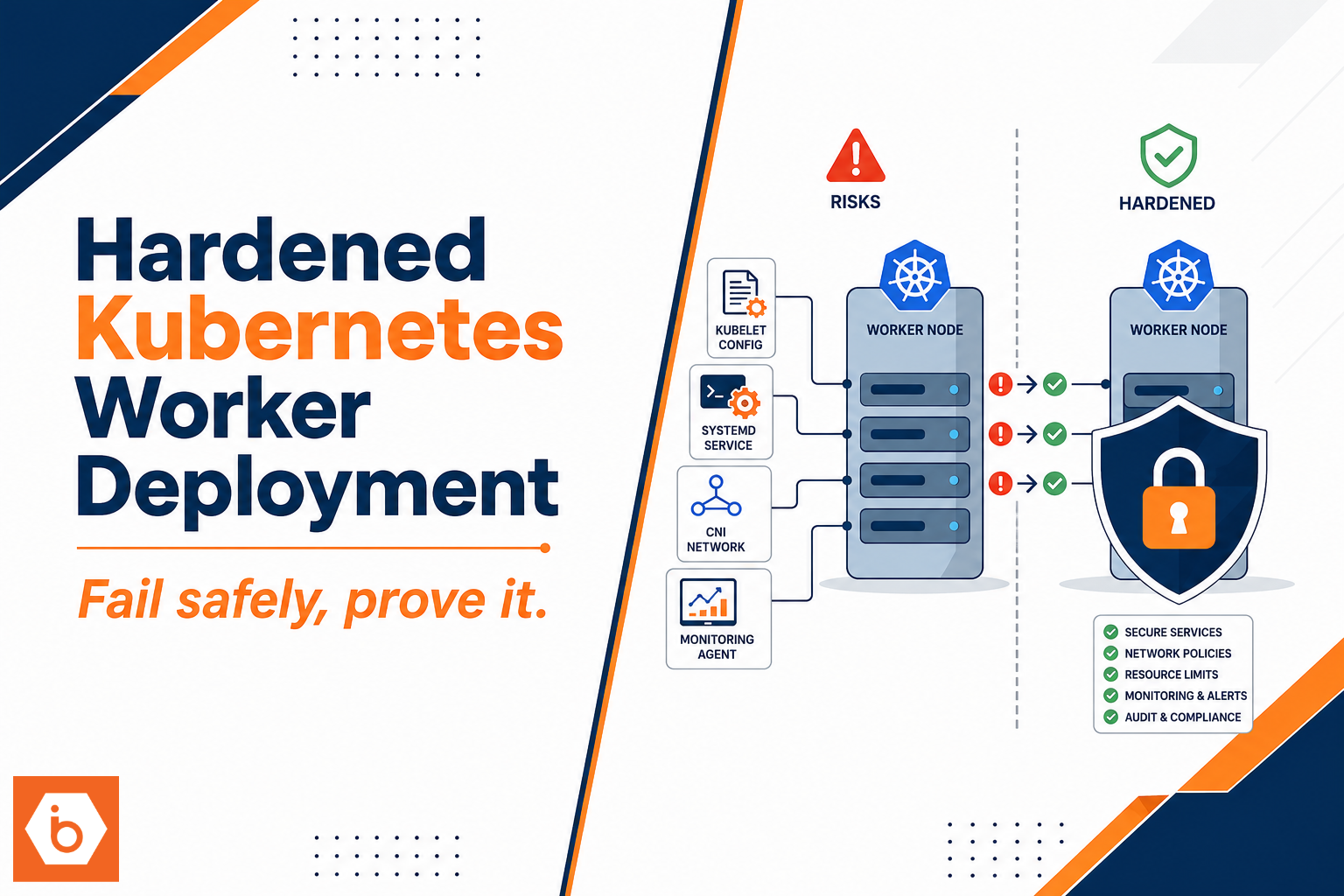
A control plane fee. At least one node pool for system components and scheduling. Kubernetes system pods (DNS, metrics, networking, ingress controller). Enough IPs, load balancer capacity, and storage primitives to function.
Then you add environments. Most teams run at least staging and production. Some add preview environments for PRs. Each environment often becomes its own cluster or its own serious slice of capacity. That multiplies the baseline overhead.
Here’s the part that hurts: small teams often set resource requests conservatively because they don’t trust performance yet. Conservative requests lead to poor bin packing. Poor bin packing means you need more nodes than you should. More nodes means more spend even if CPU usage looks fine in dashboards.
Autoscaling doesn’t fully rescue you either. Cluster autoscaler can scale down, but not instantly. Node group scaling has delays. Some system pods and daemonsets prevent aggressive scale down. And if you keep a minimum node count for reliability, the floor remains.
Even when you do everything “right,” you’re still paying for platform components you didn’t personally ask to build. You’re paying to run Kubernetes itself, not just your app.
Most teams get this wrong moment: they run a single cluster for everything, then add more namespaces and more services, and they only look at costs after the cluster is already “production-ish.” By then they have logging, ingress, monitoring, and IAM policies wired in a way that’s hard to unwind without breaking workflows.
The hidden costs your invoice doesn’t show
Your cloud bill is visible. The other costs are not, and they often decide whether managed Kubernetes feels “expensive.”
Engineering time is the first hidden cost. Managed Kubernetes still requires real work: cluster bootstrapping, IAM and RBAC, networking setup, ingress and TLS, secrets wiring, CI/CD integration, and observability configuration. Managed means the provider runs the control plane, not that your team stops doing platform engineering.
Second, debugging time. Kubernetes issues are rarely “one knob.” Scheduling problems can be resource requests, taints and tolerations, node affinity, or autoscaler behavior. Networking problems can be CNI settings, ingress annotations, DNS, security groups, or service selectors. Permission problems can be RBAC, workload identity, or secret access. When you have a small team, every hour debugging is an hour not building product.
Third, toolchain overhead. You end up with manifests, Helm charts or Kustomize, CI pipelines, policy engines, secret managers, and dashboards. That’s not free. It’s also not optional if you want reliability.
Fourth, operational learning curve. Kubernetes is forgiving when you run a demo. It becomes strict when you run production workloads. You learn the hard way that “it works on my cluster” doesn’t exist. It becomes “it works on my node pool with these system components and these defaults.”
If you want one real-world signal: a lot of teams report that the operational overhead of Kubernetes shows up as slower iteration, not as outages. That’s still a cost. It’s just paid in missed deadlines and rework.
Cost drivers you can measure before you optimize
You need numbers, not vibes. Start with a simple inventory of what your cluster actually runs and how traffic flows.
The biggest cost drivers for small teams are usually:
Control plane per cluster. Minimum node pool size and underutilization. Load balancer and ingress sprawl. Log ingestion volume and retention. Storage and backup retention for stateful bits.
You can measure these without changing anything. Pull metrics for node utilization, pod density, and autoscaling events. Compare request rate to log volume. Count your ingress rules and load balancers. Then map those counts to invoice line items.
If you see high log volume relative to traffic, you have a logging problem, not a Kubernetes problem. If you see node pools that never scale down below a certain number, you have a reliability baseline problem. If you see many load balancers for many routes, you have a routing architecture problem.
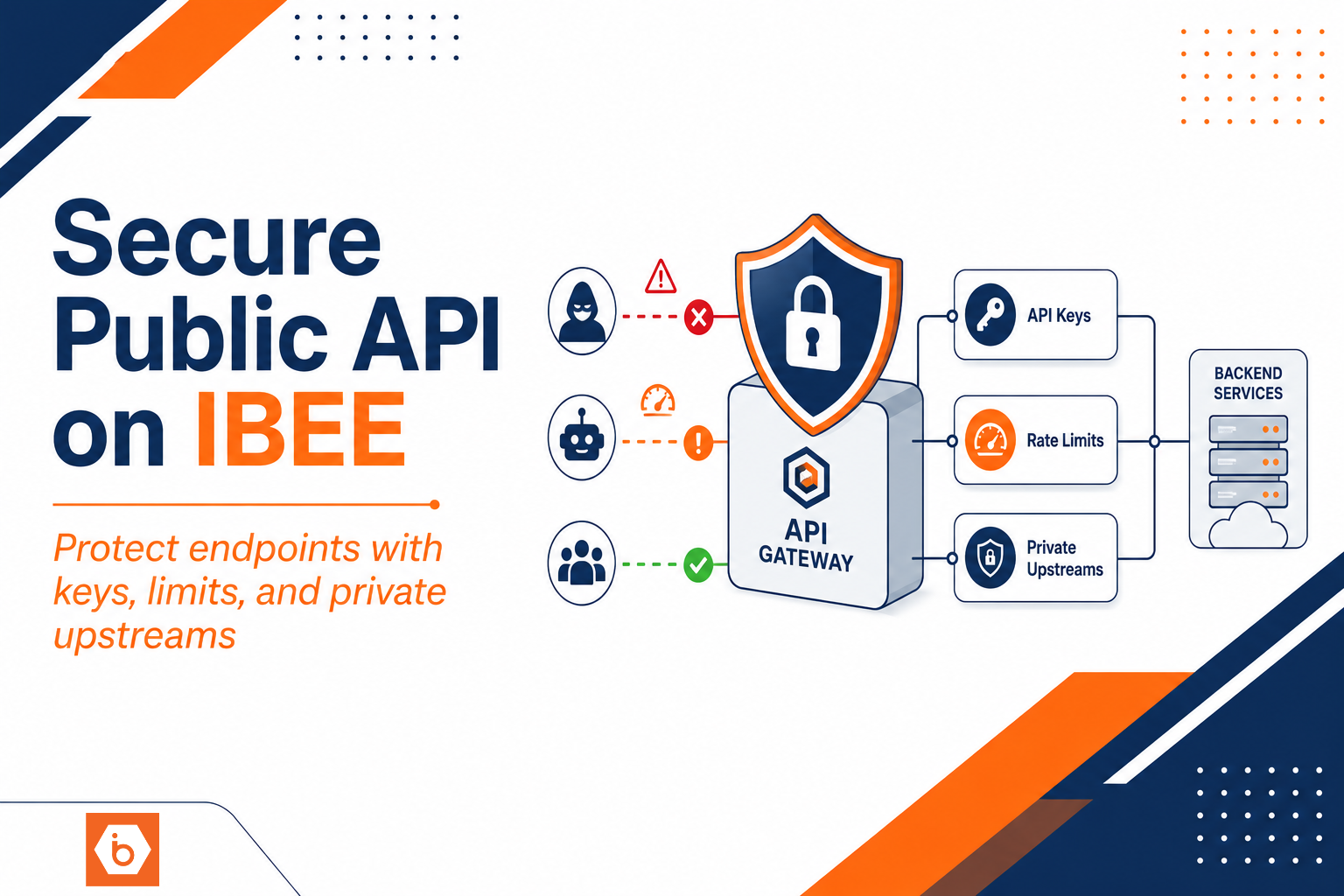
One more trap: teams sometimes pick managed Kubernetes and then keep every service “fronted” by an ingress and load balancer. That’s expensive and it’s unnecessary. Not every internal service needs to be internet-reachable. Not every endpoint needs the same routing path. You can reduce managed LB usage by consolidating ingress, tightening exposure, and using internal service-to-service routing appropriately.
How to make it cheaper without breaking production
You don’t need to abandon Kubernetes. You need to stop paying for unused platform capacity and stop scaling the wrong things.
You can cut cost in four practical ways.
First, reduce the number of clusters. If you currently run separate clusters for every environment, consider consolidating. Use namespaces and strict isolation where it makes sense. If you truly need separate clusters for compliance or blast radius, at least avoid multiplying them for dev and short-lived testing.
Second, right-size node pools. Start with the smallest node pool that can handle your system pods and your real workloads. Then tune autoscaling behavior and scale-down policies. Watch for scheduling fragmentation caused by conservative requests and limits.
Third, fix logging. Set sane defaults for log levels, reduce high-cardinality fields, and shorten retention for debug logs. Keep what you need for incident response and audits, and archive the rest. Most teams don’t have a logging policy. They have logging panic.
Fourth, reduce managed networking spend. Consolidate ingress where possible, avoid creating a load balancer per service unless you truly need it, and keep public exposure minimal. Also verify NAT and egress paths. Egress bills can surprise you when you route traffic through multiple layers.
If you’re building on IBEE, you can also reduce the “platform tax” by running your cluster workloads on infrastructure you can size and observe tightly. For example, IBEE Cloud Firewall and Load Balancer can help you avoid some of the extra layers teams accidentally add when they build ingress and security from scratch, which reduces both cost and operational churn.
A decision checklist you can run today
You need a go/no-go checklist for managed Kubernetes that forces the math early. Don’t wait until your first bill.
- How many clusters do you plan to run in the next 6 months?
- What is your minimum node pool size per cluster, and what is your current average node utilization?
- How many ingress rules and externally exposed endpoints do you have, and how many managed load balancers does that imply?
- What is your logs per request ratio, and what retention are you using?
- What’s your plan for right-sizing resource requests and limits once you have real traffic?
- What breaks if you consolidate environments into fewer clusters?
Run that against your current setup. Then pick one lever and change it this week. Your goal is not “perfect optimization.” Your goal is to remove the baseline floor you’re paying for while you’re still small.
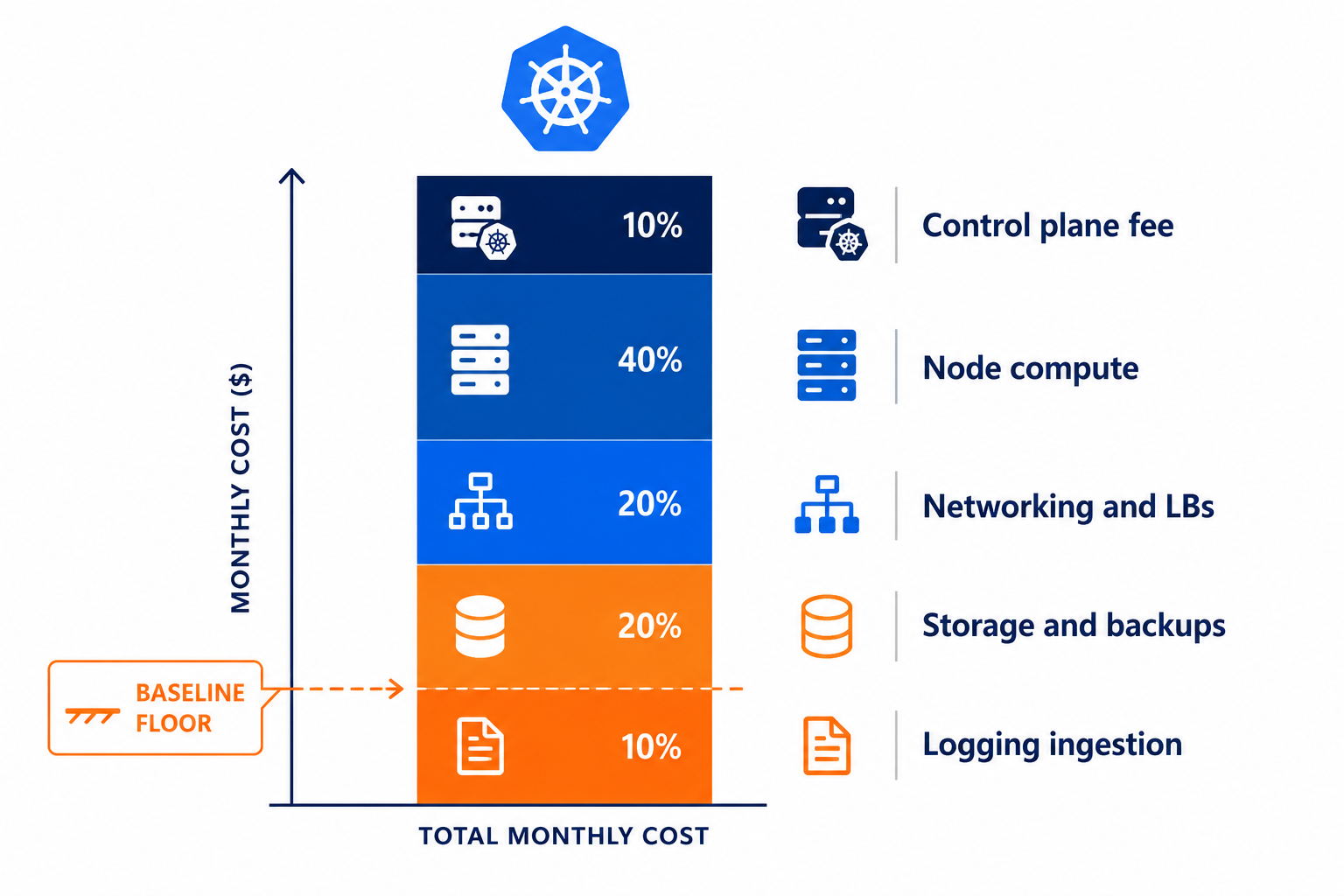
This shows how managed Kubernetes spend splits between control plane, nodes, networking, storage, and logging.
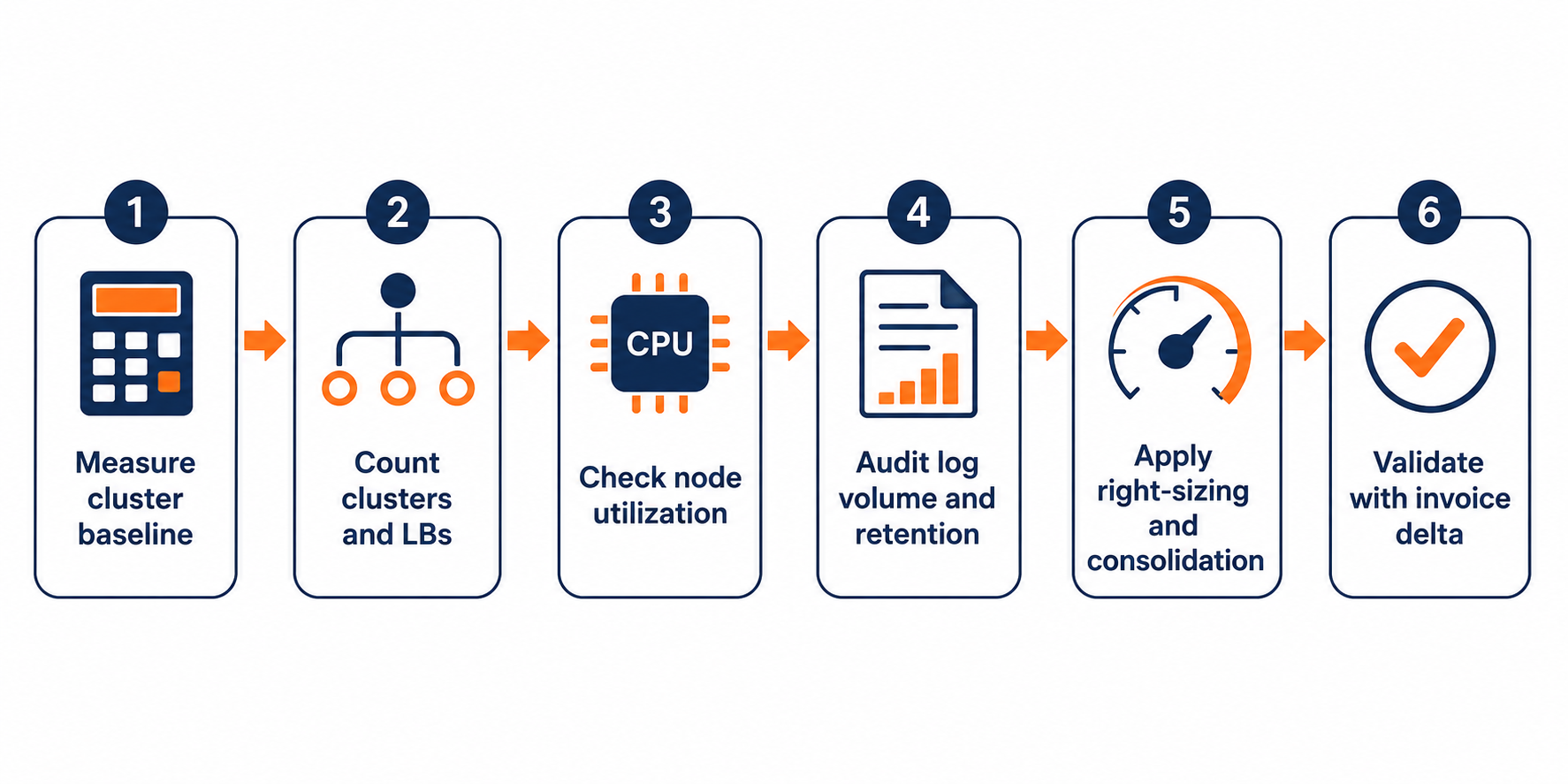
This maps the fastest cost levers from measurement to action.
Do this today
Export your current invoice line items and match them to cluster components: control plane per cluster, node compute, load balancers and egress, storage and backup, and logging ingestion plus retention. Then choose one immediate change: either consolidate environments to reduce cluster count, or cut logging retention and log verbosity for debug-level noise. Measure the invoice delta after the next billing cycle. That’s the only feedback loop that matters.