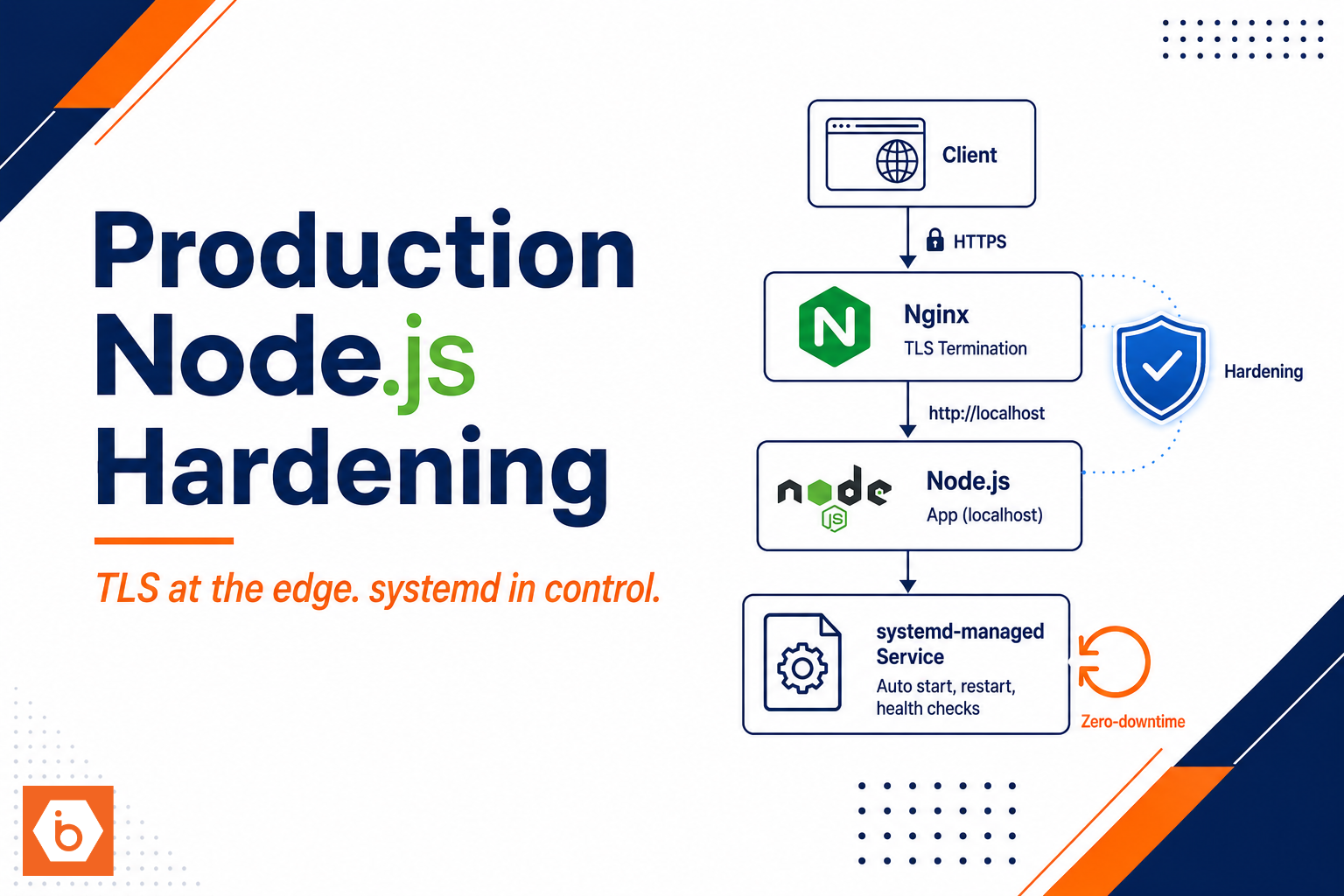

How to deploy and harden a production Node
The migration to production took six weeks. Three of them were spent undoing a decision made in the first hour: the team started the Node.js app directly on a public port, then added Nginx later “for TLS.” That worked until the first incident, when you realized you had no clean rollback, no consistent restart behavior, and no way to tighten security without breaking traffic.
Start by separating what terminates client connections from what runs your app. Nginx should own TLS and the public-facing HTTP behavior. Your Node.js process should bind to localhost or a private interface only, so there is no reason for it to ever accept internet traffic. This single change shrinks your attack surface immediately. Also, it gives you a stable place to enforce timeouts, request size limits, and headers without touching application code.
Now decide how you will deploy without gambling. Most teams get this wrong by “rolling” the service and hoping the old and new code paths tolerate each other. If you want near-zero downtime, run two Node instances side by side and switch traffic only after the new one proves it can serve. In practice, you run one instance on port A and the other on port B. systemd manages each instance as its own service unit with its own environment and working directory. During rollout, you start the new unit, wait for readiness, then update Nginx to point to the new upstream. Only after the switch do you stop the old unit. That order matters. It prevents the classic failure mode where you stop the old app first, then discover the new one fails to boot or fails health checks.
Readiness is not the same thing as “the process started.” You need a lightweight endpoint that confirms the app is actually ready to receive real traffic, including config loaded, dependencies reachable, and any required warmup completed. systemd can restart on failure, but your deployment script should decide when traffic moves. Poll the readiness endpoint until it passes or a strict timeout hits. If it fails, you keep serving from the old instance and you investigate. No traffic switch means no user-visible outage.
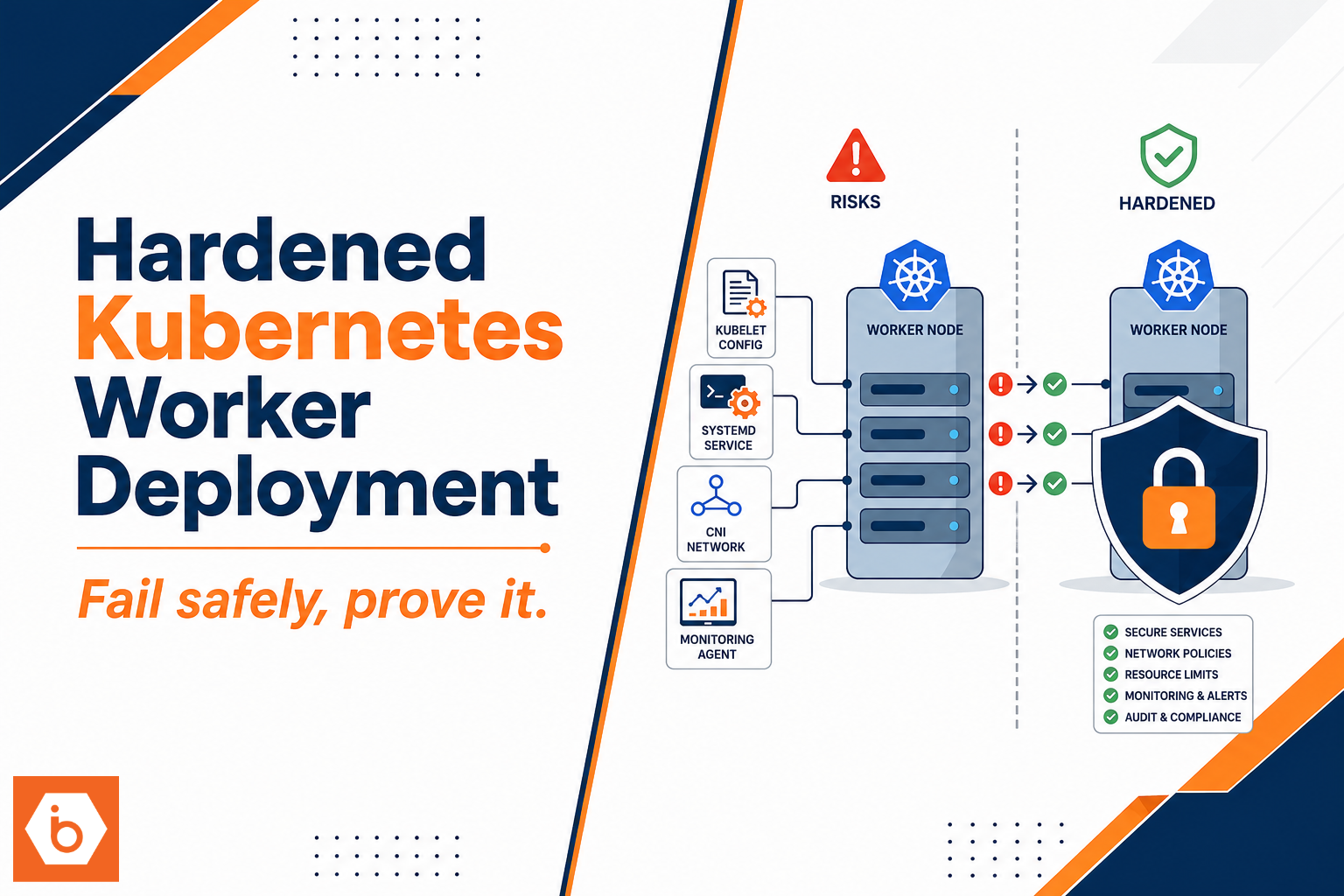
Hardening comes next, and you do it in layers. In your systemd unit, reduce privileges aggressively: run as a dedicated non-root user, set a clear working directory, and block privilege escalation with NoNewPrivileges=true. Add resource limits so a bug cannot take the whole machine down. Cap memory with MemoryMax, restrict CPU with CPUQuota if you can, and set file descriptor limits via LimitNOFILE so you fail predictably instead of dying randomly. Use systemd’s restart policy for on-failure restarts, but keep restart storms under control by tuning RestartSec and related limits.
For Nginx, harden the front door. Enable only modern TLS versions and configure redirects from HTTP to HTTPS. Add security headers that reduce browser attack surface, but do not blindly set everything. Some headers conflict with application frameworks or break legitimate flows like embedding or uploads. Use sane proxy timeouts so hung upstreams do not tie up worker threads forever. If your app uses websockets, set the upgrade headers explicitly; if it does not, do not add websocket plumbing “just in case.”
Finally, make rollback boring. Your rollback should be a traffic switch back to the previous upstream, not a frantic restart of whatever is left running. If you structure deployments as “start new, verify readiness, switch upstream,” rollback becomes “switch upstream back,” and systemd can leave the last known-good instance intact until you confirm you are done.
If you do one thing today: implement the blue-green port switch with two systemd-managed Node instances and a readiness endpoint, then wire Nginx upstream switching so you can roll back by changing the upstream target and reloading Nginx once. That will turn production deploys from a leap of faith into a controlled switch.
js service on Linux with systemd, Nginx, TLS, and zero-downtime rollbacks
Your Node.js service should never be “one process behind one port.” That setup works until the first bad deploy, then you either restart and break sessions or you scramble and apologize. The clean approach is: Nginx owns the public edge and TLS, systemd owns the process lifecycle, and your deployment flips traffic only after the new version proves it can handle real requests.
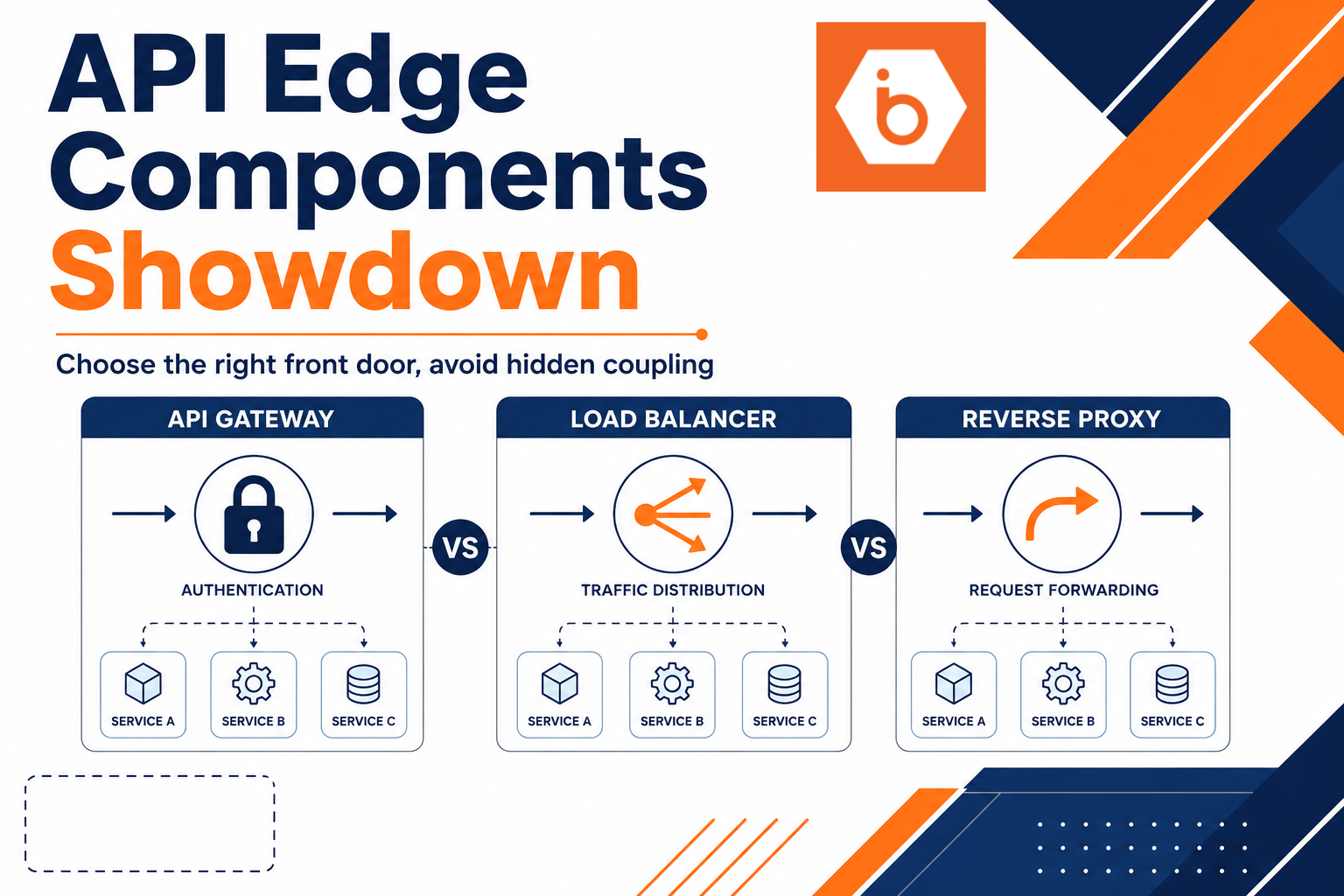
Start with Nginx. Terminate TLS at Nginx, redirect HTTP to HTTPS, and proxy to Node.js on a loopback or private interface. Keep the proxy headers correct so your app can generate accurate URLs and logs. Set timeouts that match your app behavior; if you leave defaults, you will eventually see hung requests that tie up upstream workers. Also decide upfront whether you need buffering or streaming. If you stream responses (SSE, chunked downloads, long-lived requests), buffering can add latency or cause clients to wait longer than necessary.
Now systemd. You want the unit file to make failure boring. Run the Node.js process as a dedicated non-root user, lock down file permissions, and force a predictable working directory. Use restart policies that only recover from real failures, not from a configuration mistake that will never fix itself. Send stdout and stderr to journald so you can correlate deploys with errors without hunting log files. If your app supports it, add a readiness endpoint and keep it cheap. Liveness checks that always return 200 during a bad dependency state are how you ship broken versions confidently.
Zero-downtime rollbacks come from running two versions and switching traffic. Most teams get this wrong by trying to “reload” in place. A reload does not guarantee the new code is healthy, and it does not give you a clean rollback point. Instead, treat each release as an instance with its own port and health gate. Bring up the new instance under systemd, wait until the readiness endpoint passes, then switch Nginx upstream to route new traffic to it. Only after the switch succeeds do you stop the old instance. For rollback, you flip Nginx back to the previous known-good upstream. You are not trusting runtime luck; you are trusting the traffic switch.
One operational detail matters more than people expect: keep sessions consistent across versions. If you use cookies, make sure the cookie settings and session storage strategy work for both instances during the overlap window. If you use server-side sessions, ensure both versions can read the same backing store. If you do not, your “zero downtime” deploy becomes “zero logouts” for about ten minutes, then you discover users are being bounced into broken auth states.
Finally, harden the service boundaries. Nginx should only talk to the Node.js port you configured, and Node.js should only listen on the interface you intend. In systemd, apply resource limits so a runaway process does not eat the box. Cap memory, set file descriptor limits, and restrict privileges so a compromise stays small. This is where your blast radius shrinks from “whole host” to “one service.”
If you want this to be repeatable, wire it into your deploy script so the steps are deterministic and observable. You can even standardize on a blue-green style with two systemd template instances, then let Nginx select the active upstream.
Do this today: create a second systemd instance for your Node.js app on a different port, expose a readiness endpoint, and configure Nginx upstreams so you can switch traffic between the two ports after health passes.
Image: js-service-on-linux-with-systemd-nginx-tls-and-zero-downtime-rollbacks-visual Alt text: descriptive alt text for this visual Caption: one sentence describing what it shows Type: architecture diagram OR comparison table OR flow diagram OR graph OR technical illustration OR screenshot mockup Prompt: TEXT: labels to show | VISUAL: what to draw for js service on linux with systemd, Nginx, TLS, and zero-downtime rollbacks | STYLE: white background, navy blue and orange color theme, clean flat design Position: End of js service on Linux with systemd, Nginx, TLS, and zero-downtime rollbacks section