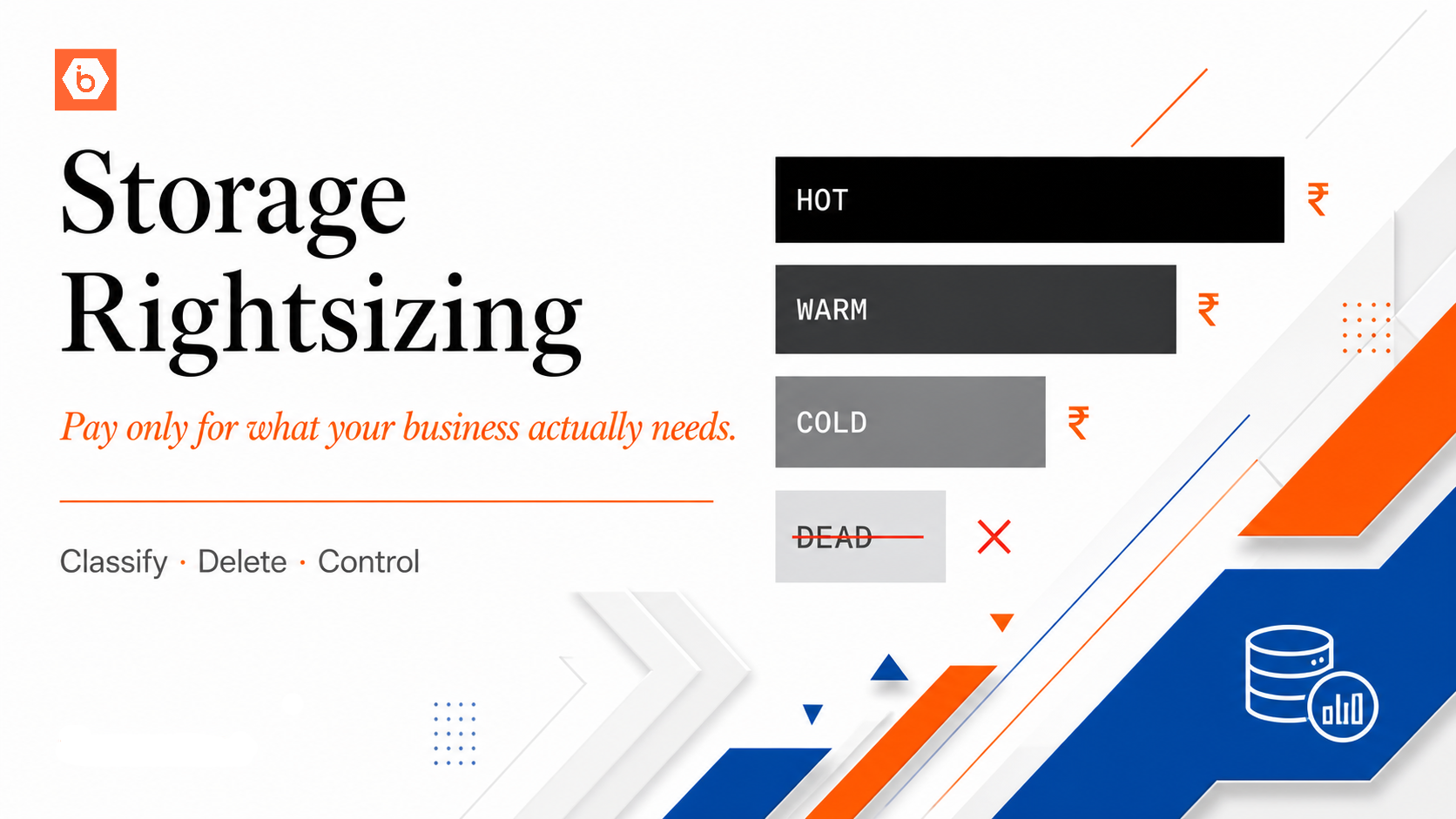

What Rightsizing Means for Storage
Rightsizing is a term most often applied to compute: shrinking an oversized VM to a size that matches actual CPU and memory utilisation. For storage, rightsizing means something different. It means ensuring that the data you are storing is at the retention level that matches its actual access pattern and business value.
Unlike compute, object storage does not have tiers you can undersize to save cost. You are charged per byte regardless of whether data is accessed frequently or never. The rightsizing opportunity is to stop paying storage rates for data that should have been deleted, and to understand which data genuinely needs to be retained versus which is simply accumulating because no one made a deletion decision.
The Four Access Pattern Categories
Data in a production system typically falls into four categories. Most storage architectures treat all data as the first category, paying active storage rates for data that belongs in categories two, three, or four.
The first category is hot data: accessed frequently, often daily. User-generated content actively in use, application assets served in real time, data feeds consumed by running processes. This data belongs in standard active storage.
The second category is warm data: accessed occasionally, a few times per month. Reports generated last quarter, user uploads from 90 days ago, log data from the last 60 days. This data is worth retaining but is not accessed frequently enough to justify active storage rates indefinitely.
The third category is cold data: accessed rarely, perhaps once or twice per year. Compliance records, historical archives, old backups, regulatory filing storage. This data must be retained but almost never needs to be retrieved quickly.
The fourth category is dead data: data with no business purpose that nobody deleted. Orphaned uploads from deprecated features, test data from old experiments, duplicate copies created by misconfigured pipelines. This data should not exist.
The table below maps each category to its retention approach and the rightsizing action it warrants.
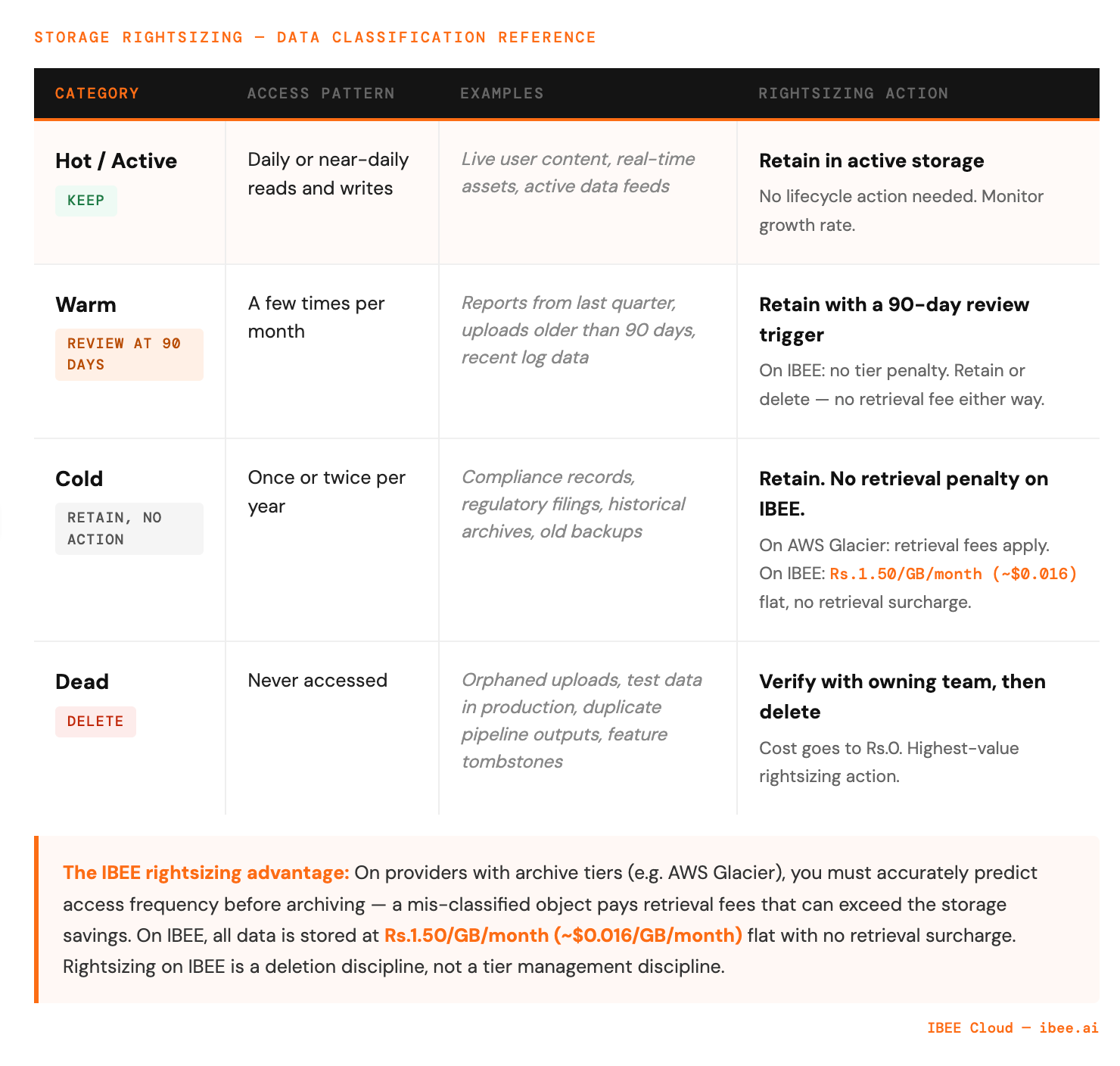
Most storage bills grow because dead and cold data accumulates in active storage.
Step 1: Classify Your Existing Data
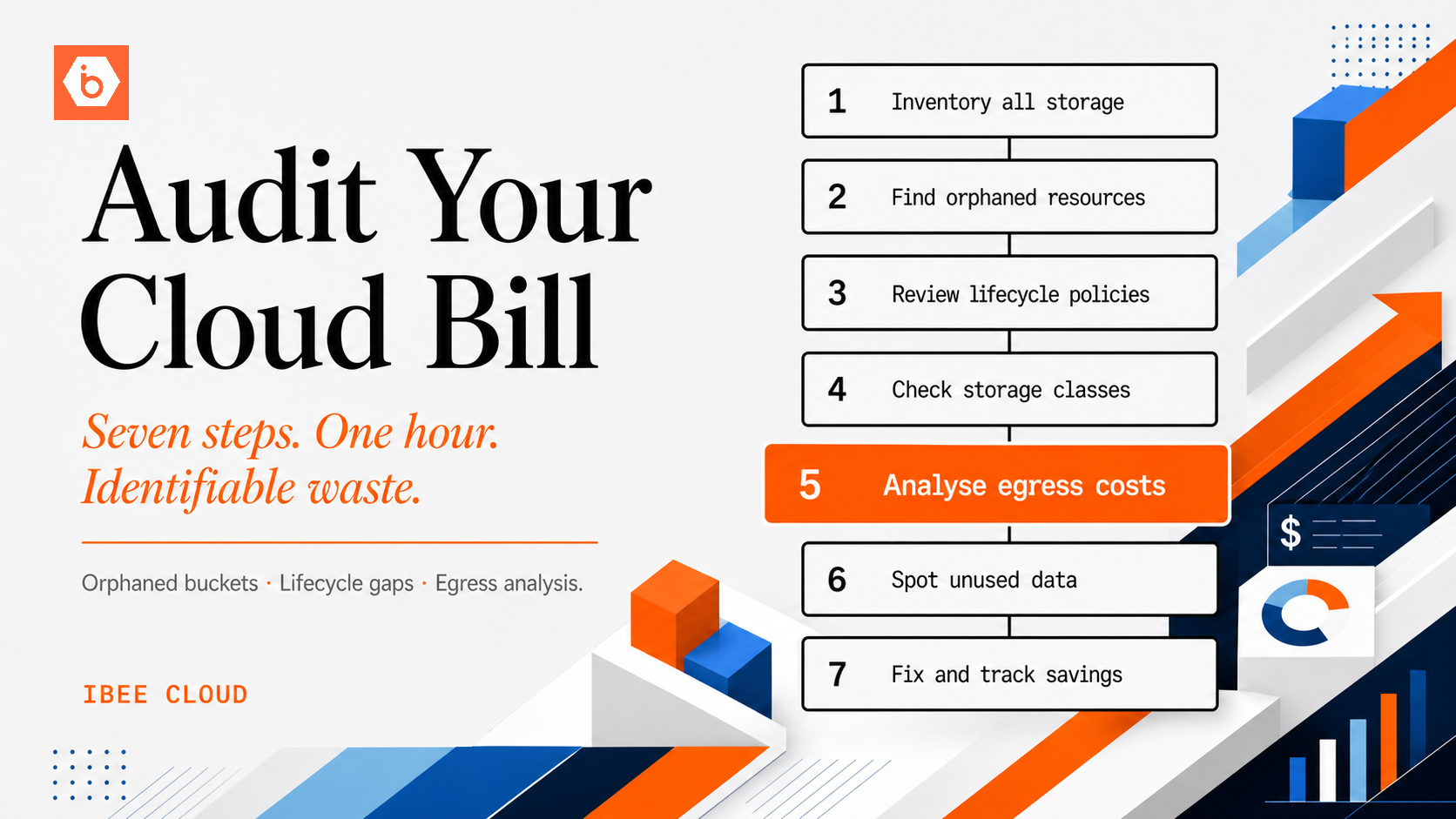
Before rightsizing, you need to know what you have. Run a storage inventory across your buckets.
Look at the distribution of last-modified timestamps. Objects not modified in over a year are candidates for warm or cold classification. Objects not modified in over three years with no known access requirement are candidates for deletion.
For access patterns rather than modification dates, enable server access logging on your buckets and analyse request frequency per object key prefix. The access log shows which prefixes are generating read requests and which have not been accessed in months. Full access logging configuration for IBEE is available at ibee.ai/docs.
Step 2: Identify and Delete Dead Data
Dead data is the highest-value rightsizing opportunity because it reduces costs to zero for the deleted data rather than reducing it to a lower rate.
The most common sources of dead data in production buckets are orphaned multipart uploads, duplicate processed outputs, development and test data, and feature tombstones. Orphaned multipart uploads accumulate when upload processes are interrupted and never resumed. A lifecycle rule configured to abort incomplete multipart uploads after seven days eliminates these automatically. Full lifecycle configuration examples are at ibee.ai/docs.
Duplicate processed outputs occur when data pipelines run with bugs and produce multiple versions of the same processed file. Check for objects with similar key patterns and verify whether duplicates are intentional before deleting. Development and test data in production buckets is a consistently under-addressed source of dead data: test uploads from load tests, development fixtures, and sample files from QA environments that were written to the production bucket and never removed. Feature tombstones are files associated with product features that have since been removed. The feature is gone but the storage remains and continues to accrue cost.
We have worked with teams where dead data turned out to be the single largest rightsizing opportunity in buckets that had been running for more than two years without a deliberate cleanup cycle, outweighing all other lifecycle changes combined. For each category of dead data, verify with the owning team that deletion is safe before proceeding.
Step 3: Implement Data Classification via Naming Conventions
Rightsizing at scale requires knowing the access pattern of data before it is written. This is achieved through bucket naming and key prefix conventions that encode the data class at write time.
Rather than writing all data to a single general-purpose bucket, structure storage by access class. An active bucket holds data with no planned lifecycle transitions and short or no expiry for transient content. A warm bucket holds data intended for retention with a review at 90 days to determine whether it should be deleted or moved. An archive bucket holds data written for long-term retention with rare expected access. A temporary bucket carries a lifecycle expiry of 7 to 30 days and holds processing data with no long-term value.
When a pipeline writes data, it writes to the bucket that matches the data's intended lifecycle, not to a generic dump bucket. The naming convention makes the intended lifecycle of any object visible from its storage location, which is the precondition for automated lifecycle management and cost attribution.
Step 4: Measure Storage Growth by Category
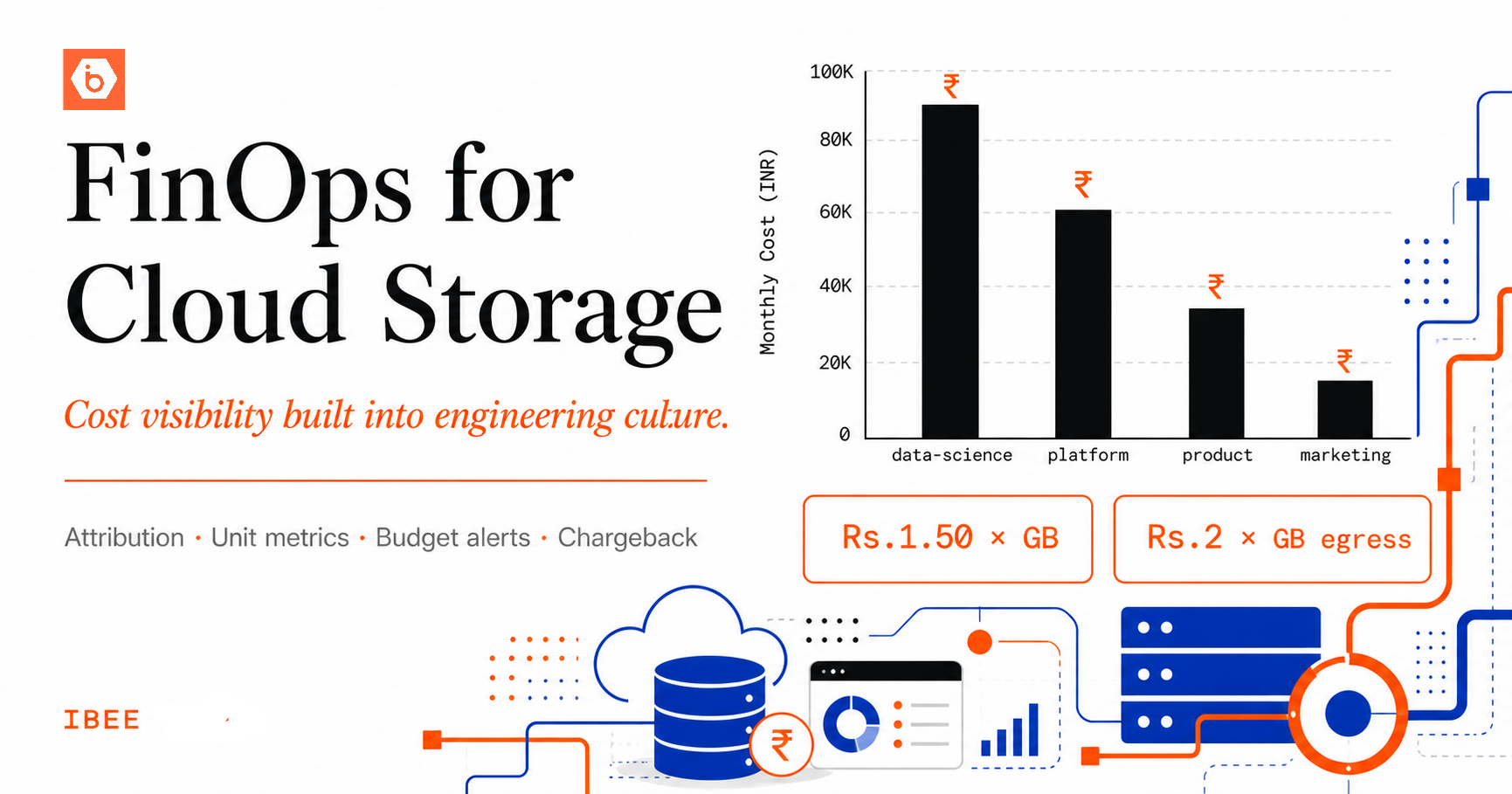
After classifying your data, instrument the storage layer to track growth by category. A weekly metric showing bytes stored in each bucket gives visibility into which categories are growing and at what rate.
Rising growth in the temporary bucket when it has a seven-day lifecycle policy is a signal that a pipeline is writing more data than expected. Rising growth in archive at a predictable rate is normal. Rapid growth in active storage for a category of data that should not be growing quickly warrants investigation.
Rightsizing and IBEE's Flat Pricing
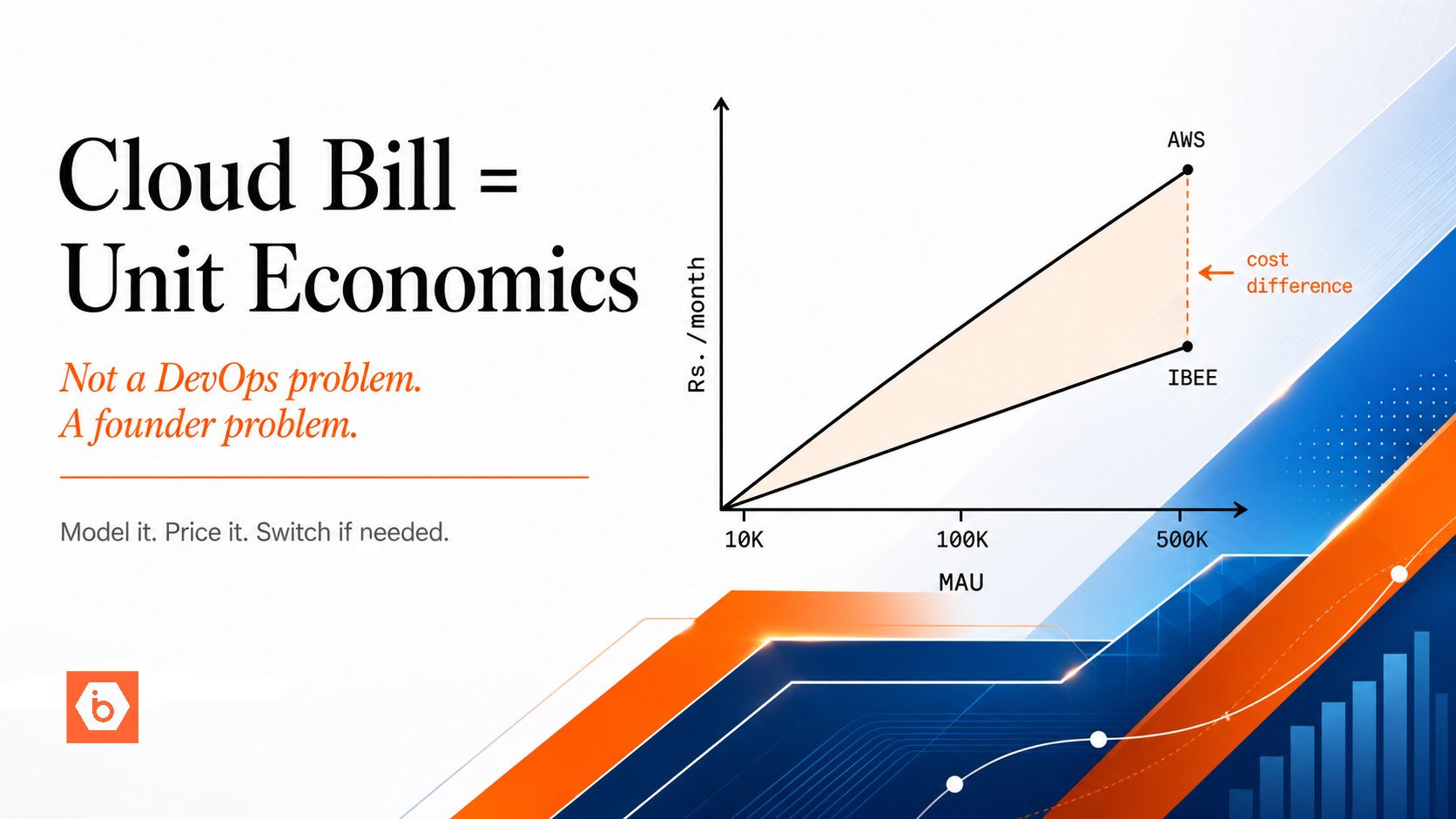
One of the operational advantages of IBEE's pricing model is that it does not have retrieval-penalised archive tiers. On AWS, moving data to Glacier reduces the storage rate but introduces retrieval fees and minimum storage duration penalties that create rightsizing complexity. You must accurately predict access frequency before archiving, because a mis-classified object accessed more frequently than expected pays retrieval fees that can exceed the storage savings.
On IBEE, all data is stored at the same flat rate of Rs.1.50/GB/month ($0.016/GB/month) with no retrieval surcharges. The rightsizing exercise on IBEE is therefore simpler: classify what should be retained versus deleted, and delete what does not need to be kept. The cost model does not penalise you for accessing data when you need it, regardless of how infrequently that access happens.
This simplicity means rightsizing on IBEE is a deletion discipline rather than a tier management discipline: simpler to reason about, faster to implement, and with no risk of paying retrieval fees on data you thought was safely cold.